🎉NEWCapSolver for AI agents-MCP, agent tools, and SDK integrations

Lucas Mitchell
Automation Engineer
Published Nov 11, 2024
Updated Jan 08, 2026 · min read
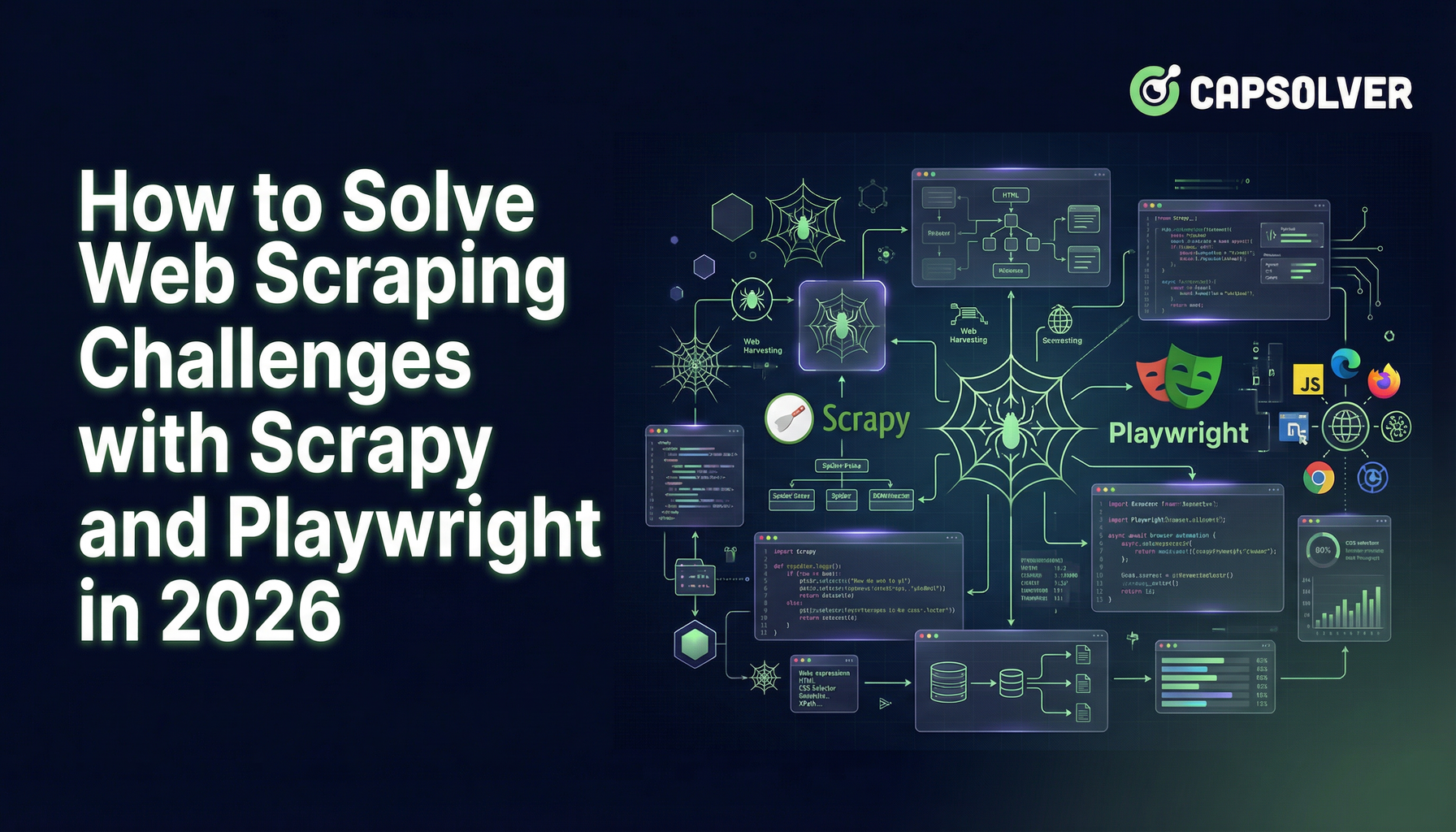
playwright=True and PageCoroutine to wait for dynamic content before parsing.Scrapy-Playwright is a middleware that integrates Scrapy, a fast and powerful web scraping framework for Python, with Playwright, a browser automation library. This combination allows Scrapy to handle JavaScript-heavy websites by leveraging Playwright's ability to render dynamic content, interact with web pages, and manage browser contexts seamlessly.
While Scrapy is excellent for scraping static websites, many modern websites rely heavily on JavaScript to render content dynamically. Traditional Scrapy spiders can struggle with these sites, often missing critical data or failing to navigate complex page structures. Scrapy-Playwright bridges this gap by enabling Scrapy to control a headless browser, ensuring that all dynamic content is fully loaded and accessible for scraping.
To get started with Scrapy-Playwright, you'll need to install both Scrapy and Playwright. Here's how you can set up your environment:
Install Scrapy:
pip install scrapyInstall Scrapy-Playwright:
pip install scrapy-playwrightInstall Playwright Browsers:
After installing Playwright, you need to install the necessary browser binaries.
playwright installFirst, create a new Scrapy project if you haven't already:
scrapy startproject myproject
cd myprojectNext, you'll need to enable Playwright in your Scrapy project's settings. Open settings.py and add the following configurations:
# settings.py

# Enable the Playwright downloader middleware
DOWNLOADER_MIDDLEWARES = {
    'scrapy_playwright.middleware.ScrapyPlaywrightDownloadHandler': 543,
}

# Specify the download handler for HTTP and HTTPS
DOWNLOAD_HANDLERS = {
    'http': 'scrapy_playwright.handler.ScrapyPlaywrightDownloadHandler',
    'https': 'scrapy_playwright.handler.ScrapyPlaywrightDownloadHandler',
}

# Enable Playwright settings
TWISTED_REACTOR = 'twisted.internet.asyncioreactor.AsyncioSelectorReactor'

# Playwright settings (optional)
PLAYWRIGHT_BROWSER_TYPE = 'chromium'  # Can be 'chromium', 'firefox', or 'webkit'
PLAYWRIGHT_LAUNCH_OPTIONS = {
    'headless': True,
}With the setup complete, let's create a simple spider that uses Playwright to scrape a JavaScript-rendered website. For illustration, we'll scrape a hypothetical site that loads content dynamically.
Create a new spider file dynamic_spider.py inside the spiders directory:
# spiders/dynamic_spider.py

import scrapy
from scrapy_playwright.page import PageCoroutine

class DynamicSpider(scrapy.Spider):
    name = "dynamic"
    start_urls = ["https://example.com/dynamic"]

    def start_requests(self):
        for url in self.start_urls:
            yield scrapy.Request(
                url,
                meta={
                    "playwright": True,
                    "playwright_page_coroutines": [
                        PageCoroutine("wait_for_selector", "div.content"),
                    ],
                },
            )

    async def parse(self, response):
        # Extract data after JavaScript has rendered the content
        for item in response.css("div.content"):
            yield {
                "title": item.css("h2::text").get(),
                "description": item.css("p::text").get(),
            }

# Handle pagination or additional interactions if necessaryIn the example above:
playwright: True: Informs Scrapy to use Playwright for this request.playwright_page_coroutines: Specifies actions to perform with Playwright. Here, it waits for a selector div.content to ensure the dynamic content has loaded before parsing.parse Method: Leverages async capabilities to handle the response effectively.One of the significant challenges in web scraping is dealing with captchas, which are designed to prevent automated access. CapSolver is a robust solution that provides captcha-solving services, including integrations with browser automation tools like Playwright. In this section, we'll explore how to integrate CapSolver with Scrapy-Playwright to handle captchas seamlessly.
CapSolver is a captcha-solving service that automates the process of solving various types of captchas, including reCAPTCHA. By integrating CapSolver with your scraping workflow, you can bypass captcha challenges and maintain the flow of your scraping tasks without manual intervention.
To integrate CapSolver with Scrapy-Playwright, you'll need to:
Below is a step-by-step guide to integrating CapSolver with Scrapy-Playwright, complete with example code.
First, download the CapSolver browser extension and place it in your project directory. Assume the extension is located at CapSolver.Browser.Extension.
./assets/config.json in the CapSolver extension directory.enabledForcaptcha to true and adjust the captchaMode to token for automatic solving.Example config.json:
{
  "enabledForcaptcha": true,
  "captchaMode": "token"
  // other settings remain the same
}Modify your settings.py to configure Playwright to load the CapSolver extension. You'll need to specify the path to the extension and pass the necessary arguments to Playwright.
# settings.py

import os
from pathlib import Path

# Existing Playwright settings
PLAYWRIGHT_BROWSER_TYPE = 'chromium'
PLAYWRIGHT_LAUNCH_OPTIONS = {
    'headless': False,  # Must be False to load extensions
    'args': [
        '--disable-extensions-except={}'.format(os.path.abspath('CapSolver.Browser.Extension')),
        '--load-extension={}'.format(os.path.abspath('CapSolver.Browser.Extension')),
    ],
}

# Ensure that the Twisted reactor is set
TWISTED_REACTOR = 'twisted.internet.asyncioreactor.AsyncioSelectorReactor'Note: Loading browser extensions requires the browser to run in non-headless mode. Therefore, set 'headless': False.
Create a new spider or modify an existing one to interact with captchas using the CapSolver extension.
# spiders/captcha_spider.py

import scrapy
from scrapy_playwright.page import PageCoroutine
import asyncio

class CaptchaSpider(scrapy.Spider):
    name = "captcha_spider"
    start_urls = ["https://site.example/captcha-protected"]

    def start_requests(self):
        for url in self.start_urls:
            yield scrapy.Request(
                url,
                meta={
                    "playwright": True,
                    "playwright_page_coroutines": [
                        PageCoroutine("wait_for_selector", "iframe[src*='captcha']"),
                        PageCoroutine("wait_for_timeout", 1000),  # Wait for extension to process
                    ],
                    "playwright_context": "default",
                },
                callback=self.parse_captcha
            )

    async def parse_captcha(self, response):
        page = response.meta["playwright_page"]

        # Locate the captcha checkbox or frame and interact accordingly
        try:
            # Wait for the captcha iframe to be available
            await page.wait_for_selector("iframe[src*='captcha']", timeout=10000)
            frames = page.frames
            captcha_frame = None
            for frame in frames:
                if 'captcha' in frame.url:
                    captcha_frame = frame
                    break

            if captcha_frame:
                # Click the captcha checkbox
                await captcha_frame.click("div#checkbox")

                # Wait for captcha to be solved by CapSolver
                await page.wait_for_selector("div.captcha-success", timeout=60000)  # Adjust selector as needed

                self.logger.info("Captcha solved successfully.")
            else:
                self.logger.warning("captcha iframe not found.")
        except Exception as e:
            self.logger.error(f"Error handling captcha: {e}")

        # Proceed with parsing the page after captcha is solved
        for item in response.css("div.content"):
            yield {
                "title": item.css("h2::text").get(),
                "description": item.css("p::text").get(),
            }

# Handle pagination or additional interactions if necessaryEnsure that all dependencies are installed and run your spider using:
scrapy crawl captcha_spiderOnce you're comfortable with the basics, Scrapy-Playwright offers several advanced features to enhance your scraping projects.
Scraping multiple pages or navigating through a website can be streamlined using Playwright's navigation capabilities.
# spiders/multi_page_spider.py

import scrapy
from scrapy_playwright.page import PageCoroutine

class MultiPageSpider(scrapy.Spider):
    name = "multipage"
    start_urls = ["https://example.com/start"]

    def start_requests(self):
        for url in self.start_urls:
            yield scrapy.Request(
                url,
                meta={
                    "playwright": True,
                    "playwright_page_coroutines": [
                        PageCoroutine("wait_for_selector", "div.list"),
                        PageCoroutine("evaluate", "window.scrollTo(0, document.body.scrollHeight)"),
                    ],
                },
            )

    async def parse(self, response):
        # Extract data from the first page
        for item in response.css("div.list-item"):
            yield {
                "name": item.css("span.name::text").get(),
                "price": item.css("span.price::text").get(),
            }

        # Navigate to the next page
        next_page = response.css("a.next::attr(href)").get()
        if next_page:
            yield scrapy.Request(
                response.urljoin(next_page),
                callback=self.parse,
                meta={
                    "playwright": True,
                    "playwright_page_coroutines": [
                        PageCoroutine("wait_for_selector", "div.list"),
                    ],
                },
)Playwright allows the creation of multiple browser contexts, which can be useful for handling sessions, cookies, or parallel scraping tasks.
# settings.py

PLAYWRIGHT_CONTEXTS = {
    "default": {
        "viewport": {"width": 1280, "height": 800},
        "user_agent": "CustomUserAgent/1.0",
    },
    "mobile": {
        "viewport": {"width": 375, "height": 667},
        "user_agent": "MobileUserAgent/1.0",
        "is_mobile": True,
    },
}
In your spider, specify the context:
# spiders/context_spider.py

import scrapy

class ContextSpider(scrapy.Spider):
    name = "context"
    start_urls = ["https://example.com"]

    def start_requests(self):
        yield scrapy.Request(
            self.start_urls[0],
            meta={
                "playwright": True,
                "playwright_context": "mobile",
            },
        )

    async def parse(self, response):
        # Your parsing logic here
passScrapy-Playwright can be integrated with other middlewares to enhance functionality, such as handling retries, proxy management, or custom headers.
# settings.py

DOWNLOADER_MIDDLEWARES.update({
    'scrapy.downloadermiddlewares.retry.RetryMiddleware': 550,
    'scrapy_playwright.middleware.ScrapyPlaywrightDownloadHandler': 543,
})

# Example of setting custom headers
DEFAULT_REQUEST_HEADERS = {
    'User-Agent': 'MyCustomAgent/1.0',
    'Accept-Language': 'en-US,en;q=0.9',
}To make the most out of Scrapy-Playwright and CapSolver, consider the following best practices:
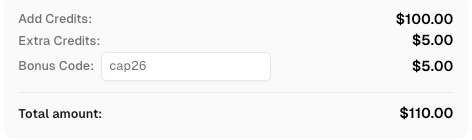
Use code
CAP26when signing up at CapSolver to receive bonus credits!
Scrapy-Playwright is a game-changer for web scraping, bridging the gap between static and dynamic content extraction. By leveraging the power of Scrapy's robust framework and Playwright's advanced browser automation, you can tackle even the most challenging scraping tasks with ease. Furthermore, integrating CapSolver allows you to overcome captcha challenges, ensuring uninterrupted data collection from even the most guarded websites.
Whether you're scraping e-commerce sites, social media platforms, or any JavaScript-heavy website, Scrapy-Playwright combined with CapSolver provides the tools you need to succeed. By following best practices and leveraging these powerful integrations, you can build efficient, reliable, and scalable web scraping solutions tailored to your specific needs.
Ready to elevate your scraping projects? Dive into Scrapy-Playwright and CapSolver, and unlock new possibilities for data collection and automation.
1. Do I need Playwright for all Scrapy projects?
No. Only use Playwright for pages that rely on JavaScript to load content. For static pages, traditional Scrapy spiders are faster and more resource-efficient.
2. Can Scrapy-Playwright bypass captchas automatically?
Yes. By integrating CapSolver with the Playwright browser extension, captchas can be solved automatically, allowing uninterrupted scraping.
3. Is it possible to scrape multiple pages or use mobile browser settings?
Yes. Scrapy-Playwright supports multiple page navigation, and you can define multiple Playwright contexts (e.g., mobile, desktop) to simulate different devices or sessions.
Lucas Mitchell
Automation Engineer
Helping browser automation recover and continue.
ABOUT THE AUTHOR
Find CapSolver MCP in the Official MCP Registry, install version 0.1.3 with uvx or pip, configure a local client, and verify the stdio tools.

Add CAPTCHA tools to Pydantic AI using the official CapSolver adapter, test tool execution locally, and handle typed inputs and structured solver results.