
🎉NEWCapSolver for AI agents-MCP, agent tools, and SDK integrations

Rajinder Singh
Deep Learning Researcher
Published Jun 05, 2024
Updated Jun 05, 2024 · min read
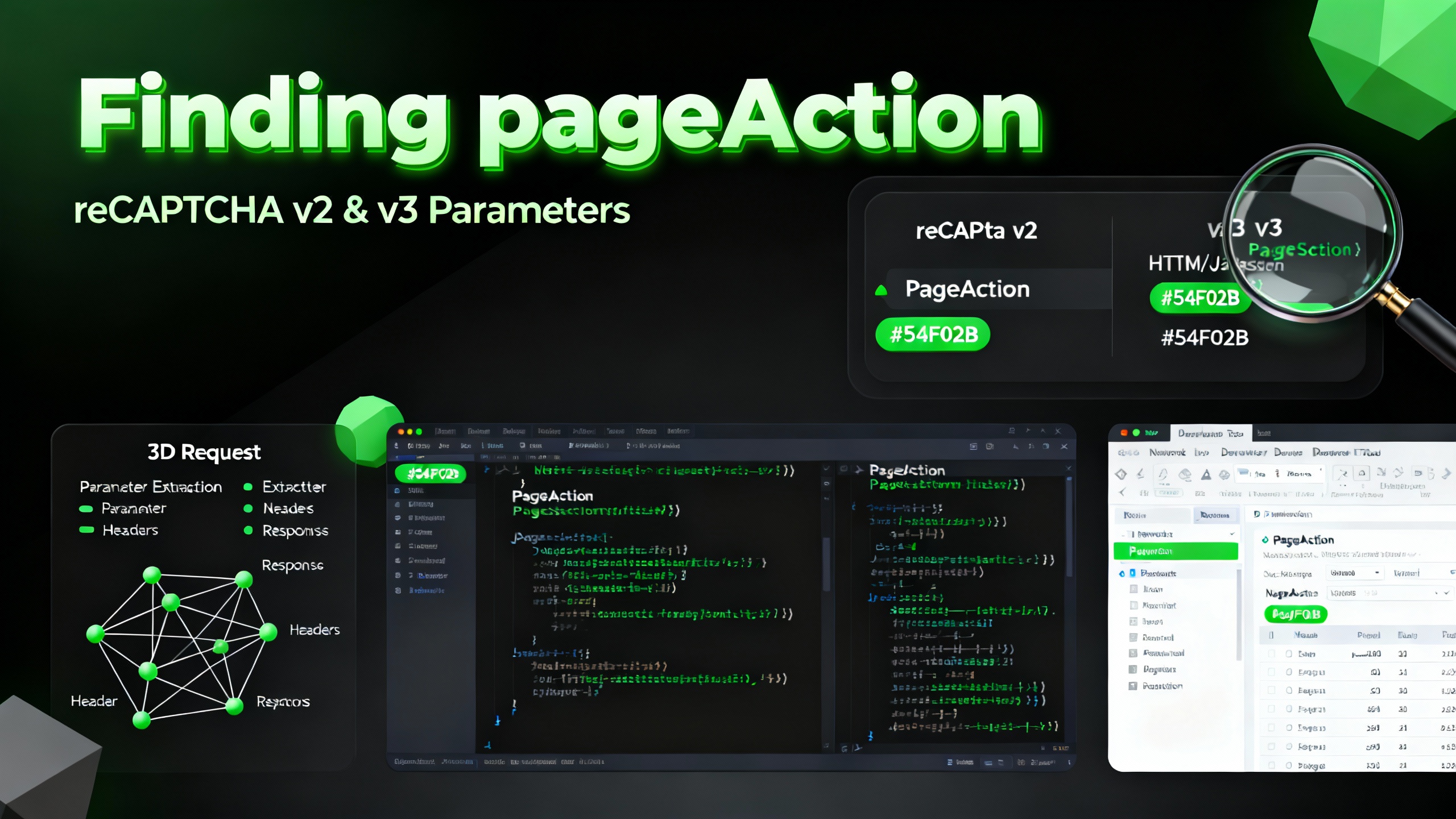
Understanding the pageAction parameter is crucial for effective reCaptcha v2 and v3 integration. Here's a guide to help you identify and use the pageAction parameter.
pageAction?pageAction is a parameter used in reCaptcha v3 for risk analysis, representing the 'action' value. It helps in assessing the risk associated with different user actions on a page.
pageActionF12 on your keyboard to open the developer tools.Redeem Your CapSolver Bonus Code
Don’t miss the chance to further optimize your operations! Use the bonus code CAPN when topping up your CapSolver account and receive an extra 5% bonus on each recharge, with no limits. Visit the CapSolver to redeem your bonus now!
pageAction ParameterWhen using the CapSolver extension, it will detect various reCaptcha parameters, including pageAction. Follow these steps:
F12 to open the developer tools.pageAction.After detection, CapSolver will provide a JSON with all relevant parameters, such as:
{
  "clientKey": "YOUR_API_KEY",
  "task": {
    "type": "ReCaptchaV2TaskProxyless",
    "websiteURL": "",
    "websiteKey": "",
    "pageAction": "submit",
  }
}Detecting the pageAction parameter is a straightforward process with the CapSolver extension. This parameter is essential for proper reCaptcha v3 integration and helps enhance your website's security by accurately assessing user interactions.
For more detailed information and advanced configurations, refer to the CapSolver documentation.
Rajinder Singh
Deep Learning Researcher
Making CAPTCHA solving more reliable in automated workflows.
ABOUT THE AUTHOR
Find a reCAPTCHA callback through widget attributes, rendering code, and browser debugging. Check token handling without relying on fragile internal paths.

Use CapSolver getToken for supported reCAPTCHA tasks with a documented JSON request, a cURL example, direct results, and clear token-validation steps.

