🎉NEWCapSolver for AI agents-MCP, agent tools, and SDK integrations

Adélia Cruz
MCP Integration Engineer
Published Mar 02, 2026
Updated Mar 02, 2026 · min read
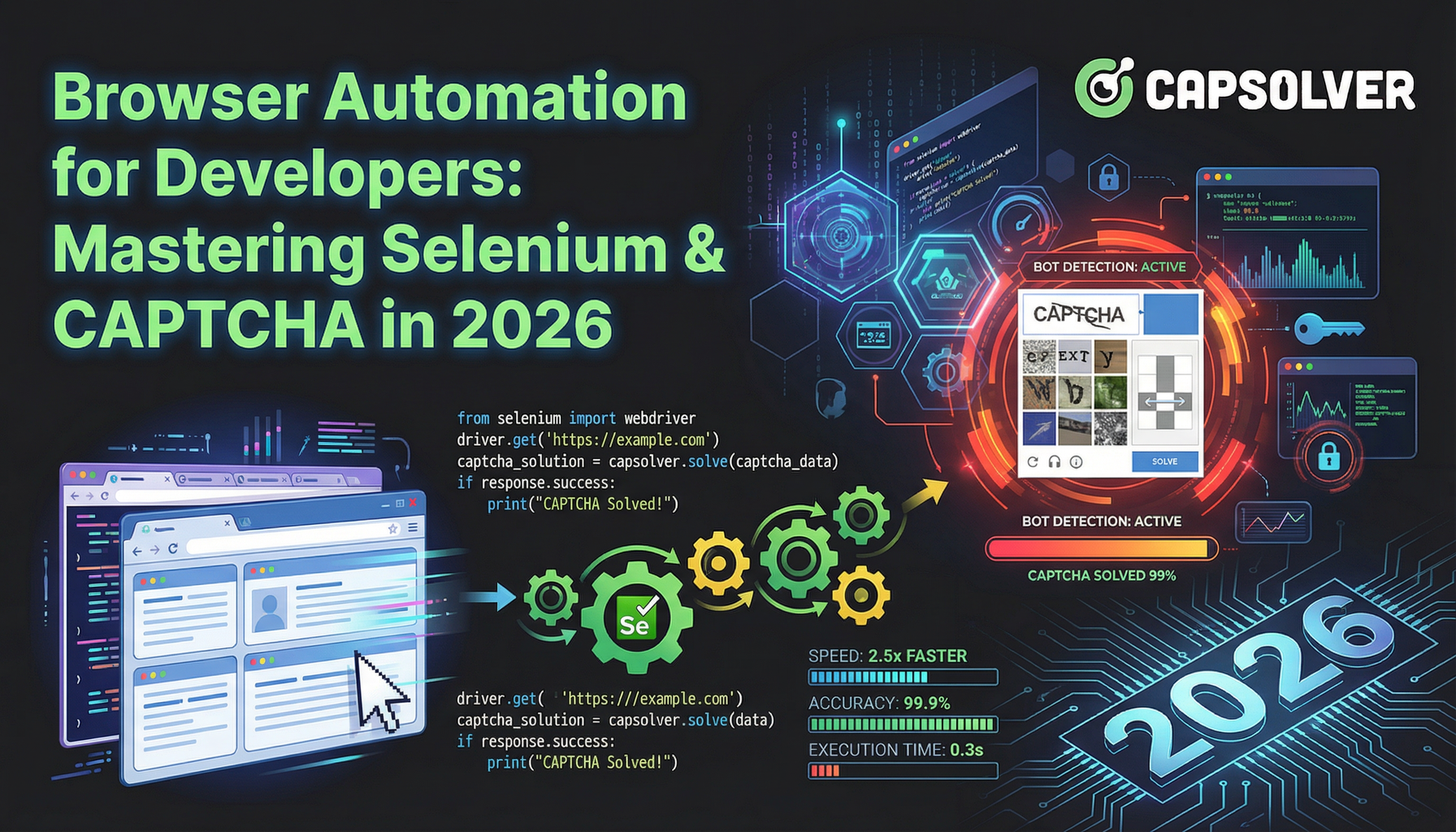
The digital landscape of 2026 demands that developers move beyond manual data entry and repetitive testing. Browser automation has evolved from a luxury to a fundamental necessity for maintaining competitive advantages in data-driven markets. According to recent industry reports, the global automation market is projected to reach $12.66 billion by 2031, reflecting a massive shift toward autonomous web workflows. This guide provides a deep dive into browser automation for developers, focusing on technical implementation and strategic optimization. Whether you are building complex scrapers or robust testing suites, mastering these tools is critical for your success. We will explore the technical nuances of selenium webdriver java, the power of the Actions API, and practical strategies for overcoming modern security barriers.
In the early days of the web, automation was primarily about simple script execution. Today, it involves simulating human-like behavior to navigate sophisticated web applications. Developers now use browser automation for diverse tasks ranging from price monitoring to automated account management. The complexity of modern websites, often built with React or Vue, requires tools that can handle dynamic content rendering effectively.
| Feature | Legacy Automation | Modern Browser Automation (2026) |
|---|---|---|
| Rendering | Static HTML only | Full JavaScript & SPA support |
| Interaction | Basic HTTP requests | Complex user simulation (Actions API) |
| Security | Simple IP blocking | Advanced behavioral analysis |
| Captcha | Manual solving | AI-powered autonomous resolution |
| Scalability | Single-threaded scripts | Cloud-native, parallel execution |
While many new frameworks have emerged, selenium webdriver java continues to be the industry standard for enterprise-level automation. Its primary strength lies in its maturity and the vast array of libraries available for integration. Developers prefer Java for its strong typing and object-oriented structure, which facilitates the creation of maintainable automation frameworks.
When implementing selenium webdriver java, it is crucial to adopt the Page Object Model (POM). This design pattern enhances code reusability and makes your scripts more resilient to UI changes. Additionally, using explicit waits instead of hard-coded sleeps ensures that your automation remains fast and stable. Recent data indicates that over 31,000 companies globally still rely on Selenium for their core automation needs, highlighting its enduring relevance in the developer community. For more details, refer to this LinkedIn article on Selenium Usage Trends in 2025.
Standard clicks and typing are often insufficient for modern web interfaces. This is where the action interface in selenium supports advanced interactions. The Actions class allows you to chain multiple mouse and keyboard events into a single sequence, effectively mimicking how a real person interacts with a browser.
For instance, the action interface in selenium supports operations such as:
Control + A then Backspace.By utilizing these capabilities, developers can automate complex workflows that simpler tools might fail to execute. This level of precision is vital for testing sophisticated dashboards or scraping interactive data visualizations. You can find comprehensive documentation on this topic in the Official Selenium Actions API Documentation.
Use code
CAP26when signing up at CapSolver to receive bonus credits!
The most significant challenge in modern browser automation is the presence of security measures. Specifically, encountering a captcha in web automation can bring even the most well-designed script to a halt. Websites use these challenges to distinguish between legitimate users and automated bots.
Handling captcha in web automation requires a shift from "bypassing" to "solving." Instead of trying to find loopholes, developers should integrate specialized services that can interpret and resolve these challenges in real-time. This ensures that your automation remains compliant with the site's intended flow while maintaining high success rates. For developers looking for a reliable solution, CapSolver provides an AI-powered API that integrates seamlessly with existing Selenium setups. It supports various types including reCAPTCHA v2/v3, hCaptcha, and Cloudflare Turnstile, allowing your scripts to proceed without manual intervention. For a general overview of reCAPTCHA, refer to Google Developers: reCAPTCHA Overview.
For developers who prioritize speed and reliability, CapSolver is the top-tier choice for solving captchas. Their service is optimized for high-concurrency environments, making it ideal for large-scale data extraction projects. By using their browser extension or API, you can automate the resolution process with minimal latency.
While our focus is Java, the logic remains consistent. Below is a conceptual example of how to load the CapSolver extension in a Selenium-based workflow to handle challenges automatically.
from selenium import webdriver
from selenium.webdriver.chrome.options import Options

chrome_options = Options()
# Load the CapSolver extension from your local directory
chrome_options.add_argument("--load-extension=/path/to/capsolver-extension")

# Important for Chrome 137+ to ensure extension works in automation
chrome_options.add_argument("--disable-features=DisableLoadExtensionCommandLineSwitch")

driver = webdriver.Chrome(options=chrome_options)

try:
    driver.get("https://example.com/with-captcha")
    # The extension will automatically detect and solve the captcha
    # You can monitor the status or simply wait for the solved event
finally:
driver.quit()To build resilient automation, developers must follow a set of established best practices. These strategies help minimize detection and improve the longevity of your scripts.
For more insights on optimizing your workflows, you can explore how AI SEO automation is transforming the way developers approach web data.
Choosing the right tool is the first step toward successful browser automation for developers.
| Tool | Best For | Language Support | Community Support |
|---|---|---|---|
| Selenium | Enterprise Testing | Java, Python, C#, JS | Excellent |
| Playwright | Modern Web Apps | JS, Python, Java, C# | Growing Fast |
| Puppeteer | Chrome-only Tasks | JavaScript | Good |
| CapSolver | Captcha Resolution | API-based (Any) | Specialized |
Looking ahead, the integration of AI will further simplify browser automation for developers. We are seeing a rise in self-healing scripts that can adapt to UI changes without manual updates. Furthermore, cloud-based browser clusters are becoming more accessible, allowing for massive parallelization of tasks. Developers should also stay informed about the latest web scraping trends to ensure their techniques remain effective against evolving anti-bot measures. For a comprehensive look at the global automation market, see the Yahoo Finance: Global Automation Market Report 2026.
Mastering browser automation for developers is an ongoing journey of technical refinement. By leveraging powerful frameworks like selenium webdriver java and utilizing the full potential of the action interface in selenium supports, you can build automation that is both powerful and precise. However, the true mark of a professional is how they handle obstacles like a captcha in web automation. Utilizing services like CapSolver allows you to focus on your core logic while their AI handles the security hurdles. As you continue to build, remember that the goal is to create value through efficient, reliable, and ethical automation.
1. Why is Selenium WebDriver Java still popular in 2026?
It offers unparalleled stability and a massive library of third-party integrations, making it the safest bet for long-term enterprise projects.
2. How does the Actions API improve my automation?
The action interface in selenium supports complex mouse and keyboard sequences that standard commands cannot, allowing for true human-like simulation.
3. What is the best way to handle a captcha in web automation?
Integrating an AI-powered solver like CapSolver is the most efficient method, as it provides high success rates without requiring manual intervention.
4. Can I use Selenium for large-scale web scraping?
Yes, but it is best paired with a distributed grid or cloud-based browser service to handle high volumes of data effectively.
5. Is browser automation for developers legal?
Generally, yes, as long as you are accessing public data and complying with local laws and the website's terms of service. For more details, check out this guide on why web automation fails on captcha.
Adélia Cruz
MCP Integration Engineer
Making CapSolver tools accessible through MCP.
ABOUT THE AUTHOR
Learn scalable Rust web scraping architecture with reqwest, scraper, async scraping, headless browser scraping, proxy rotation, and compliant CAPTCHA handling.

Learn the best techniques to scrape job listings without getting blocked. Master Indeed scraping, Google Jobs API, and web scraping API with CapSolver.