🎉NEWCapSolver for AI agents-MCP, agent tools, and SDK integrations

Sora Fujimoto
AI Solutions Architect
Published May 25, 2026
Updated May 25, 2026 · min read
The best captcha api is not simply the fastest endpoint or the lowest displayed price. Engineering teams need a service that fits their real challenge inventory, produces useful task evidence, integrates cleanly with browser or server workflows, and keeps every run inside approved scope. CapSolver is relevant for teams that need a documented CAPTCHA solving API for controlled QA, RPA, monitoring, accessibility review, and public-data workflows. This guide explains how to evaluate the best captcha api by API design, task types, reliability evidence, compliance controls, and developer maintenance cost.
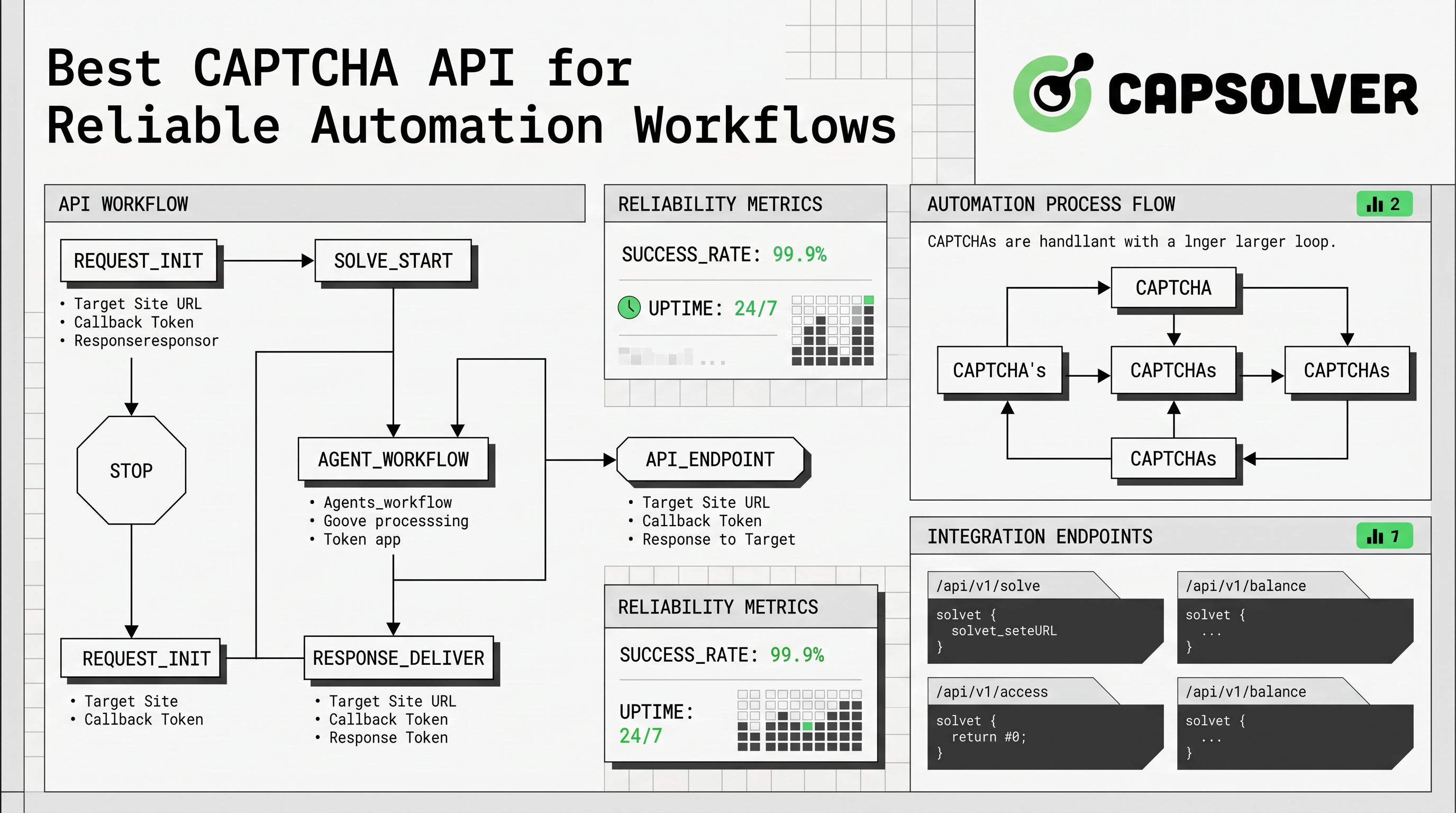
A strong CAPTCHA API should make the workflow observable from the first request to the final application result. CapSolver's official API documentation describes core endpoints such as createTask, getTaskResult, getBalance, and feedbackTask. That model gives developers a practical checklist: create a task with the required parameters, retrieve the result by task ID, inspect the status, handle errors, and record redacted evidence for later debugging.
The best captcha api should also distinguish between task families instead of treating every challenge as one generic request. The CapSolver task type guide explains that recognition tasks and token tasks obtain data in different ways. Recognition tasks may classify image, voice, video, or other content, while token tasks are usually used in automation or RPA-style workflows and may require asynchronous polling. This distinction matters because the wrong task family can make an otherwise correct integration look unreliable.
| Evaluation area | What to verify | Why it matters |
|---|---|---|
| Task coverage | Challenge family, required fields, and response type | Prevents one generic integration from hiding unsupported cases |
| Workflow clarity | Task creation, result retrieval, status transitions, and errors | Helps teams debug failures without guesswork |
| Evidence quality | Task IDs, timestamps, redacted request context, and app outcomes | Supports incident review and repeatable QA |
| Security model | Secret storage, scoped keys, rate limits, and log redaction | Reduces operational and privacy risk |
| Integration fit | API, extension, Selenium, Puppeteer, or server-side workflow | Keeps maintenance aligned with the existing automation stack |
The best captcha api should therefore be selected through a proof of concept that measures the exact challenge flow your team owns or is authorized to test. Vendor claims are useful only when they are matched to task-level evidence.
Most production evaluations should begin with the smallest safe API call. CapSolver's createTask documentation states that clientKey and task are required request parameters, while fields such as appId and callbackUrl are optional. The same documentation describes asynchronous flows where the returned taskId is later used with getTaskResult, and it also notes that some recognition tasks can return synchronously with status: ready and a solution object.
const createTaskPayload = {
  clientKey: process.env.CAPSOLVER_API_KEY,
  task: {
    type: 'ImageToTextTask',
    body: 'BASE64_ENCODED_APPROVED_TEST_IMAGE'
  }
};
This example uses a generic recognition task pattern so the article remains category-focused and avoids naming third-party challenge products. In a real system, the target must be owned, staged, or explicitly approved. Credentials should stay in environment variables or a secret manager, and logs should never expose raw tokens, private data, or full page context.
The best captcha api is also the one that helps developers understand failures. A useful runbook should capture whether the provider accepted the task, whether the task reached a ready state, whether the returned value was submitted correctly, and whether the protected application accepted the result. Without those four checkpoints, a team may confuse an application integration error with a provider error.
A high-quality CAPTCHA API selection process separates recognition tasks from token tasks before any benchmark begins. Recognition tasks are typically easier to reason about because the input and output can be inspected directly. Token tasks are more sensitive to browser context, page timing, site keys, callbacks, request origin, and backend validation. The best captcha api should document these differences clearly enough for developers to choose the right task type before writing automation code.
CapSolver's API workflow overview and task type documentation give teams a structured way to make that decision. If the task is recognition-oriented, confirm input format, output format, and synchronous behavior. If the task is token-oriented, confirm required page fields, polling behavior, timeout handling, and whether the protected application accepts the final result.
For teams that use browser automation, integration ownership is just as important as endpoint choice. CapSolver provides resources for Selenium CAPTCHA workflows, Puppeteer CAPTCHA workflows, and an auto CAPTCHA solver extension. The best captcha api should fit the team's existing automation stack rather than requiring a parallel system that nobody owns.
| Task family | Typical success evidence | Common failure source | Runbook requirement |
|---|---|---|---|
| Recognition task | Accepted input, ready status, solution object | Incorrect format or unclear expected answer | Store redacted input hash and solution format |
| Token task | Task ID, ready status, returned token, app acceptance | Timing, callback, origin, or validation mismatch | Record browser state, submit timing, and backend result |
| Browser-assisted flow | Screenshot, extension state, task record, app assertion | Waiting logic or page-state mismatch | Use stable waits and redacted diagnostic logs |
This task-family view helps prevent shallow benchmarks. A provider may perform well for one family while requiring a different configuration for another, so the best captcha api is the one that documents boundaries and exposes actionable errors.
CAPTCHA handling sits inside a broader security and user-experience context. The OWASP Automated Threats to Web Applications project describes unwanted automated usage of web applications and lists abuse categories that include CAPTCHA defeat, scraping, account creation, and credential attacks. This is why the best captcha api must be evaluated only in authorized environments with written scope, low test volume, and audit-friendly logging.
Accessibility is another selection factor. The W3C note on CAPTCHA accessibility explains that interactive CAPTCHA tasks can exclude many people with disabilities and that some widely used CAPTCHA techniques are no longer particularly effective or secure. A responsible evaluation should therefore consider whether an API workflow supports legitimate accessibility testing, controlled fallback review, and reduced friction for approved users.
Redeem Your CapSolver Bonus Code
Boost your automation budget instantly!
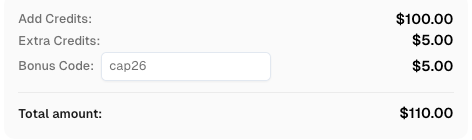
Use bonus code CAP26 when topping up your CapSolver account to get an extra 5% bonus on every recharge — with no limits.
Redeem it now in your CapSolver Dashboard
Responsible use is not a minor policy note. The best captcha api does not create permission to access private systems, bypass restrictions, or collect sensitive data. Before testing, teams should confirm ownership or written approval, document the business reason, protect API keys, cap request volume, and preserve enough redacted evidence to prove what happened.
The best captcha api should be selected through a controlled proof of concept. Start with one approved target and one task family. Record the exact payload shape, task status, response timing, error states, application outcome, and final cost. Repeat at a low and approved volume before adding another workflow.
Use this checklist as the minimum selection standard. First, confirm that every test target is owned, staged, or covered by client authorization. Second, identify whether the task is recognition-based, token-based, or browser-assisted. Third, verify that the provider documents the exact request fields and response fields. Fourth, confirm that the integration can handle timeouts and provider errors without leaking secrets. Fifth, confirm that the protected application actually accepts the result rather than treating provider readiness as the final success signal.
| Decision point | Best-practice answer | CapSolver resource |
|---|---|---|
| How do we create tasks? | Use documented request parameters and store secrets outside code | createTask guide |
| How do we retrieve outcomes? | Poll by task ID or use documented callback behavior | API documentation |
| Which task type should we use? | Match recognition, token, or browser-assisted workflows to the real challenge | task type guide |
| How do we explain CAPTCHA basics? | Share a plain-language primer with non-specialist stakeholders | how CAPTCHA works |
| How do we support automation stacks? | Choose resources that match Selenium, Puppeteer, extension, or API ownership | CapSolver integrations |
A strong API decision is repeatable. If another engineer cannot reproduce the same low-volume result from the same redacted runbook, the evaluation is not complete.
The first mistake is benchmarking the wrong task. A recognition task, a token task, and a browser-assisted workflow can fail for different reasons. The second mistake is counting provider readiness as success without checking whether the protected application accepted the final submission. The third mistake is storing full tokens, personal data, or secrets in logs. The fourth mistake is testing against a property without written permission.
The best captcha api should help teams avoid those mistakes through clear documentation, stable response formats, useful error descriptions, and account controls. CapSolver's developer documentation gives teams a practical starting point because it documents task creation, result retrieval, and task-type selection in separate resources.
The best captcha api is the one that matches your authorized workflow, documents task-level behavior, exposes meaningful errors, supports the automation stack your team owns, and fits a written security review. Choose it through controlled evidence rather than broad claims. Start with one approved task, capture redacted logs, verify the application outcome, and expand only after the runbook is reliable. For a governed evaluation, review CapSolver and map its API workflow to your approved testing environment.
The best captcha api for developers is one with documented task creation, result retrieval, task-type guidance, clear error states, secure key handling, and evidence that the protected application accepted the final result.
A team should test only owned, staged, or explicitly approved targets. The test should use low volume, redacted logs, protected secrets, documented task parameters, and application-level success checks.
Recognition tasks usually have direct input and output formats, while token tasks depend on page context, timing, callbacks, and backend validation. Treating both as one workflow can hide integration errors.
No. Provider readiness only means the provider completed its task. The final success signal is whether the protected application accepted the result within the approved workflow.
Teams should avoid using a CAPTCHA API when they do not own the target, lack written authorization, cannot protect secrets, cannot keep logs privacy-safe, or can achieve the same test outcome with mocks or a non-production configuration.
Sora Fujimoto
AI Solutions Architect
Connecting agents, browsers, and APIs into one workflow.
ABOUT THE AUTHOR
Fix ERROR_IP_BANNED by stopping repeated bad CAPTCHA API requests, finding the first error, checking related codes, and resuming with a controlled test.

Compare CAPTCHA image recognition and token solving, understand their inputs and outputs, and choose the right API workflow for your authorized automation.