
🎉NEWCapSolver for AI agents-MCP, agent tools, and SDK integrations

Emma Foster
Machine Learning Engineer
Published Jun 15, 2026
Updated Jun 15, 2026 · min read
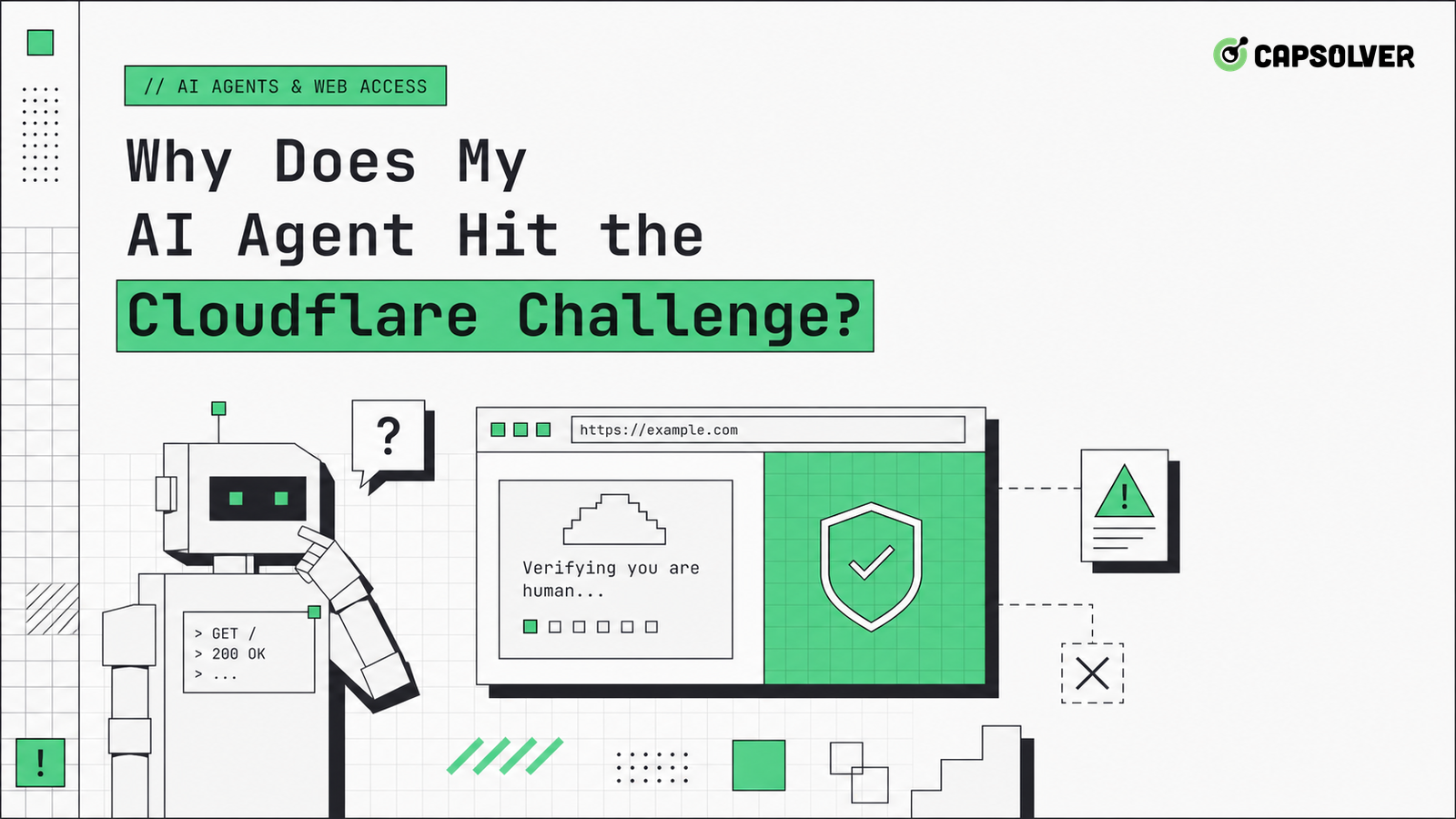
Cloudflare challenges are not random obstacles dropped into an otherwise healthy agent run. They are traffic validation outcomes produced by browser signals, request history, route reputation, and application policy. CapSolver can support authorized Cloudflare and Turnstile workflows, but an AI agent hit the Cloudflare Challenge because the journey looked risky to the protected site. The useful question is not how to click past the page; it is which signal made the agent cross the threshold. Diagnose planner behavior, clearance state, token handoff, and network pressure together.
A Cloudflare challenge is a decision about a session, not a comment on one URL. Cloudflare's own overview of Cloudflare Challenges describes managed checks, interactive checks, and JavaScript detections as part of a larger protection layer. When an AI agent hit the Cloudflare Challenge, the page may be responding to fast navigation, missing browser capabilities, route reputation, request bursts, or a previous failed clearance.
Do not reduce the diagnosis to the visible widget. Start with the path into the page. Did the agent arrive from a normal referrer? Did it request assets in a believable order? Did it open the same page in multiple tabs? Did it retry after a 403 or 429? Did it change proxy routes between the first HTML response and the challenge page? These details can matter more than the final click.
Build a journey ledger for the task. Record first URL, referring page, status code sequence, asset failures, challenge timestamp, route identifier, browser context identifier, and planner action immediately before the challenge. A human reader should be able to replay why the agent was there and what it planned to do next. That ledger is the difference between a controlled validation event and a mystery page in the middle of a run.
CapSolver's Cloudflare Turnstile product support is useful when the workflow is permitted and the page requires Turnstile handling, but it should be connected to a stable session. A token cannot compensate for a controller that keeps revisiting protected pages in a tight loop.
This is why challenge diagnosis should include the agent's intention, not only browser artifacts. A product research agent, a QA regression agent, and a data monitoring agent may visit the same page with different allowed behavior. When an AI agent hit the Cloudflare Challenge, the correct recovery depends on that intention. The runbook should know whether the task may authenticate, whether it may wait, whether it may use a challenge handoff, and whether it must stop.
AI agents add a planner layer that traditional scripts do not have. The model may see a challenge page, summarize it as a temporary obstacle, and choose another click or reload. That action may produce another challenge, which the planner again treats as progress. Soon the agent has created a pattern of repeated protected-page hits. An AI agent hit the Cloudflare Challenge once; the planner can make it a loop.
Expose challenge pages as structured tool states. The browser tool should return cloudflare_challenge, turnstile_widget, rate_limited, or forbidden instead of only returning extracted text. The planner should then choose from a small set of actions: pause, hand off to an approved solver, request human review, or stop. CapSolver's Cloudflare challenge workflow belongs in that handoff path, not inside an unbounded retry policy.
This design also improves observability. You can count challenge events per task, route, account, and domain. A spike means the agent changed behavior or the target changed policy. Without a structured state, every failure looks like another web page that needs more exploration.
Turnstile validation and clearance state are related but distinct. A Turnstile token may prove that a widget interaction was completed for a site action, while a clearance cookie may allow the browser to continue through a protected path. The Cloudflare-facing question is whether the browser state after validation is coherent. An AI agent hit the Cloudflare Challenge again when it loses cookies, opens a fresh browser, or follows a redirect with a different route.
Use the CapSolver Cloudflare Turnstile glossary to keep the terms straight in runbooks. The token, widget parameters, clearance cookie, browser storage, and target request are not interchangeable. Log each one separately. When the widget is solved but the next page still challenges, inspect cookie persistence, domain scope, path scope, SameSite behavior, and whether the next request used the same browser context.
The browser platform makes cookie scope precise. MDN's explanation of HTTP cookie scope and attributes is a practical reference when clearance seems to disappear. If the agent switches subdomains, isolates storage per context, or blocks third-party state, the challenge can return even after a valid token event.
A useful debugging table has four columns: token received, clearance cookie present, target request accepted, and next planner action. If the token is present but the cookie is missing, inspect storage and domain scope. If both are present but the request is refused, inspect route identity and application policy. If the request is accepted but the planner reloads the challenge page, fix the planner memory. This matrix keeps Cloudflare work from becoming a single bucket called challenge failure.
Redeem Your CapSolver Bonus Code
Boost your automation budget instantly!
Use bonus code CAP26 when topping up your CapSolver account to get an extra 5% bonus on every recharge — with no limits.
Redeem it now in your CapSolver Dashboard
Rate pressure can look like a browser challenge because the visible page is what the agent sees. If the route sends many requests, misses assets, retries failed fetches, or fans out parallel tasks, Cloudflare may respond with challenge pages or rate controls. The MDN definition of HTTP 403 Forbidden helps separate access refusal from application errors, while 429 points to request volume.
Add per-domain budgets to the agent, not only to the HTTP client. A browser task can generate requests through navigation, images, scripts, XHR, preloads, and retries. If the planner opens five candidate pages to find one answer, each page may load dozens of assets. CapSolver's page on Cloudflare 1015 rate limiting is relevant because challenge loops and rate controls often appear together.
The right recovery is gradual. Stop the task, wait according to policy, and restart with one low-cost page. Do not release the full queue after a fixed delay. If an AI agent hit the Cloudflare Challenge because of pressure, a bulk restart recreates the same evidence.
Budget by browser journey, not only by API call. A single model instruction such as research this product can create search requests, detail pages, image loads, retries, and extraction calls. Put a maximum on protected navigations per task and a separate maximum on challenge events per domain. If either budget is exhausted, the planner should return a controlled incomplete result instead of generating more traffic.
Cloudflare-protected sites can evaluate browser behavior, JavaScript execution, TLS route characteristics, and interaction patterns. The goal is not to hide automation with random patches. The goal for permitted automation is a coherent browser environment that matches the task. OWASP's automated threat taxonomy explains why sites treat abnormal automation patterns as risk.
Keep environment settings stable inside a session. Do not rotate user agent, timezone, viewport, locale, or proxy route mid-run. Do not block core scripts needed by the site to render. Do not use a minimal browser context for a page that expects storage, cookies, and service workers. If an AI agent hit the Cloudflare Challenge only in headless mode, compare full traces before changing one property.
CapSolver's AI agent Cloudflare article can support a broader runbook, but your local diagnosis should remain evidence based: browser context, request graph, storage state, challenge event, recovery action, and final outcome.
A responsible agent has stop rules. It should stop when a site refuses access, when authentication is required and unavailable, when a challenge exceeds the approved workflow, when rate budgets are exhausted, or when the target data is private or sensitive. An AI agent hit the Cloudflare Challenge in a protected environment, so the fix must respect authorization as well as engineering reliability.
Document allowed targets, account ownership, maximum attempts, cooldowns, and escalation paths. CapSolver's Cloudflare automation FAQ can be referenced inside that policy, but the policy itself should be owned by your team. This keeps technical remediation aligned with legal, privacy, and customer obligations.
Review logs for near misses, not only failures. If a domain starts showing challenge pages late in long tasks, the agent may still be successful while building future risk. Trend first-challenge time, average navigations before challenge, and number of planner retries after the first refusal. These measures show when a workflow is becoming less acceptable even before success rate drops.
Keep a domain-level allowlist for challenge handling. The allowlist should include owner, purpose, permitted account, maximum frequency, and review date. Without that control, a general-purpose agent can carry Cloudflare remediation into targets that were never approved. The technical fix is only complete when the agent can say no to itself.
Pair that allowlist with alerting. A new challenge on an unlisted domain should create a review event, not an automatic remediation attempt.
That review should include the original task prompt and the exact URL pattern so policy owners can distinguish expected QA traffic from unintended exploration.
When an AI agent hit the Cloudflare Challenge, the page is reporting a session-level traffic validation problem. Fix planner loops, preserve clearance state, separate Turnstile tokens from cookies, respect network budgets, and keep browser environment signals coherent. Then decide whether the workflow is authorized and whether challenge handling is appropriate. For approved Cloudflare and Turnstile automation that needs reliable handoff inside those boundaries, evaluate CapSolver.
The agent may navigate faster, retry more often, miss assets, use a different browser context, or lose clearance cookies. Compare the whole journey rather than only the final page.
No. The token is one validation event. The browser still needs coherent cookies, route identity, storage state, and post-validation navigation.
The browser tool should return a structured challenge state. The planner should pause, hand off through an approved path, request review, or stop instead of repeatedly reloading.
It should stop when access is unauthorized, data is private or restricted, rate budgets are exhausted, authentication is unavailable, or the challenge is outside the approved workflow.
Emma Foster
Machine Learning Engineer
Where machine learning meets practical AI tooling.
ABOUT THE AUTHOR
Evaluate a Turnstile solver API by its documented inputs, token response, validation boundary, and controlled test cases before adding it to your workflow.
Diagnose Cloudflare Challenge flows with AntiCloudflareTask, stable proxy and user agent identity, fresh HTML, clearance handling, validation, and safe errors.



