Cloudflare Error 1020: Access Denied in Web Scraping & WAF Protection

Anh Tuan
Data Science Expert
TL;DR
- Cloudflare Error 1020 (Access Denied) is triggered by the site owner's Web Application Firewall rules, not a Cloudflare platform-wide block.
- Common causes include flagged IP reputation, missing or malformed request headers, VPN/proxy usage, and aggressive request rates.
- Site owners can diagnose the exact rule causing the block via the Cloudflare Firewall Events log.
- Developers running legitimate automation can reduce false positives by mimicking real browser behavior, managing request headers carefully, and using clean IP addresses.
- When Cloudflare Turnstile or other CAPTCHA challenges appear alongside the 1020 error, an AI-powered solver like CapSolver can handle them programmatically within compliant workflows.
Introduction
Cloudflare Error 1020 is one of the most common roadblocks developers and data engineers encounter during web scraping and automated workflows. The error means a Cloudflare Web Application Firewall rule has denied access to the requested resource. Understanding why the Cloudflare WAF triggers this block — and how to respond responsibly — is essential for anyone building automation pipelines that interact with protected websites. This guide explains the mechanics behind the Cloudflare 1020 error, the WAF rules that cause it, how site owners configure IP blocking and bot detection, and what legitimate developers can do to reduce friction in their workflows.
What Is Cloudflare Error 1020?
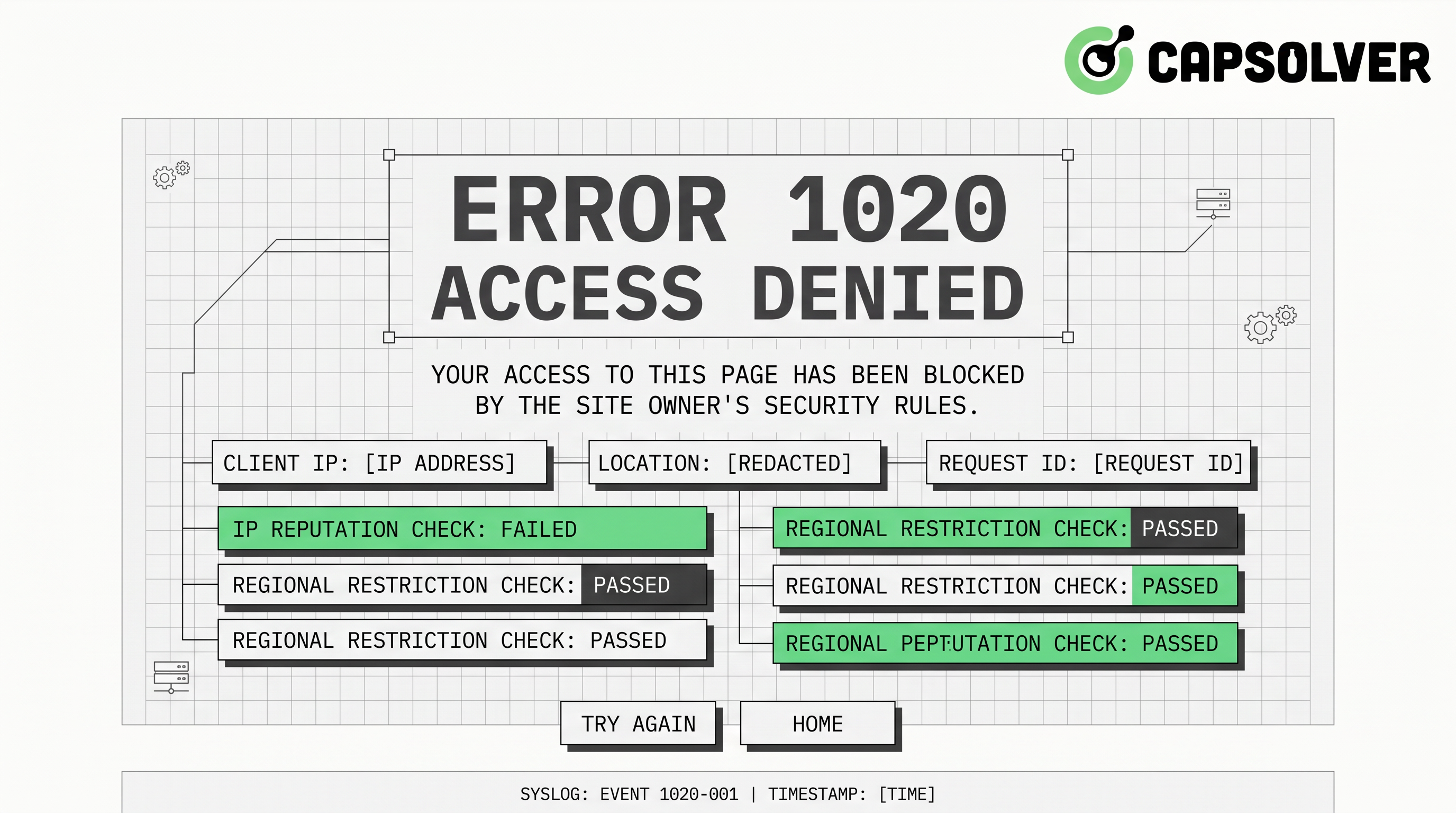
Cloudflare Error 1020 is an HTTP-level access denial returned when a visitor's request matches a firewall rule configured by the website owner. The error page typically reads: "Access denied — Error 1020."
This is not a Cloudflare platform error. It is a deliberate policy decision made by the site operator. According to the official Cloudflare documentation on Error 1020, the block is always tied to a specific firewall rule, and only the site owner can modify or remove it.
The error falls under Cloudflare's 1xxx error family, which covers security and access control responses. Unlike a 403 Forbidden from the origin server, a 1020 is intercepted and served entirely by Cloudflare's edge network before the request ever reaches the origin.
How Cloudflare WAF and Bot Detection Work
Cloudflare's Web Application Firewall operates at the network edge. It inspects every incoming request against a set of rules before forwarding traffic to the origin server.
Rule types that commonly trigger a 1020:
- IP reputation rules — Cloudflare maintains threat intelligence databases. IPs associated with data centers, known scrapers, or previous malicious activity receive lower trust scores.
- Country or ASN blocking — Site owners can block entire geographic regions or Autonomous System Numbers (ASNs), which often affects cloud provider IP ranges.
- User-Agent filtering — Requests with missing, generic, or known-bot User-Agent strings are frequently blocked.
- Request rate thresholds — Unusually high request frequency from a single IP triggers rate-limiting rules.
- HTTP header anomalies — Missing
Accept,Accept-Language, orRefererheaders that a real browser would send can flag a request as non-human. - Cookie and session validation — Cloudflare's bot detection checks for valid session cookies. Requests without them may be treated as automated.
- JavaScript challenge results — Cloudflare's managed challenge requires a browser to execute JavaScript. Headless clients that skip this step are blocked.
According to the Cloudflare Radar 2024 Year in Review, a measurable share of global internet traffic was mitigated as potentially malicious throughout 2024 — with Cloudflare's own data pointing to billions of blocked requests across its network. This scale explains why Cloudflare WAF rules are configured aggressively — site owners are defending against a genuinely large volume of unwanted automated traffic.
Common Causes of Cloudflare Error 1020 in Scraping Contexts
When a scraping restriction triggers a 1020, the root cause usually falls into one of these categories:
| Cause | Why It Triggers the Block |
|---|---|
| Data center IP address | Low trust score; associated with automation |
| Missing browser headers | Request looks non-human to WAF inspection |
| VPN or shared proxy IP | IP flagged in Cloudflare's threat intelligence |
| High request frequency | Matches rate-limiting firewall rules |
| No JavaScript execution | Managed challenge not completed |
| Stale or missing cookies | Session validation fails |
| Outdated TLS fingerprint | Doesn't match expected browser TLS profile |
The Cloudflare WAF evaluates these signals together. A single anomaly may not trigger a block, but a combination — such as a data center IP sending requests without cookies at high frequency — almost certainly will.
How Site Owners Configure IP Blocking and Firewall Rules
From the site owner's perspective, Cloudflare Error 1020 is a feature, not a bug. The Cloudflare dashboard provides several tools for configuring access control:
Firewall Rules (now WAF Custom Rules): Site owners write expression-based rules using Cloudflare's Ruleset Engine. A rule might block all requests where ip.src.asnum matches a known cloud provider's ASN, or where http.user_agent contains "python-requests."
IP Access Rules: A simpler interface for blocking or allowing specific IPs, IP ranges, countries, or ASNs. These are the most common source of 1020 errors for scrapers using data center proxies.
Bot Fight Mode and Super Bot Fight Mode: These managed settings automatically challenge or block requests that Cloudflare's machine learning models classify as automated. Super Bot Fight Mode, available on Pro plans and above, is particularly aggressive toward scraping tools.
Firewall Events Log: When a 1020 occurs, the site owner can view the exact rule that triggered the block in the Firewall Events section of the Cloudflare dashboard. This log shows the rule ID, the matched expression, and the action taken — making it straightforward to audit and adjust rules.
If you are a site owner seeing unexpected 1020 errors affecting legitimate users, reviewing the Firewall Events log is the correct first step. You can also check the Cloudflare error codes guide on CapSolver's blog for a broader overview of Cloudflare's 1xxx error family.
What Developers Can Do: Reducing False Positives in Legitimate Automation
If your automation pipeline is hitting Cloudflare Error 1020, the goal is to make requests look as close to genuine browser traffic as possible — not to circumvent security, but to avoid triggering rules designed for malicious bots.
1. Use Residential or ISP Proxies
Data center IPs are the single most common trigger for IP blocking. Residential proxies route requests through real consumer ISPs, which carry higher trust scores in Cloudflare's threat intelligence. This is the most impactful single change you can make.
2. Send Complete Browser-Like Headers
A real browser sends a consistent set of headers with every request. Your automation should include at minimum:
User-Agent— a current, real browser stringAccept— matching the browser's default content negotiationAccept-Language— a realistic locale valueAccept-Encoding—gzip, deflate, brReferer— where appropriate, a plausible referring URL
3. Manage Request Rate
Slow down. Real users do not send dozens of requests per second. Adding randomized delays between requests — even 1–3 seconds — significantly reduces the chance of hitting rate-limiting rules.
4. Handle Cookies and Sessions Properly
Maintain a persistent cookie jar across requests. Cloudflare's bot detection relies partly on session continuity. A client that discards cookies between requests looks automated.
5. Match TLS Fingerprints
Advanced Cloudflare WAF configurations inspect the TLS handshake fingerprint (JA3/JA4). Libraries like curl_cffi in Python can impersonate specific browser TLS profiles. For a practical implementation, see the CapSolver guide on web scraping with curl_cffi.
6. Contact the Site Owner
If you have a legitimate use case — price monitoring, academic research, accessibility tooling — reaching out to the site owner directly is always the most sustainable path. Many sites will whitelist specific IPs or provide an official API.
When Cloudflare Turnstile Appears: Handling CAPTCHA in Automated Workflows
Even when a 1020 block is resolved, Cloudflare-protected sites often present a Turnstile challenge as an additional verification step. Cloudflare Turnstile is a privacy-preserving CAPTCHA alternative that verifies human intent without requiring users to solve image puzzles.
In automated workflows, Turnstile challenges can interrupt data collection pipelines. This is where CapSolver becomes relevant. CapSolver is an AI-powered CAPTCHA solving service that supports Cloudflare Turnstile natively, returning valid tokens programmatically so your automation can continue without manual intervention.
CapSolver's Turnstile solver works via a straightforward API call. Based on the official CapSolver documentation, here is how to integrate it:
Step 1: Create a task
json
POST https://api.capsolver.com/createTask
{
  "clientKey": "YOUR_API_KEY",
  "task": {
    "type": "AntiTurnstileTaskProxyLess",
    "websiteURL": "https://example.com",
    "websiteKey": "YOUR_TURNSTILE_SITEKEY"
  }
}
Step 2: Poll for the result
json
POST https://api.capsolver.com/getTaskResult
{
  "clientKey": "YOUR_API_KEY",
  "taskId": "TASK_ID_FROM_STEP_1"
}
Step 3: Use the token
The response includes a token field. Submit this token in the cf-turnstile-response form field to complete the challenge.
This approach keeps your automation pipeline running without requiring a full browser environment. CapSolver is designed for low-latency token delivery, making it practical for high-throughput workflows.
For a deeper look at handling Cloudflare challenges in Python specifically, the CapSolver blog covers Cloudflare challenge handling in Python with additional implementation details.
All use of CAPTCHA solving services should comply with the target site's terms of service and applicable law. CapSolver is designed for legitimate automation use cases — testing, accessibility, and authorized data collection.
Redeem Your CapSolver Bonus Code
Boost your automation budget instantly!
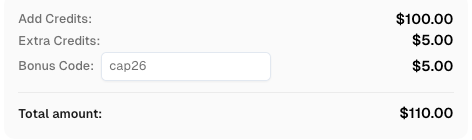
Use bonus code CAP26 when topping up your CapSolver account to get an extra 5% bonus on every recharge — with no limits.
Redeem it now in your CapSolver Dashboard
Cloudflare Error 1020 vs. Other Cloudflare Access Errors
It helps to distinguish the 1020 from related Cloudflare errors:
| Error Code | Meaning | Who Controls It |
|---|---|---|
| 1020 | Firewall rule blocked the request | Site owner |
| 1006 / 1007 / 1008 | IP banned by Cloudflare or site owner | Cloudflare / site owner |
| 1010 | Browser integrity check failed | Site owner |
| 403 (origin) | Origin server refused the request | Origin server |
| 503 | Cloudflare cannot reach the origin | Cloudflare / origin |
The 1020 is always a site-owner-configured rule. The Cloudflare 2024 Year in Review blog post notes that WAF rules blocked billions of requests throughout the year, reflecting how widely site operators rely on custom firewall configurations. For context on related error codes, the CapSolver blog also covers Cloudflare 1006, 1007, and 1008 errors.
Conclusion
Cloudflare Error 1020 is a deliberate access denial enforced by the Web Application Firewall rules a site owner has configured. For developers, the path forward is to understand what signals trigger bot detection — IP reputation, header anomalies, request rate, TLS fingerprinting — and to build automation that avoids those signals through responsible, browser-like behavior.
When Cloudflare Turnstile or other CAPTCHA challenges appear as part of the protection stack, CapSolver provides a reliable, API-based way to handle them programmatically. Whether you are building a data pipeline, an RPA workflow, or an automated testing suite, integrating a capable CAPTCHA solver removes one of the most common points of failure in Cloudflare-protected environments.
If you are regularly working with Cloudflare-protected sites, explore CapSolver's Cloudflare solutions to see the full range of challenge types supported.
FAQ
Q1: Can I fix Cloudflare Error 1020 by clearing my browser cache?
Sometimes. If the block is triggered by a corrupted cookie or a stale session, clearing your browser cache and cookies may resolve it. However, if the block is based on your IP address or a strict firewall rule, clearing cache will have no effect. The underlying cause determines the fix.
Q2: Does Cloudflare Error 1020 mean I am permanently banned?
Not necessarily. IP-based blocks can be temporary, especially if they are tied to rate-limiting rules rather than static IP blacklists. Switching to a different IP address — or waiting for the block to expire — often restores access. Permanent bans are less common and are usually reserved for IPs with a sustained history of malicious activity.
Q3: How can a site owner identify which firewall rule is causing the 1020?
The Cloudflare dashboard's Firewall Events log records every triggered rule, including the rule ID, the matched request attributes, and the action taken. Site owners can filter by time range and rule ID to pinpoint the exact configuration causing unexpected blocks.
Q4: Is it possible to get a 1020 error even when using a legitimate browser?
Yes. If your IP address is on a shared proxy or VPN that has been flagged, or if your ISP's IP range has been blocked by the site owner, a standard browser will still receive a 1020. The block is evaluated at the IP and request level, not at the browser level.
Q5: What is the difference between Cloudflare WAF and Cloudflare Turnstile?
The Cloudflare WAF (Web Application Firewall) is a rule-based system that blocks or challenges requests based on security policies. Cloudflare Turnstile is a specific CAPTCHA-alternative challenge that verifies human intent through behavioral signals. A site can use both: the WAF blocks clearly malicious traffic outright (resulting in a 1020), while Turnstile presents a softer challenge to ambiguous requests. Both are part of Cloudflare's broader bot detection and scraping restriction toolkit.
More
CloudflareAug 31, 2026
Cloudflare Challenge Diagnostics: Session Identity and Verification
Diagnose Cloudflare Challenge flows with AntiCloudflareTask, stable proxy and user agent identity, fresh HTML, clearance handling, validation, and safe errors.

CloudflareAug 28, 2026
How to Solve Cloudflare Challenge for Property Price Monitoring
Build reliable property price monitoring with official datasets, comparable observations, Cloudflare Challenge Solving, evidence, and controlled alerts.

