
🎉NEWCapSolver for AI agents-MCP, agent tools, and SDK integrations

Ethan Collins
AI Agent Workflow Engineer
Published Sep 16, 2026
Updated Sep 16, 2026 · min read
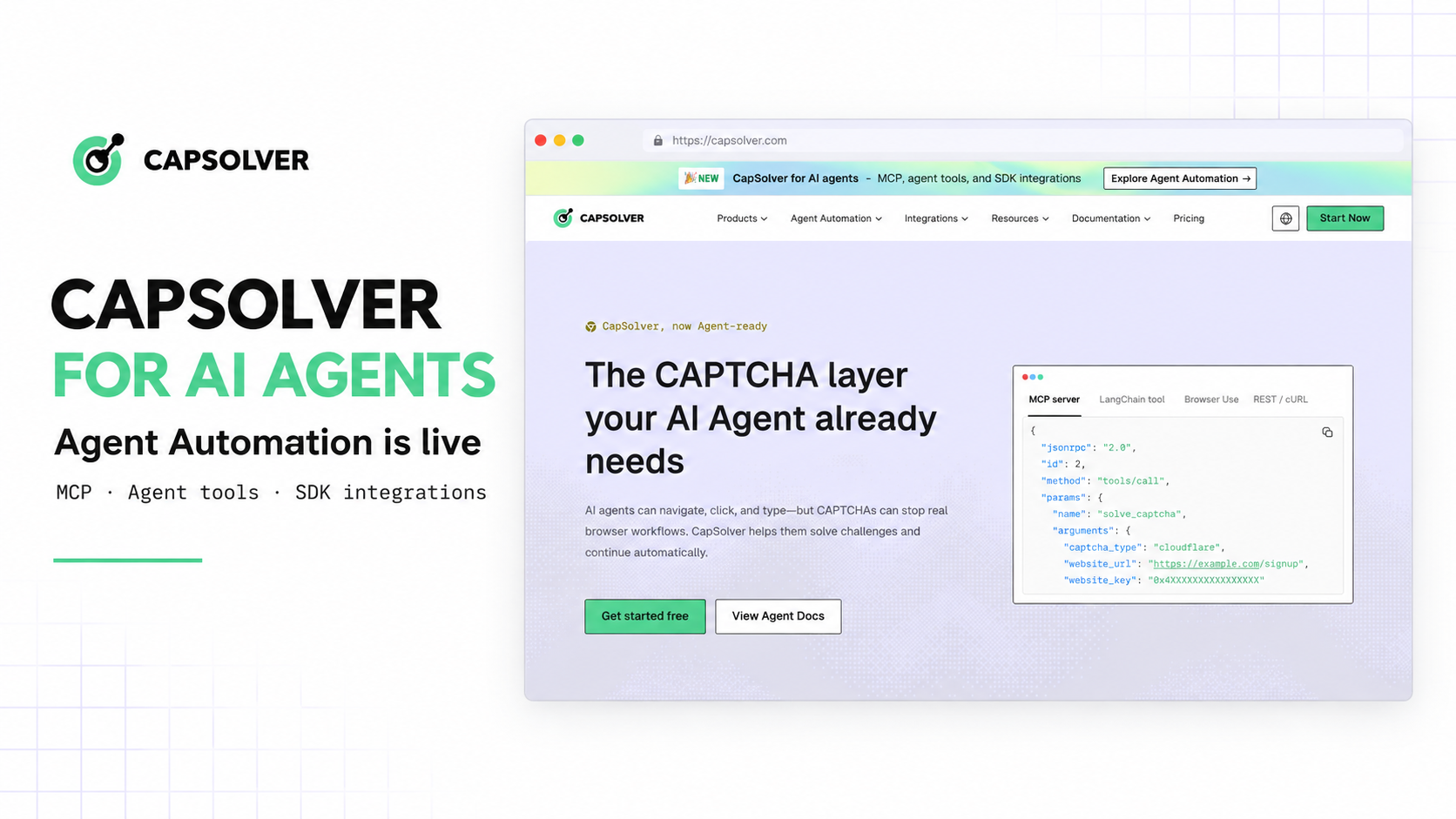
A browser agent can complete ten steps correctly and still stop at step eleven when a CAPTCHA appears. The new CapSolver Agent Automation pages show where CAPTCHA solving fits in that run. The browser or agent detects the challenge, sends the required details, receives a result, and continues the original task. CapSolver does not replace the agent framework or browser controller. We published one overview page and separate guides for MCP, LangChain, Browser Use, the OpenAI Agents SDK, and Playwright so developers can start with the tool they already use.
The Agent Automation hub collects the new integration paths in one place. The page shows the full request flow and helps developers pick the right guide before they start configuring anything.
Five dedicated integration pages are now live:
Each guide follows the conventions of its framework. The MCP page covers server and client setup; the other pages show where the CapSolver call belongs in the framework's normal tool or browser flow.
An agent run already has several owners. The model or runtime chooses the next action. The framework manages turns and tool calls. The browser handles navigation and page interaction. Logs and traces record the run. CapSolver takes responsibility only for the supported CAPTCHA task.
These tools already provide places to add outside capabilities. MCP servers expose discoverable tools. LangChain agents call tools during an agent loop. The OpenAI Agents SDK supports function tools and MCP-backed tools. Browser Use accepts custom actions, while Playwright gives developers direct control of the browser script.
The new guides attach CapSolver at those existing points. Navigation, permissions, orchestration, and the final action stay with the application that already controls them.
Choose the integration based on the part of the system your team already controls.
| Integration path | Best fit | Where CapSolver enters the workflow |
|---|---|---|
| MCP server | MCP-compatible clients such as Claude Desktop, Claude Code, Cursor, and Cline | The client discovers CapSolver tools through a standard MCP server and invokes them when appropriate. |
| LangChain | LangChain or LangGraph agents using tool loops | CapSolver is exposed as a callable tool with defined inputs and structured results. |
| Browser Use | Browser-native agents | CapSolver is registered as an action the agent can call while operating in the browser session. |
| OpenAI Agents SDK | Python agents using function tools, tracing, and handoffs | The solving capability is wrapped as a function tool available to the agent runtime. |
| Playwright | Custom scripts, QA, RPA, and browser-based agents | Detection and solving are attached directly to the controlled page and automation flow. |
Use MCP when several compatible clients should share the same server interface. Use a framework integration when CapSolver should appear in an existing agent's tool list. Use Playwright when your team owns the browser script and wants direct control over detection, task handling, and result application.
Redeem Your CapSolver Bonus Code
Boost your automation budget instantly!
Use bonus code CAP26 when topping up your CapSolver account to get an extra 5% bonus on every recharge — with no limits.
Redeem it now in your CapSolver Dashboard
The overview page keeps the CAPTCHA task visible instead of hiding it inside a helper function. Every integration follows five stages:
This split also makes failures easier to assign. A broken selector, expired session, or navigation error belongs to the browser side. A task-creation, processing, or result error belongs to the CapSolver call. Teams can retry the right operation without rerunning the entire workflow blindly.
The CapSolver documentation for AI agents explains the MCP service, agent tools, and core SDK paths in more detail.
The CapSolver MCP page is for teams that want one server connection across several MCP-compatible clients. The server exposes tool names, descriptions, and input schemas, so developers do not have to write a different wrapper for every client.
This follows the MCP tool model: a server advertises callable functions, a client lists them, and the model supplies structured arguments when it invokes one. The official Model Context Protocol tool specification recommends showing users which tools are available and when they are called, with human control for sensitive operations.
CapSolver's MCP service documentation covers installation, server configuration, available tools, and client examples. Start there if several clients need to call the same CapSolver service.
The remaining guides add CapSolver without changing the way each framework normally runs tools.
LangChain agents call tools while working toward a stopping condition. The official LangChain agent documentation describes the loop between model and tool nodes. In the CapSolver guide, CAPTCHA solving is simply one of the tools available in that loop.
The OpenAI Agents SDK can build a tool schema from a Python function. Its official tools documentation covers function tools, hosted tools, runtime tools, and MCP-backed tools. CapSolver can be added to that tool list while the SDK continues to manage turns, tracing, guardrails, and handoffs.
Browser Use lets developers register custom actions. The Browser Use tools guide shows how an agent calls typed Python functions during a browser task. The CapSolver action handles the supported CAPTCHA and then hands the session back to Browser Use.
Playwright is the direct option for teams that own the automation code. The Playwright project supports testing, scripting, and agent workflows across Chromium, Firefox, and WebKit. The CapSolver guide adds challenge handling while page navigation, assertions, session management, and the rest of the script remain under the developer's control.
These guides are for teams that already have an agent or browser workflow and need to add supported CAPTCHA solving.
Agent platform teams can use MCP or a framework tool to make CapSolver reusable across workflows. QA and RPA engineers can keep the call inside an existing Playwright script. Data and research automation teams can add the solving step while retaining their own permissions, rate limits, validation, and result handling. Developers comparing frameworks can use the overview to see where each integration makes the call.
Teams that need broader implementation context can also review the existing article on the web automation infrastructure stack for AI agents and the AI and automation FAQ.
Open the Agent Automation overview, then choose the page for the runtime that already owns the workflow. Pick MCP for a shared service, a framework guide for a native agent tool, or Playwright for direct browser control.
Before production use, decide when the tool may run, which domains and tasks are authorized, how errors map to agent states, and what your application will log. A working integration does not grant permission to access private, restricted, or sensitive data. Use CapSolver only in lawful, authorized automation and approved public-data workflows.
The new pages turn a CAPTCHA from an undefined browser failure into a specific tool call with known inputs, results, and error ownership.
Visit the Agent Automation hub, choose your integration, and follow the linked setup documentation. CapSolver handles the supported CAPTCHA task; your agent and browser tools remain responsible for everything around it.
Q: Is CapSolver a complete AI agent platform?
No. CapSolver provides CAPTCHA-solving capabilities that can be connected to an existing agent, orchestration framework, or browser automation stack.
Q: Which integration should a team choose first?
Choose MCP for a shared tool interface across compatible clients, a framework-specific path for an existing agent loop, or Playwright when the team directly controls the browser automation code.
Q: Does CapSolver replace LangChain, Browser Use, the OpenAI Agents SDK, or Playwright?
No. Those tools continue to manage agent behavior, orchestration, and browser interaction; CapSolver handles the supported CAPTCHA-solving step.
Q: Can teams track solving failures?
Yes. The recommended workflow records request IDs, result states, and errors so the solving step can be diagnosed separately from browser or orchestration failures.
Q: Is this intended for unrestricted automation?
No. CapSolver should be used only for lawful, authorized automation and approved public-data workflows, with appropriate user controls and compliance checks.
Ethan Collins
AI Agent Workflow Engineer
Building clearer handoffs between AI agents and tools.
ABOUT THE AUTHOR
