
🎉NEWCapSolver for AI agents-MCP, agent tools, and SDK integrations

Ethan Collins
AI Agent Workflow Engineer
Published Dec 03, 2025
Updated Dec 03, 2025 · min read
Key Takeaways
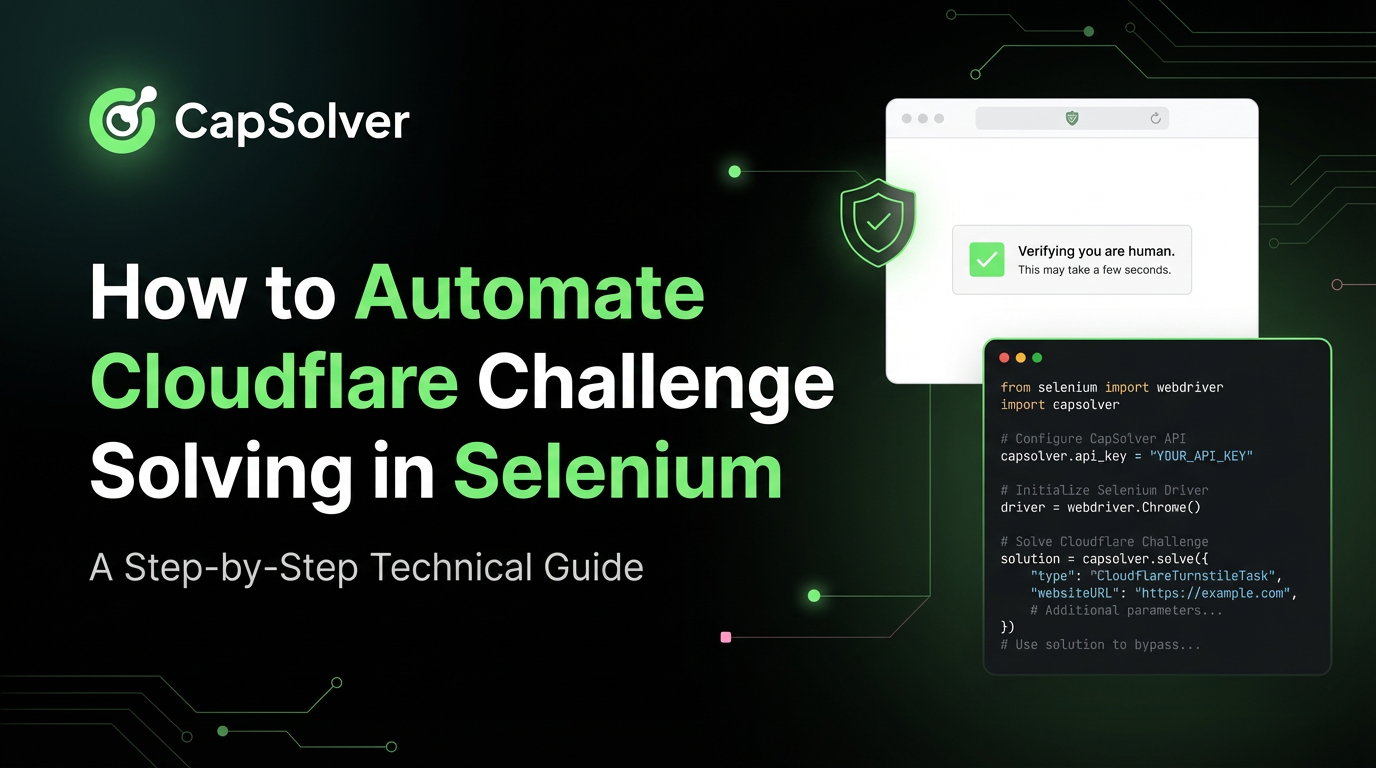
Reliable web automation often hits a significant roadblock: Cloudflare Challenge Solving in Selenium. Cloudflare, a leading web performance and security company, employs sophisticated anti-bot measures to protect its clients. When your Selenium script encounters a "Checking your browser before accessing..." page, it means your automation has been flagged as suspicious.
This comprehensive guide is designed for web scrapers, QA engineers, and automation specialists who need to maintain uninterrupted data flow. We will move beyond basic workarounds to explore the most effective, modern techniques for Cloudflare Challenge Solving in Selenium. By the end of this article, you will have a clear, actionable strategy to automate the process, ensuring your scripts run smoothly and undetected.
To effectively automate Cloudflare Challenge Solving in Selenium, we must first understand the defense mechanisms. Cloudflare's security suite, including its bot management and DDoS protection, uses several techniques to distinguish human users from automated scripts
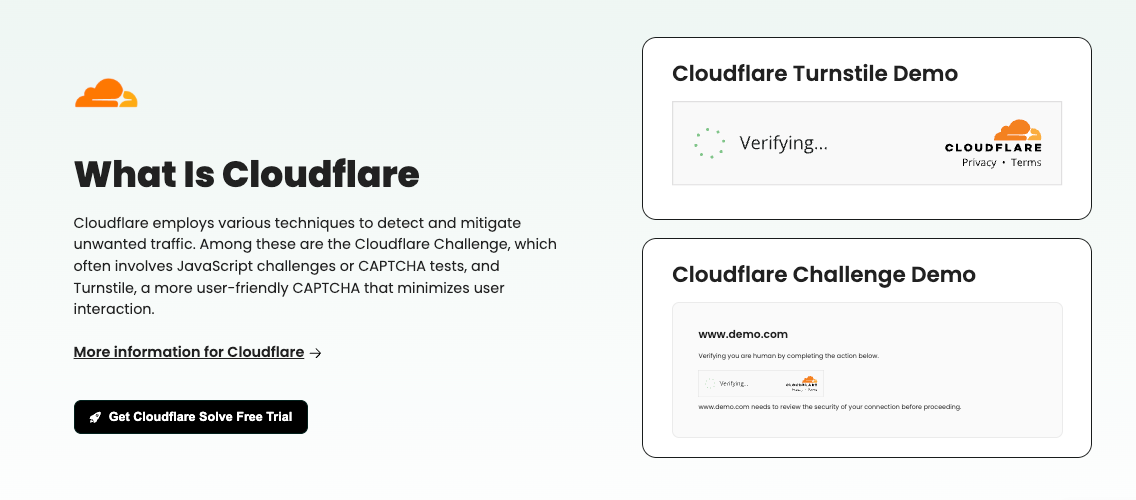
Cloudflare primarily deploys three types of challenges, each requiring a different approach for automation:
Cloudflare's anti-bot system looks for tell-tale signs of automation, known as browser fingerprinting. Key detection vectors include:
| Detection Vector | Selenium Signature | Solution Strategy |
|---|---|---|
window.navigator.webdriver |
Set to true by default in standard ChromeDriver. |
Patch the driver to remove this flag. |
| Missing Browser Features | Lack of certain WebGL, Canvas, or AudioContext properties. | Use a full, non-headless browser profile. |
| Automation-Specific Headers | Headers or user-agents that are commonly associated with bots. | Spoof a legitimate, up-to-date User-Agent string. |
| Behavioral Analysis | Scripts that navigate too fast, click in the exact center of elements, or lack mouse movements. | Implement random delays and human-like actions. |
The single most critical step in Cloudflare Challenge Solving in Selenium is eliminating the webdriver flag. Standard Selenium drivers are easily identified by the window.navigator.webdriver property.
The undetected-chromedriver library is a patched version of the standard ChromeDriver that automatically applies necessary modifications to bypass common anti-bot checks. It is the foundation for any successful Cloudflare bypass strategy 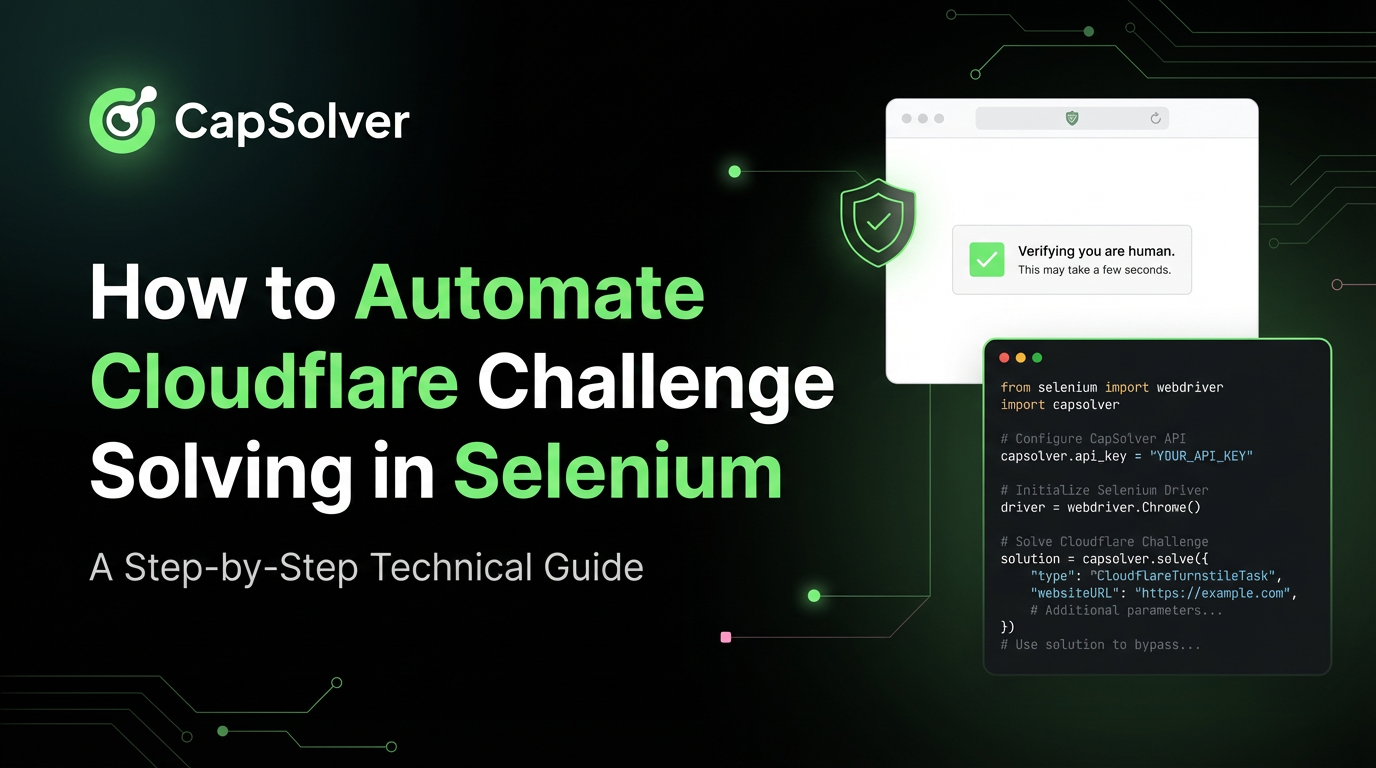
First, install the library:
pip install undetected-chromedriverNext, replace your standard Selenium setup with the uc library:
import undetected_chromedriver as uc
from selenium.webdriver.chrome.options import Options

# 1. Set up options for a more human-like profile
options = Options()
options.add_argument("--start-maximized")
options.add_argument("--disable-blink-features=AutomationControlled")
# Note: uc automatically handles the 'webdriver' flag and often handles headless better

# 2. Initialize the undetected driver
# uc.Chrome() automatically downloads the correct driver version
driver = uc.Chrome(options=options)

# 3. Navigate to the target site
driver.get("https://your-target-site.com")

# The script will now attempt to pass the challenge automatically
# Wait for the challenge to clear (e.g., wait for a specific element to appear)
# driver.implicitly_wait(10)
While undetected-chromedriver solves the initial detection problem, it is not a guaranteed solution for the more complex Managed Challenges or Cloudflare Turnstile. For those, we need a more powerful tool.
When Cloudflare's Managed Challenge or Turnstile is deployed, even the stealthiest driver can fail. These challenges often require solving a visual or non-interactive proof-of-work that is beyond the capability of a simple Selenium script. This is where a specialized CAPTCHA solving service becomes indispensable for reliable Cloudflare Challenge Solving in Selenium.
We highly recommend using CapSolver for this task. CapSolver provides an API that can solve various Cloudflare challenges, including the complex Managed Challenge and Turnstile, by emulating human interaction and solving the underlying proof-of-work.
Boost your automation budget instantly!
Use bonus code CAPN when topping up your CapSolver account to get an extra 5% bonus on every recharge — with no limits.
Redeem it now in your CapSolver Dashboard
Integrating CapSolver into your Selenium script follows a clear, three-step process:
For detailed code examples and integration steps, you can refer to our documentation on how to integrate selenium and the specific guide on how to solve cloudflare captcha with python & selenium.
| Feature | Undetected-Chromedriver (Stealth) | CapSolver (API Solving) |
|---|---|---|
| Effectiveness | High for JS Challenges, Low for Managed/Turnstile. | Very High for all challenge types. |
| Complexity | Low (Simple library swap). | Moderate (API integration required). |
| Cost | Free (Open-source library). | Pay-per-solve (Highly cost-effective for high volume). |
| Reliability | Decreases as Cloudflare updates its detection. | Consistent, as the service adapts to new challenge versions. |
Beyond the essential stealth driver, you can further enhance your script's ability to automate Cloudflare Challenge Solving in Selenium by mimicking human behavior and using high-quality network infrastructure.
Cloudflare often blocks entire ranges of IP addresses associated with data centers or known VPNs. To avoid this, you must use a high-quality residential or mobile proxy. A good proxy ensures your request appears to originate from a legitimate, human-used IP address.
Bots are often characterized by their speed and precision. To counter behavioral analysis, introduce randomness:
time.sleep(random.uniform(2, 5)) instead of fixed waits.selenium-wire or custom JavaScript injection can simulate natural mouse movements and scrolls before clicking.import random
import time
# ... driver initialization ...
# Simulate a human pause before interacting
time.sleep(random.uniform(1, 3))
# Simulate scrolling down the page
driver.execute_script("window.scrollTo(0, document.body.scrollHeight);")
time.sleep(random.uniform(1, 2))
# ... continue with automation ...For those interested in optimizing their overall web scraping framework, exploring driverless solutions can further enhance stealth. Learn more about how to use selenium driverless for efficient web scraping. Additionally, if you are working with other CAPTCHA types, our guide on web scraping with selenium and python solving captcha provides valuable insights.
Successfully automating Cloudflare Challenge Solving in Selenium is not about finding a single magic bullet; it is about implementing a multi-layered defense. Start with the essential stealth driver (undetected-chromedriver), layer in human-like behavior and high-quality proxies, and, most importantly, integrate a reliable CAPTCHA solving API for the toughest challenges.
For automation that demands 100% reliability and scalability against Cloudflare's most advanced defenses, a professional service is non-negotiable. Stop wasting time debugging failed scripts and start getting the data you need.
Ready to achieve seamless, reliable web automation?
Start your journey to effortless Cloudflare Challenge Solving in Selenium today. Sign up for CapSolver and gain access to the most powerful and cost-effective API for bypassing Cloudflare's Managed Challenge and Turnstile.
A: Undetected-Chromedriver primarily addresses the webdriver flag and other basic browser fingerprinting. However, it does not solve the complex computational tasks or visual puzzles required by Managed Challenges or Cloudflare Turnstile. These require a dedicated solving service like CapSolver to process the challenge and return a valid clearance token.
A: The legality of web scraping and bypassing anti-bot measures is complex and depends heavily on jurisdiction and the website's terms of service. Generally, accessing publicly available data is permissible, but bypassing security measures can be a violation of a site's terms. Always ensure your automation complies with all applicable laws and the target website's policies. For authoritative legal guidance, consult a legal professional.
A: A JS Challenge is a fixed, simple check that runs a JavaScript routine to verify the browser environment, typically lasting 5 seconds. A Managed Challenge is a dynamic, adaptive security measure. It can present various challenges (e.g., a non-interactive proof-of-work, a visual CAPTCHA, or a simple browser check) based on the perceived threat level of the visitor, making it much harder to automate.
A: No. Free proxies are almost universally known to Cloudflare and are often the first IPs to be blocked. Using a free proxy will immediately trigger the highest level of security, making your automation efforts fail instantly. For reliable Cloudflare Challenge Solving in Selenium, you must invest in high-quality, dedicated residential or mobile proxies.
Ethan Collins
AI Agent Workflow Engineer
Building clearer handoffs between AI agents and tools.
ABOUT THE AUTHOR
Learn what a Cloudflare Challenge is, how Cloudflare detects bots using JavaScript and machine learning, and why challenges appear during browsing. Complete guide for 2026.
Learn how to fix the "failed to verify cloudflare turnstile token" error. This guide covers causes, troubleshooting steps, and how to defeat cloudflare turnstile with CapSolver.


