
🎉NEWCapSolver for AI agents-MCP, agent tools, and SDK integrations

Khadija Santos
AI Agent & MCP Engineer
Published Nov 24, 2026
Updated Nov 24, 2026 · min read
A browser automation job reaches a Cloudflare-protected page, receives a verification screen, and stops. It is tempting to conclude that the browser has a low Bot Score and that solving the challenge will permanently fix the score. Neither conclusion follows from the screen alone.
For teams using CapSolver, the useful distinction is between a request assessment, the site's chosen action, and the supported challenge that the application actually encounters. Understanding those stages helps you choose the right integration and avoid diagnosing every Cloudflare response as a CAPTCHA problem.
Cloudflare's Bot Score documentation describes a computed range of 1–99. Lower numbers indicate greater confidence that the request was automated; higher numbers indicate greater confidence that it came from a human. A value of 0 means the score was not computed, not that the request was classified as safe.
The score is not the same as reCAPTCHA v3 scoring, a CAPTCHA provider's solve rate, or your workflow's completion rate. Do not put these values into a shared chart as though they measure the same thing.
Think about the question each measurement answers. Bot Score concerns the request's characteristics. A solver outcome concerns a submitted challenge task. Your application's completion check concerns whether the intended operation produced a usable result. A change in one measurement does not establish a corresponding change in the others.
For broader terminology, the bot management glossary explains the role of detecting and controlling automated traffic. This article focuses on how the score participates in that control, rather than how to imitate a human visitor or estimate a hidden score.
The score becomes operationally important when a site uses it in a decision. Cloudflare's Bot Management overview explains that customers can act on scores through configured rules. Scoring and enforcement are distinct: producing a score does not by itself establish the action taken on a request.
A site might treat different paths differently. Public information, interactive forms, and application endpoints can have different access requirements. A request assessment therefore has to be interpreted with the rule that matched and the resulting action.
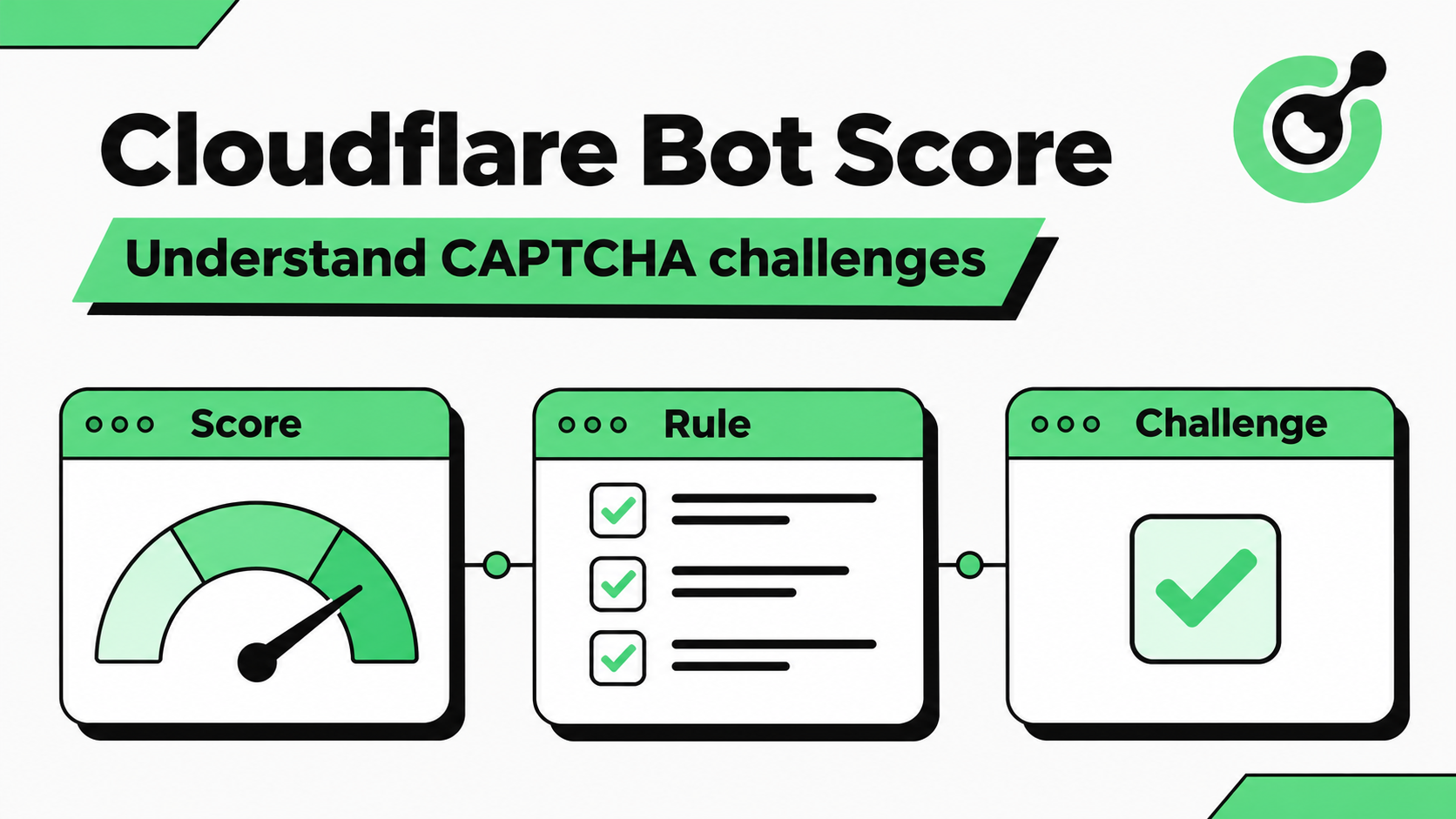
Consider this as a diagnostic sequence:
| Stage | Question to answer | Useful evidence |
|---|---|---|
| Request assessment | Was the request scored, and what assessment was available? | Authorized site analytics or logs |
| Policy decision | Which configured rule or protection applied? | Matching rule and action in the site's records |
| Browser response | Was there a challenge, a block, or another response? | Actual response and visible page state |
| Application outcome | Did the intended permitted operation complete? | Validated page content or application result |
The table is an investigation model, not a description of every internal Cloudflare evaluation phase. It helps prevent a common reporting mistake: calling all access failures “low score” without evidence of the score or matched rule.
If you manage the site, inspect the decision in your own account. If you operate an authorized integration against another organization's site, work with its owner when you need a rule-level explanation. The page response may tell you what happened without telling you why that policy was selected.
No universal score-to-puzzle mapping should be assumed. Rules can use different conditions and actions. Cloudflare's challenge-bad-bots guidance includes examples of score-based enforcement, but a documented example is not evidence that every protected website uses that threshold.
Even the word “challenge” does not always mean a visible image puzzle. The Challenge Page documentation explains that Managed Challenges adapt the verification experience to the request. Some verification can complete without a person selecting images; some cases require interaction.
For your workflow, record the response you can actually observe. Was there a full-page verification screen? Did an embedded widget appear? Was the request rejected without a solvable challenge? Those observations are more actionable than a guessed score.
Avoid assigning an invented score to an HTTP status. A status code is not a Bot Score lookup. Likewise, a successfully loaded page does not prove that the request received the highest possible score. It only establishes the outcome you checked for that operation.
When reporting a failure to colleagues, use language such as “the request received a Challenge Page” if that is the evidence. Reserve “the rule matched a low Bot Score” for cases where the site's records actually establish that relationship.
A browser client should not assume that another website exposes its internal request assessment. Cloudflare documents detailed score visibility for eligible site owners, while other configurations expose different analytics capabilities. A visitor's challenge screen is not a substitute for those authorized records.
For a site you own, start with your available analytics and request logs, then connect the relevant request to its action. Check your account's product capabilities instead of assuming that every plan has the same score fields. For a third-party site, request the information through the agreed operational contact when it is needed to support an authorized integration.
Be cautious with unofficial “score checkers.” A result from a different endpoint or website does not establish what another site's policy did to a separate request. In an incident report, keep independently observed facts separate from interpretations about the hidden assessment.
This is also why this guide does not provide a script that claims to calculate your Cloudflare Bot Score. Such an estimate would need evidence of what it measures and where it applies. An unexplained number would add confidence without improving the diagnosis.
Redeem Your CapSolver Bonus Code
Boost your automation budget instantly!
Use bonus code CAP26 when topping up your CapSolver account to get an extra 5% bonus on every recharge — with no limits.
Redeem it now in your CapSolver Dashboard
Once you identify a supported challenge in an authorized workflow, select the integration that matches it. CapSolver documents Cloudflare Challenge handling separately from standalone Turnstile tasks. Their inputs and results should not be treated as interchangeable.
The Challenge documentation identifies the AntiCloudflareTask task and its required context. The Turnstile documentation describes its own task contract. Use the current documentation for the observed case rather than choosing a task solely because the page mentions Cloudflare.
At an application level, the sequence is: identify the challenge, prepare the documented inputs, obtain the supported result, consume it through the appropriate integration, and check that the intended operation completed. Retain the association between that result and the operation that encountered the challenge.
This sequence does not make the solver a Bot Score management service. Neither the linked task contract nor the presence of a solution establishes a promised score for later requests. Do not describe successful challenge handling as permanent permission to access every protected page.
If the website denies the operation for another reason, investigate that reason separately. A solver cannot supply a missing application entitlement, repair an invalid business request, or turn an access policy into an authorization. Keep those outcomes distinct in your operational dashboard.
For an overview of the challenge itself, link your team to What Is Cloudflare Challenge?. Use this Bot Score guide for the preceding policy context rather than replacing the existing challenge tutorial.
Start with two questions: did the traffic change, and did the site's decision change? Review the affected time window, request path, application release, and visible result. On a site you manage, compare the actual rule actions with the requests they affected.
Keep challenge frequency separate from challenge-solving success. A workflow may encounter more challenges while handling the supported ones at the same rate. Or it may encounter the same number while failing to consume their results correctly. Those situations call for different fixes and should not be merged into a single claim about Bot Score.
If you can inspect the site's configuration, review recent authorized changes with the responsible team. If you cannot, share a concise incident description with the site owner: affected operation, timestamps, permitted collection method, and sanitized response evidence. Avoid presenting guessed thresholds as established facts.
For the solver portion, keep task identifiers, task type, error codes, and the application outcome after result consumption. Exclude credentials and raw cookies from public reports. This lets support distinguish an incorrect task choice from a later application failure without relying on speculation about scoring.
Do not respond to uncertainty by weakening protections on a production site. Test intended configuration changes in your own controlled environment and review their effect on legitimate use as well as security. For integrations you do not control, use the provider's supported access route and agreed troubleshooting process.
The practical aim is a clear account of what happened: a particular request encountered a particular action, a supported challenge was or was not handled, and the operation did or did not complete. CapSolver belongs in that documented challenge-handling step, with its result checked by your application.
Q: Is a Cloudflare Bot Score of 0 the best result?
No. It means the score was not computed. Do not interpret it as a human classification or permission to proceed.
Q: Does a CAPTCHA reveal my exact Bot Score?
No. The visible response alone does not establish the underlying score or all conditions used by the matching rule.
Q: Does every Cloudflare challenge require solving an image puzzle?
No. Managed Challenges can use different verification experiences, including ones without a visible image-selection task. Identify the actual challenge before choosing an integration.
Q: Will solving a challenge guarantee a higher score afterward?
No such guarantee follows from a solver result. Check successful result consumption and application completion without assigning an unsupported score to later requests.
Q: Should I use the same task for Turnstile and a full-page Cloudflare challenge?
No. Check the separate task documentation and the current page context. Similar branding does not make the inputs, outputs, or consumption steps identical.
Khadija Santos
AI Agent & MCP Engineer
Develops and maintains CapSolver’s MCP tooling, from implementation and package releases to AI agent integrations.
ABOUT THE AUTHOR
Monitor Turnstile solver success rates with a runnable Python log summary. Separate solver results, token validation, retries, and confirmed workflow completion.

Estimate Cloudflare Turnstile troubleshooting costs from solver usage, browser runtime, retries, and engineering time, with a clear worked budget example.