
🎉NEWCapSolver for AI agents-MCP, agent tools, and SDK integrations

Ethan Collins
AI Agent Workflow Engineer
Published Aug 13, 2026
Updated Aug 13, 2026 · min read
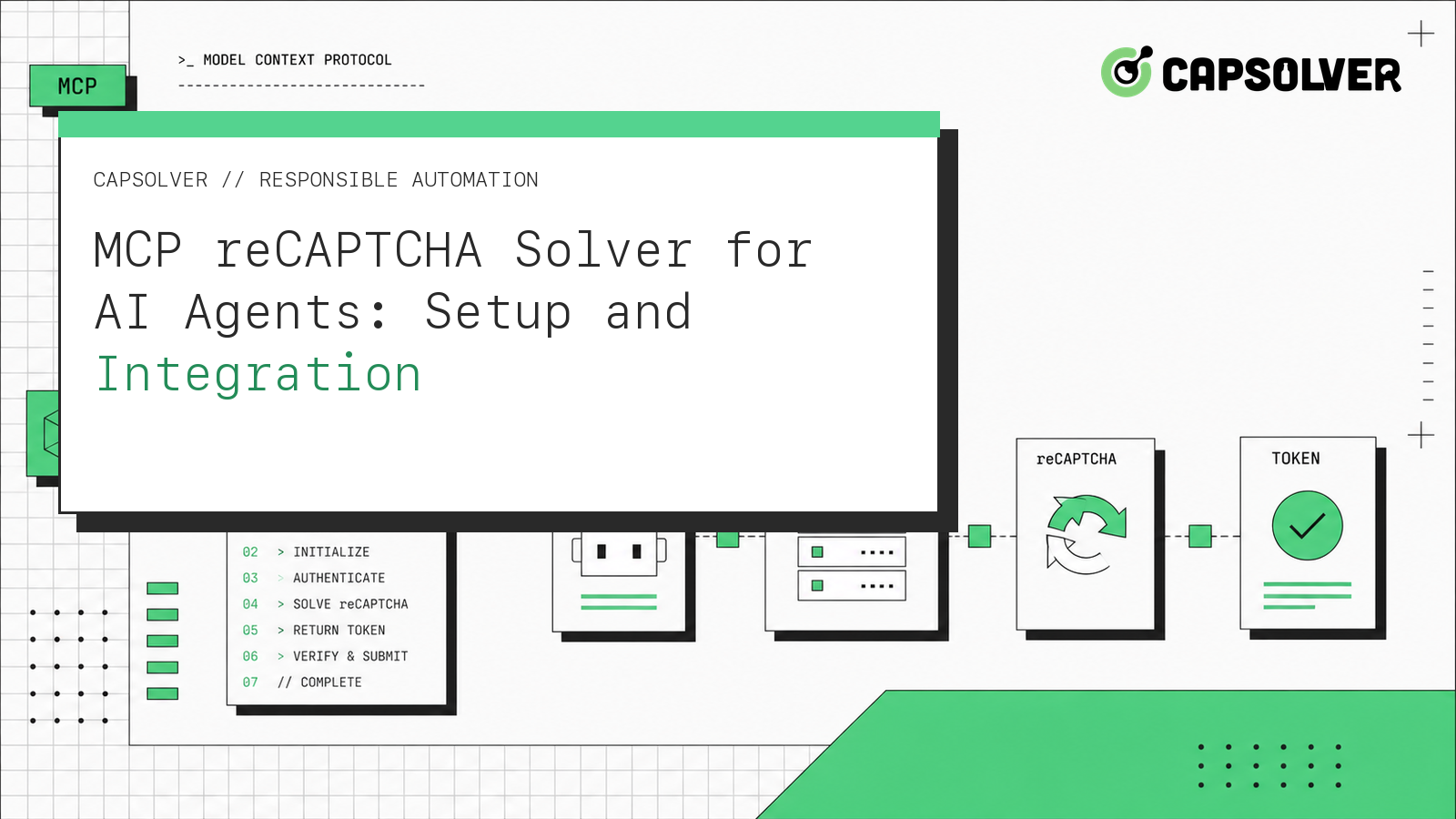
solve_captcha when the reCAPTCHA type, page URL, and public site key are known; browser mode can use detect_captchas or solve_on_page.An mcp recaptcha solver is most useful when a permitted AI-agent task already knows what reCAPTCHA it encountered and needs a structured recovery call. CapSolver exposes the official solve_captcha tool through capsolver-mcp, while detect_captchas and solve_on_page support browser-driven recovery. The integration should preserve the page URL, reCAPTCHA version, site key, browser session, and authorized action as one checkpoint. It should also stop rather than guess when any input changes. This tutorial uses only current names from CapSolver's AI documentation and limits agent capability to reCAPTCHA v2, reCAPTCHA v3 including Enterprise, and Cloudflare Turnstile. Use the pattern only for lawful, reasonable, responsible work on systems and data you are authorized to access.
Token mode is the simpler mcp recaptcha solver path. The client asks solve_captcha to solve a known type using the page URL and site key. Browser mode lets detect_captchas inspect a page or lets solve_on_page run detection, solving, and fill-back in the live Playwright context.
The CapSolver AI-agent architecture describes this recovery boundary. The core SDK modes explain solve, detect, get_captcha_info, and solve_on_page. The reCAPTCHA v2 client model documents the public site key and response lifecycle, while the reCAPTCHA v3 action model explains that site owners validate actions and scores on their backend.
Store the approved hostname, URL, reCAPTCHA version, site key, expected action, browser context ID, and a one-attempt counter outside the model transcript. The output of the mcp recaptcha solver should be a redacted terminal state such as RESUME, REJECTED, or REVIEW, not a reusable token in conversational memory.
Use the official package sequence:
pip install git+https://github.com/capsolver-ai/capsolver-core.git
pip install git+https://github.com/capsolver-ai/capsolver-mcp.git
Then configure the MCP client to launch capsolver-mcp with CAPSOLVER_API_KEY in its environment. The MCP service configuration documents the JSON block and the exact tools. A connected mcp recaptcha solver must reveal solve_captcha, detect_captchas, solve_on_page, get_balance, and get_supported_captchas. Stop if any name is missing or if an unexpected tool appears.
The agent tools reference shows how the same capability maps through get_all_tools and create_executor when a team owns the function-calling loop. This makes MCP and custom agent integrations consistent without inventing method names.
The safest tool demonstration is the documented natural-language form because the MCP server publishes its own input schema to the client:
Use the CapSolver solve_captcha tool for the reCAPTCHA v2 on
https://staging.example.org/login using the public site key 6Lc...
Return only a redacted success state and request identifier to the agent.
The inputs are the type, authorized page URL, and public site key. The tool output contains the solution data defined by the installed server. Trusted browser or application code must consume it immediately and verify the original action. The stop conditions are missing parameters, a different hostname, a v3 action mismatch, expired authorization, or one failed attempt. The MCP reCAPTCHA example for Cursor offers a client-specific sibling pattern, while the general MCP CAPTCHA workflow covers service discovery.
Redeem Your CapSolver Bonus Code
Boost your automation budget instantly!
Use bonus code CAP26 when topping up your CapSolver account to get an extra 5% bonus on every recharge — with no limits.
Redeem it now in your CapSolver Dashboard
An mcp recaptcha solver succeeds only when the original permitted task reaches its expected state. For reCAPTCHA v2, that may be a staging form confirmation. For reCAPTCHA v3, it is the protected action accepted under the site owner's policy. Do not move a result between hosts, sessions, actions, or accounts.
The reCAPTCHA token-invalid troubleshooting flow helps isolate bad parameters and stale context. If the service connects but tools fail, use the MCP server error checklist before changing application logic.
Log the approved hostname, challenge version, selected tool, start and finish time, terminal status, and a request identifier. Do not log credentials, cookies, or raw solution values. The W3C Trace Context standard provides a useful correlation model, and the OWASP logging principles help minimize sensitive data.
Test an invalid site key, wrong reCAPTCHA version, changed action, expired page, missing browser dependency, repeated challenge, and rejected application response. Every failure should terminate the mcp recaptcha solver branch with REVIEW after one attempt. A positive test should prove the same browser context finishes the original action and that the agent receives only the terminal state.
A dependable mcp recaptcha solver is a narrow sequence: discover the official MCP tools, bind verified reCAPTCHA inputs to one authorized checkpoint, call the appropriate tool once, and validate the protected action in the same session. Do not let the model expand scope or interpret uncertainty as permission. Teams implementing permitted agent workflows can use CapSolver as the reCAPTCHA recovery infrastructure.
Yes. Current CapSolver AI documentation covers reCAPTCHA v2 and v3, including Enterprise. The protected application still owns action and acceptance policy.
Use solve_captcha when type, URL, and site key are known. Use browser tools when detection and fill-back must occur in the live page context.
No. Bind it to the authorized URL, browser session, and protected action, then consume it immediately.
Use one bounded attempt. A repeat challenge, changed input, or rejected application state should move to review.
Ethan Collins
AI Agent Workflow Engineer
Building clearer handoffs between AI agents and tools.
ABOUT THE AUTHOR
Estimate CAPTCHA solving costs in Browser Use by separating agent runs, challenge types, billable solves, retries, and verified outcomes from browser costs.

Set up CapSolver MCP in Claude Code, check the available CAPTCHA tools, and choose token or page solving for a supported, authorized browser task.

