
🎉NEWCapSolver for AI agents-MCP, agent tools, and SDK integrations

Ethan Collins
AI Agent Workflow Engineer
Published Aug 12, 2026
Updated Aug 11, 2026 · min read
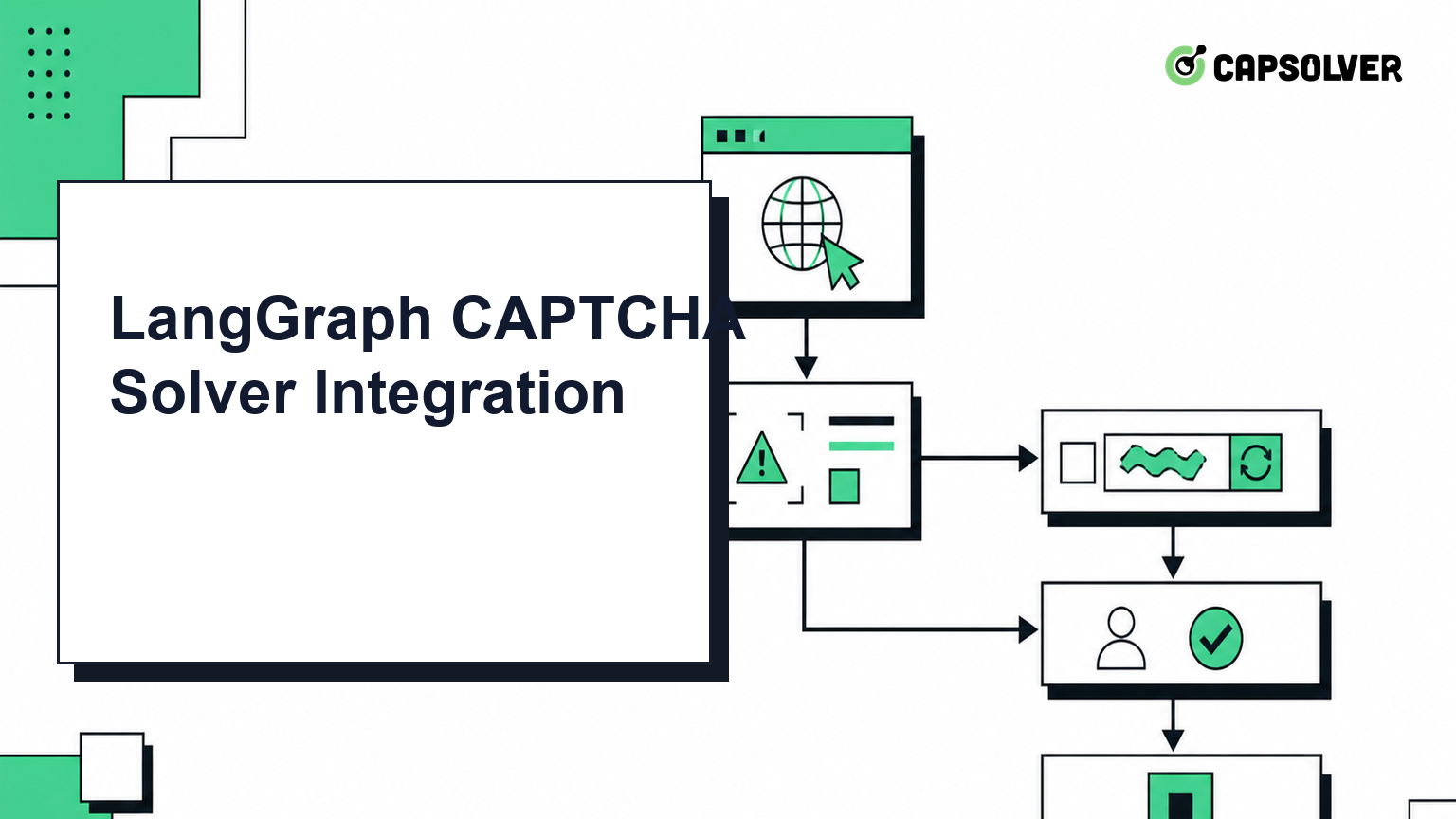
ready, failed, and timeout results through explicit edges so the agent cannot retry forever.A LangGraph CAPTCHA solver gives an AI workflow a controlled recovery path when an authorized browser task encounters a supported verification checkpoint. LangGraph remains responsible for orchestration, while CapSolver handles the specialized CAPTCHA task through an API or agent tool.
The useful design is a small state machine: browse, detect, request a solution, apply the token, verify the page result, and either continue or stop. This keeps CAPTCHA handling observable and prevents a model from improvising parameters or repeating calls without a limit.
Use this pattern only on sites and test environments you are authorized to automate. You need a LangGraph application, a browser-control layer, a CapSolver account, and a server-side secret store for CAPSOLVER_API_KEY. The browser step must be able to identify the challenge type and collect the parameters documented by CapSolver.
CapSolver's AI agent guide describes the supported agent workflow. The Core SDK documentation covers the programmatic interface, while the Agent Tools reference documents tool-oriented use.
The graph state should carry only the values required for routing and verification:
from typing import Literal, TypedDict

class AgentState(TypedDict, total=False):
    page_url: str
    captcha_type: Literal["recaptcha_v2", "recaptcha_v3", "turnstile"]
    website_key: str
    action: str
    task_id: str
    token: str
    captcha_status: Literal["not_found", "pending", "ready", "failed", "timeout"]
    attempts: int
Keep the API key outside this object. Graph state may be logged or checkpointed, so credentials belong in environment variables or an approved secret manager.
The solver node should translate known state into one supported CapSolver task. The following code is an illustrative boundary; connect it to the current official SDK or REST schema used by your service.
MAX_ATTEMPTS = 2

def solve_captcha(state: AgentState) -> AgentState:
    attempts = state.get("attempts", 0)
    if attempts >= MAX_ATTEMPTS:
        return {**state, "captcha_status": "timeout"}

    required = ("page_url", "website_key", "captcha_type")
    if any(not state.get(key) for key in required):
        return {**state, "captcha_status": "failed"}

    result = capsolver_client.solve({
        "type": state["captcha_type"],
        "websiteURL": state["page_url"],
        "websiteKey": state["website_key"],
        "action": state.get("action"),
    })
    return {
        **state,
        "attempts": attempts + 1,
        "token": result.get("token", ""),
        "captcha_status": "ready" if result.get("token") else "failed",
    }
Do not let the language model invent websiteKey, challenge type, or action. Extract those values from the active page or application configuration, then validate them before the tool call.
Redeem Your CapSolver Bonus Code
Boost your automation budget instantly!
Use bonus code CAP26 when topping up your CapSolver account to get an extra 5% bonus on every recharge — with no limits.
Redeem it now in your CapSolver Dashboard
LangGraph should route by observed state rather than by free-form model text:
def route_after_detection(state: AgentState) -> str:
    if state.get("captcha_status") == "pending":
        return "solve_captcha"
    return "continue_browser"

def route_after_solve(state: AgentState) -> str:
    if state.get("captcha_status") == "ready":
        return "apply_token"
    return "stop_with_diagnostic"
The apply_token node should operate on the same browser session that detected the challenge. After application, a separate verification node should inspect the application response, expected navigation, or server-side confirmation. A token alone is not proof that the workflow succeeded.
Classify failures before deciding what to do. Missing parameters are configuration problems. A rejected token may indicate an expired token, mismatched page URL, site key, action, or browser context. A service timeout is operational and may justify one bounded retry.
Record task_id, challenge type, elapsed time, and a sanitized error code. Do not store tokens, cookies, credentials, or sensitive page content in general agent traces. Escalate to a human when the page requests an action that should not be autonomous.
A reliable LangGraph CAPTCHA integration is a narrow, observable branch with explicit inputs and stop conditions. Keep browser orchestration in LangGraph, keep CAPTCHA parameters structured, and verify the business outcome after token application. CapSolver can provide the specialized CAPTCHA capability without turning the whole agent into an opaque recovery loop.
Q: Can LangGraph solve CAPTCHA by itself?
No. LangGraph orchestrates nodes and state; a separate authorized browser and CAPTCHA service performs the specialized work.
Q: Which CAPTCHA types should the graph support?
Start only with types documented by the current CapSolver agent surface, such as reCAPTCHA v2, reCAPTCHA v3, and Cloudflare Turnstile.
Q: Should the API key be stored in LangGraph state?
No. Store the API key in a server-side environment variable or secret manager because graph state may be persisted or logged.
Q: How many times should the node retry?
Use one or two bounded attempts and stop on repeated rejection, missing parameters, or authorization uncertainty.
Ethan Collins
AI Agent Workflow Engineer
Building clearer handoffs between AI agents and tools.
ABOUT THE AUTHOR
Estimate CAPTCHA solving costs in Browser Use by separating agent runs, challenge types, billable solves, retries, and verified outcomes from browser costs.

Set up CapSolver MCP in Claude Code, check the available CAPTCHA tools, and choose token or page solving for a supported, authorized browser task.

