🎉NEWCapSolver for AI agents-MCP, agent tools, and SDK integrations

Ethan Collins
AI Agent Workflow Engineer
Published May 07, 2024
Updated Jan 12, 2026 · min read
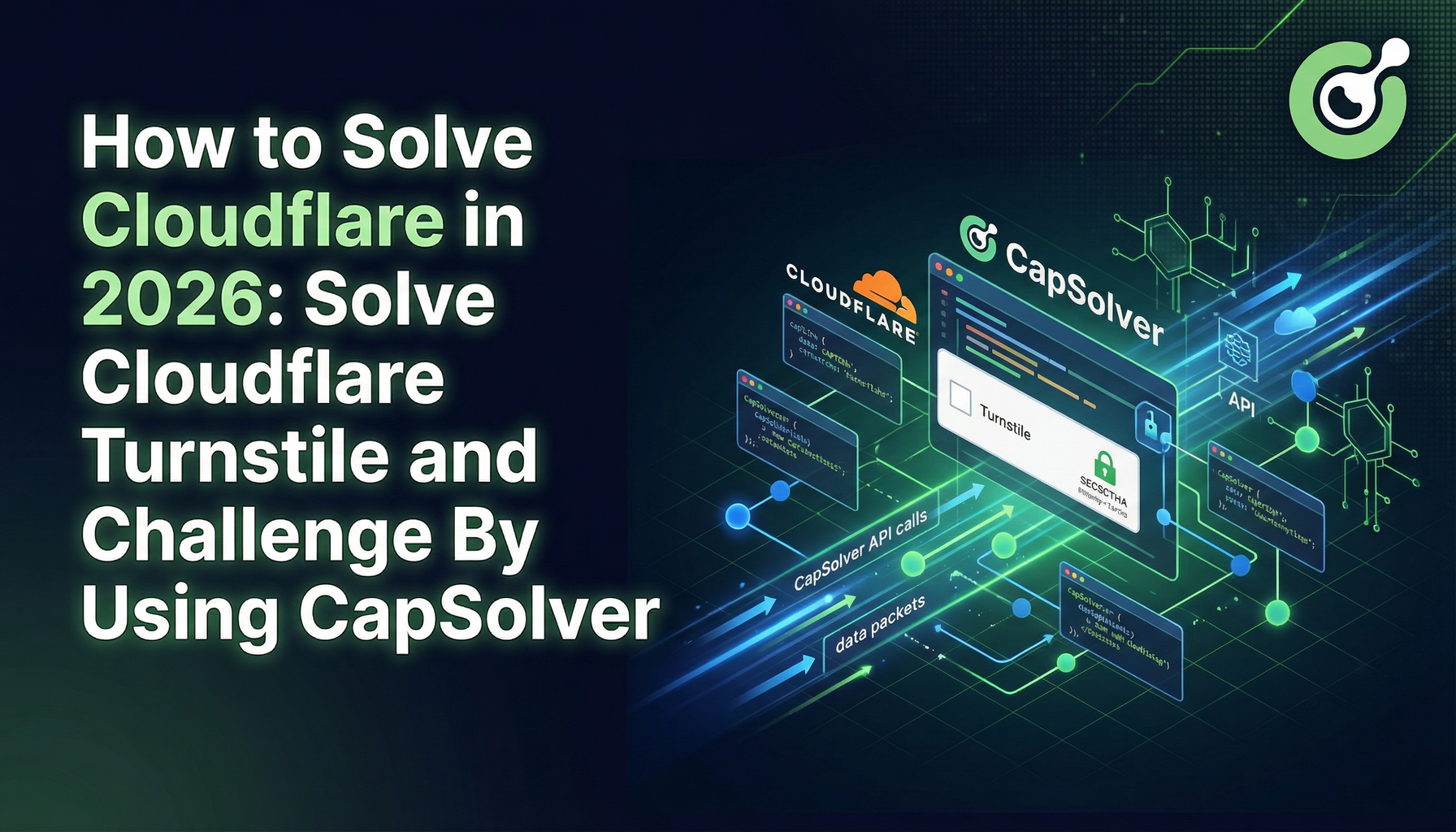
Cloudflare offers robust protection measures, including the Cloudflare Challenge and Turnstile CAPTCHA, to secure websites from malicious bots and automated scrapers. Understanding and overcoming these challenges can be crucial for those needing access beyond these protective barriers for legitimate purposes.
Cloudflare employs various techniques to detect and mitigate unwanted traffic. Among these are the Cloudflare Challenge, which often involves JavaScript challenges or CAPTCHA tests, and Turnstile, a more user-friendly CAPTCHA that minimizes user interaction. These systems are designed to distinguish between human users and automated bots effectively.
Automated Browsers:
puppeteer-extra-plugin-stealth can be used to pass the Cloudflare Challenge by emulating natural browser behavior.High-Quality Proxies:
CAPTCHA Solving Services:
First, let's take a look of how cloudflare challenge looks like:

Sometimes, this page could have turnstile

Redeem Your CapSolver Bonus Code
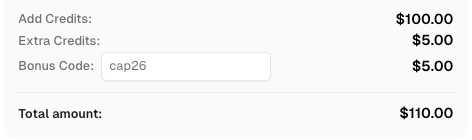
Don’t miss the chance to further optimize your operations! Use the bonus code CAP26 when topping up your CapSolver account and receive an extra 5% bonus on each recharge, with no limits. Visit the CapSolver Dashboard to redeem your bonus now!
If have a similar page where you must wait until the verification is completed and usually have additional checks with turnstile, then it's cloudflare challenge.
There are some requeriments for solve this type of challenge:
Token returned in the response of the method getTaskResult is the value of the cookie cf_clearance that you will need to create.# -*- coding: utf-8 -*-
import time
import requests
import tls_client
API_KEY = "" # TODO: your api key
page_url = '' # TODO: your page url 'https://example.com
proxy = "" # TODO: your proxy
def call_capsolver():
data = {
"clientKey": API_KEY,
"task": {
"type": 'AntiCloudflareTask',
"websiteURL": page_url,
"proxy": proxy,
}
}
uri = 'https://api.capsolver.com/createTask'
res = requests.post(uri, json=data)
resp = res.json()
task_id = resp.get('taskId')
if not task_id:
print("no get taskId:", res.text)
return
print('created taskId:', task_id)
while True:
time.sleep(1)
data = {
"clientKey": API_KEY,
"taskId": task_id
}
response = requests.post('https://api.capsolver.com/getTaskResult', json=data)
resp = response.json()
status = resp.get('status', '')
if status == "ready":
print("successfully => ", response.text)
return resp.get('solution')
if status == "failed" or resp.get("errorId"):
print("failed! => ", response.text)
return
def request_site(solution):
# TODO if you want to use tls_client
session = tls_client.Session(
client_identifier="chrome_120",
random_tls_extension_order=True
)
return session.get(
page_url,
headers=solution.get('headers'),
cookies=solution.get('cookies'),
proxy=proxy,
allow_redirects=True,
)
def main():
# first request:
res = request_site({})
print('1. response status code:', res.status_code)
if res.status_code != 403:
print("your proxy is good and didn't get the cloudflare challenge")
return
elif 'window._cf_chl_opt' not in res.text:
print('==== proxy blocked ==== ')
return
# call capSolver:
solution = call_capsolver()
if not solution:
return
# second request (verify solution):
res = request_site(solution)
print('2. response status code:', res.status_code)
if res.status_code == 200:
##print("2. response text:\n", res.text)
print("successfully passed the cloudflare challenge")
if __name__ == '__main__':
main()Cloudflare offer 3 types of cloudflare turnstile captcha
Managed challenge

Non-interactive challenge

Invisible challenge
not visible, you can check on the network / scripts loaded and see if turnstile is used
Turnstile CAPTCHA is Cloudflare’s replacement for traditional CAPTCHA challenges, focusing on user experience and security. Here’s how to approach solving it:
Understand the Challenge:
Integration of CAPTCHA Solving APIs:
Maintain Browser Consistency:
Adapt to JavaScript Challenges:
import time
from curl_cffi import requests

CAPSOLVER_API_KEY = "Your CAPSOLVER.COM API KEY"
PAGE_URL = ""
WEBSITE_KEY = ""

def solvecf(metadata_action=None, metadata_cdata=None):
    url = "https://api.capsolver.com/createTask"
    task = {
        "type": "AntiTurnstileTaskProxyLess",
        "websiteURL": PAGE_URL,
        "websiteKey": WEBSITE_KEY,
    }
    if metadata_action or metadata_cdata:
        task["metadata"] = {}
        if metadata_action:
            task["metadata"]["action"] = metadata_action
        if metadata_cdata:
            task["metadata"]["cdata"] = metadata_cdata
    data = {
        "clientKey": CAPSOLVER_API_KEY,
        "task": task
    }
    response_data = requests.post(url, json=data).json()
    print(response_data)
    return response_data['taskId']


def solutionGet(taskId):
    url = "https://api.capsolver.com/getTaskResult"
    status = ""
    while status != "ready":
        data = {"clientKey": CAPSOLVER_API_KEY, "taskId": taskId}
        response_data = requests.post(url, json=data).json()
        print(response_data)
        status = response_data.get('status', '')
        print(status)
        if status == "ready":
            return response_data['solution']

        time.sleep(2)


def main():
    start_time = time.time()

    taskId = solvecf()
    solution = solutionGet(taskId)
    if solution:
        user_agent = solution['userAgent']
        token = solution['token']

    print("User_Agent:", user_agent)
    print("Solved Turnstile Captcha, token:", token)

    end_time = time.time()
    elapsed_time = end_time - start_time
    print(f"Time to solve the captcha: {elapsed_time} seconds")

if __name__ == "__main__":
main()const axios = require('axios');
const CAPSOLVER_API_KEY = "";
const PAGE_URL = "";
const WEBSITE_KEY = "";
async function solvecf(metadata_action = null, metadata_cdata = null) {
const url = "https://api.capsolver.com/createTask";
const task = {
type: "AntiTurnstileTaskProxyLess",
websiteURL: PAGE_URL,
websiteKey: WEBSITE_KEY,
};
if (metadata_action || metadata_cdata) {
task.metadata = {};
if (metadata_action) {
task.metadata.action = metadata_action;
}
if (metadata_cdata) {
task.metadata.cdata = metadata_cdata;
}
}
const data = {
clientKey: CAPSOLVER_API_KEY,
task: task
};
const response = await axios.post(url, data);
console.log(response.data);
return response.data.taskId;
}
async function solutionGet(taskId) {
const url = "https://api.capsolver.com/getTaskResult";
let status = "";
while (status !== "ready") {
const data = { clientKey: CAPSOLVER_API_KEY, taskId: taskId };
const response = await axios.post(url, data);
console.log(response.data);
status = response.data.status;
console.log(status);
if (status === "ready") {
return response.data.solution;
}
await new Promise(resolve => setTimeout(resolve, 2000));
}
}
async function main() {
const start_time = Date.now();
const taskId = await solvecf();
const solution = await solutionGet(taskId);
if (solution) {
const user_agent = solution.userAgent;
const token = solution.token;
console.log("User_Agent:", user_agent);
console.log("Solved Turnstile Captcha, token:", token);
}
const end_time = Date.now();
const elapsed_time = (end_time - start_time) / 1000;
console.log(`Time to solve the captcha: ${elapsed_time} seconds`);
}
main().catch(console.error);Cloudflare’s security measures, including the Challenge and Turnstile CAPTCHA, are designed to protect websites from automated access while minimizing friction for legitimate users. For developers, testers, or businesses that require automated access for legitimate purposes, understanding these challenges and using robust solutions is key.
By combining high-quality proxies, browser automation with stealth techniques, and dedicated CAPTCHA-solving services like CapSolver , you can reliably bypass Cloudflare protections. The provided Python and Node.js examples demonstrate how to integrate CapSolver to handle both traditional Cloudflare challenges and Turnstile CAPTCHAs efficiently.
With proper implementation, automation workflows can achieve high success rates while maintaining compliance and minimizing detection.
Q1: What is the difference between Cloudflare Challenge and Turnstile CAPTCHA?
A1: The Cloudflare Challenge often involves JavaScript checks or visible CAPTCHAs to verify humans. Turnstile is Cloudflare’s newer, user-friendly CAPTCHA that may run invisibly in the background, reducing user interaction while still verifying authenticity.
Q2: Can Turnstile CAPTCHA be solved programmatically?
A2: Yes. Services like CapSolver analyze network traffic and user interactions to solve Turnstile challenges, either in visible or invisible forms.
Q3: Do I need to rotate proxies when solving Cloudflare CAPTCHAs?
A3: Using residential or high-quality rotating proxies is highly recommended. Cloudflare tracks IP behavior, so consistent IP usage reduces the risk of blocks.
Q4: Can I use the same browser session for multiple challenges?
A4: It’s best to maintain browser consistency per session, using the same user-agent, cookies, headers, and TLS version, as mismatches can trigger Cloudflare security.
Q5: How fast can CapSolver solve Cloudflare Turnstile CAPTCHA?
A5: CapSolver typically solves most Cloudflare challenges in a few seconds (often ~5s), depending on network conditions, proxy quality, and task complexity.
Q6: Are there official libraries/examples to integrate CapSolver?
A6: Yes, CapSolver provides official examples for Python and Node.js, as shown in the article, covering both Cloudflare Challenge and Turnstile CAPTCHA.
Ethan Collins
AI Agent Workflow Engineer
Building clearer handoffs between AI agents and tools.
ABOUT THE AUTHOR
Learn what a Cloudflare Challenge is, how Cloudflare detects bots using JavaScript and machine learning, and why challenges appear during browsing. Complete guide for 2026.
Learn how to fix the "failed to verify cloudflare turnstile token" error. This guide covers causes, troubleshooting steps, and how to defeat cloudflare turnstile with CapSolver.

Discover the best cloudflare challenge solver tools, compare API vs. manual automation, and find optimal solutions for your web scraping and automation needs. Learn why CapSolver is a top choice.
Learn how to handle Cloudflare Turnstile in vehicle data and public records automation. Use CapSolver and n8n to automate record scraping efficiently.