Cloudflare Turnstile Demo Guide for Safe Testing in 2026

Aloísio Vítor
Image Processing Expert
TL;DR
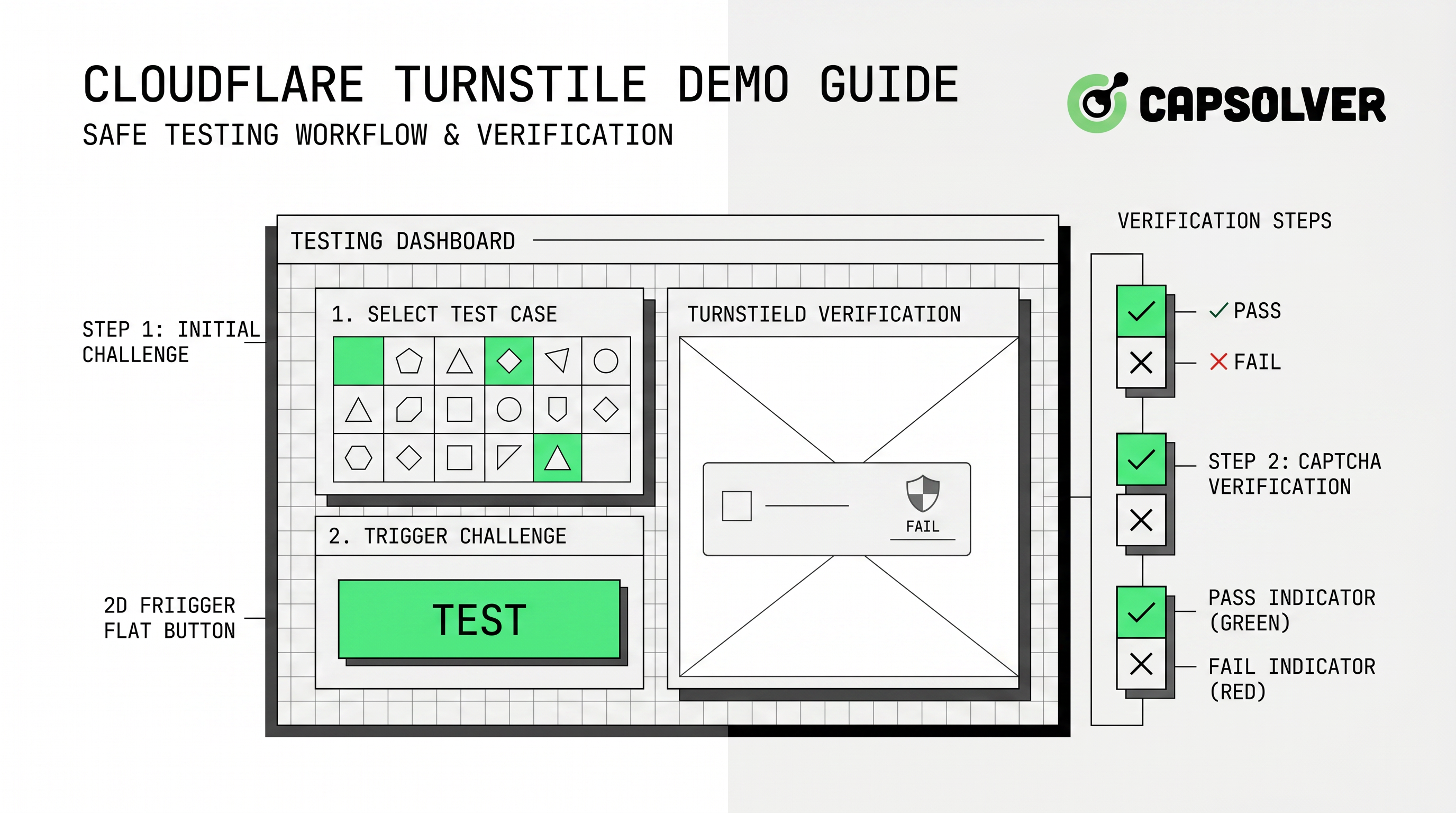
- A cloudflare turnstile demo should prove that your own form, widget, token validation, and error handling work before production release.
- Cloudflare provides dummy sitekeys and secret keys so teams can test success, failure, invisible, visible, and interactive scenarios without real challenge uncertainty.
- A safe demo separates local testing keys from production keys, verifies server-side validation, and records how each user flow behaves.
- Authorized automation teams can use CapSolver only where they own the workflow, have permission, and need controlled challenge handling for QA or public-data operations.
Introduction
A cloudflare turnstile demo is most useful when it is treated as a controlled QA environment, not a shortcut around a site owner’s security controls. In practice, the goal is to confirm that your own login, signup, checkout, or data-collection form handles Turnstile tokens correctly before real users depend on it. CapSolver fits this workflow when developers need responsible challenge handling in authorized browser automation, test monitoring, or public-data pipelines. Cloudflare’s own guidance supports this disciplined approach: Turnstile can run on any website, can work without showing visitors a traditional CAPTCHA, and includes dummy test keys for predictable local and CI tests through its Turnstile overview and testing documentation.
What a cloudflare turnstile demo should prove
A cloudflare turnstile demo should answer one operational question: can your application distinguish a valid Turnstile response from missing, failed, duplicate, or expired responses without breaking the legitimate user journey? This is broader than placing a widget on a page. The demo should cover client rendering, token submission, backend verification, user-friendly retry behavior, observability, and deployment separation between development and production.
Cloudflare describes Turnstile as a smart CAPTCHA alternative that can be embedded into a website without routing traffic through Cloudflare’s CDN. It adapts the challenge outcome to the visitor or browser and can use small non-interactive JavaScript checks before deciding whether a visual puzzle is necessary, according to the Cloudflare Turnstile product documentation. That means a realistic cloudflare turnstile demo needs to test more than one front-end state. It should also verify that your application remains accessible, understandable, and resilient when different challenge outcomes occur.
The safest starting point is to treat the demo as part of a broader Cloudflare Turnstile readiness plan. If your team also handles browser automation, QA crawlers, or form monitoring, connect the demo to a documented captcha solving API policy that defines which owned or authorized sites may be tested and which sites are out of scope.
Demo setup: keys, environments, and widget modes
Cloudflare’s testing guide is the center of a safe cloudflare turnstile demo because it provides predictable sitekeys and secret keys. The page lists visible and invisible keys that always pass, keys that always fail, and a visible key that forces an interactive challenge. It also lists secret keys that always pass validation, always fail validation, or return a duplicate-token style error through its dummy key matrix.
| Demo component | What to test | Why it matters |
|---|---|---|
| Visible widget success | The form submits after a valid token | Confirms the normal conversion path works. |
| Visible widget failure | The form blocks submission and explains retry steps | Prevents silent failure and support tickets. |
| Invisible widget success | Background validation does not confuse users | Protects low-friction forms and SPAs. |
| Interactive challenge | The page remains readable and accessible | Confirms real-user fallback behavior. |
| Duplicate or expired token | The backend rejects reused responses | Protects session integrity and replay handling. |
A mature cloudflare turnstile demo also uses separate environment variables. Development and test environments should reference dummy keys; production should reference real keys and allowed hostnames. Cloudflare’s testing documentation says dummy sitekeys work on localhost, 127.0.0.1, 0.0.0.0, and development domains. That makes them suitable for CI tests, but it also means teams should avoid mixing test keys and production secrets.
Where CapSolver fits in an authorized demo workflow
CapSolver is relevant when the cloudflare turnstile demo intersects with automation that your organization is allowed to run. For example, a QA team may need to confirm that a browser-based regression suite detects a Turnstile page state and routes the event to a controlled handling workflow. A public-data team may need to test how its own approved crawler reacts when a partner or owned page presents a validation step. In those cases, the workflow should be scoped, logged, rate-limited, and documented.
CapSolver’s official Turnstile documentation says the supported task type is AntiTurnstileTaskProxyLess, created through createTask and retrieved through getTaskResult. The task requires websiteURL and websiteKey, while metadata.action and metadata.cdata are optional when those attributes exist in the Turnstile element, according to the CapSolver Turnstile task guide. If your demo only needs Cloudflare dummy keys for your own application testing, use Cloudflare’s testing keys first. If your authorized automation workflow needs a challenge-handling provider, evaluate CapSolver as part of a governance review.
Redeem Your CapSolver Bonus Code
Boost your automation budget instantly!
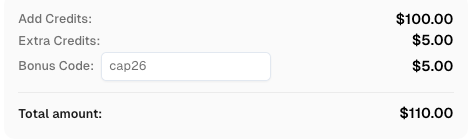
Use bonus code CAP26 when topping up your CapSolver account to get an extra 5% bonus on every recharge — with no limits.
Redeem it now in your CapSolver Dashboard
This is also where related CapSolver resources can help readers map concepts. The guide to identifying Turnstile parameters is useful when teams need to understand sitekey, action, and cdata values in a legitimate implementation. The broader Cloudflare blog hub helps compare Turnstile, Cloudflare Challenge pages, and automation workflows. If users encounter recurring validation failures during their own test cycles, the Turnstile verification failed troubleshooting article gives a practical starting point.
A practical cloudflare turnstile demo checklist
A reliable cloudflare turnstile demo is built in layers. First, the client page should load the widget once, render it in the intended mode, and pass the token with the form request. Second, the backend should verify the token on every protected action, not merely trust a client-side success state. Third, the error path should help legitimate users complete the action without exposing sensitive diagnostic data.
Cloudflare’s overview states that Turnstile supports managed, non-interactive, and invisible widget types. Managed mode decides whether to show a checkbox based on visitor risk; non-interactive mode avoids visitor interaction; invisible mode hides the widget from the visitor. Your cloudflare turnstile demo should test the mode that matches your user experience. For high-value forms, also test analytics and logs so product, security, and support teams can understand the challenge outcome rate without guessing.
OWASP’s automated-threat work is a useful reminder that unwanted automation can misuse valid application features, not just exploit software bugs. The OWASP Automated Threats project lists categories such as credential stuffing, scraping, account creation, spamming, and CAPTCHA defeat. For that reason, a cloudflare turnstile demo should include a written policy that defines allowed testing, privacy boundaries, rate limits, and incident-response ownership.
Common mistakes to avoid in a cloudflare turnstile demo
The most common mistake is testing only the happy path. If the cloudflare turnstile demo uses only a success key, the team may miss duplicate-token handling, backend rejection, or retry copy. The second mistake is treating local tests as proof of production readiness. Local tests are necessary, but production hostnames, real secret storage, monitoring, and rollback plans still need separate validation.
Another mistake is making compliance an afterthought. Automation capability does not grant permission to access private, restricted, sensitive, or unauthorized data. If your workflow includes web scraping, API monitoring, or browser automation, document why the access is allowed and how the system respects robots, terms, access controls, privacy rules, and rate limits. Readers who need broader governance context can review internal compliance notes and the article on solving Cloudflare Turnstile CAPTCHA for workflow framing.
Conclusion: make the demo boring, repeatable, and reviewable
A good cloudflare turnstile demo is boring in the best possible way: it produces predictable outcomes, records evidence, separates test and production keys, and gives every team the same answer about what happens when validation succeeds or fails. Start with Cloudflare’s dummy keys, validate server behavior, and only add automation handling when it is lawful, reasonable, and clearly authorized. For teams that need responsible challenge handling in approved QA, monitoring, or public-data automation, evaluate CapSolver.
FAQ
What is a cloudflare turnstile demo?
A cloudflare turnstile demo is a controlled test page or environment that shows how Turnstile renders, creates a token, submits that token, and handles backend validation. The best demos include success, failure, retry, invisible-widget, and duplicate-token scenarios.
Can I use Cloudflare dummy keys in local development?
Yes. Cloudflare’s testing documentation says dummy keys work on localhost, 127.0.0.1, 0.0.0.0, and other development domains. Use those keys for local and CI tests, then keep production keys separate.
How should automation teams handle Turnstile responsibly?
Automation teams should limit testing to owned or authorized workflows, log the purpose of each test, respect rate limits, and avoid private or restricted data. A documented AI and automation policy helps keep QA and monitoring work reviewable.
Which CapSolver resources help with Turnstile concepts?
Readers can start with a Cloudflare Turnstile glossary definition, then review parameter-focused guidance when they need to understand a legitimate sitekey, action, or cdata implementation.
More
CloudflareAug 31, 2026
Cloudflare Challenge Diagnostics: Session Identity and Verification
Diagnose Cloudflare Challenge flows with AntiCloudflareTask, stable proxy and user agent identity, fresh HTML, clearance handling, validation, and safe errors.

CloudflareAug 28, 2026
How to Solve Cloudflare Challenge for Property Price Monitoring
Build reliable property price monitoring with official datasets, comparable observations, Cloudflare Challenge Solving, evidence, and controlled alerts.

