
🎉NEWCapSolver for AI agents-MCP, agent tools, and SDK integrations

Ethan Collins
AI Agent Workflow Engineer
Published Jun 12, 2026
Updated Jun 12, 2026 · min read
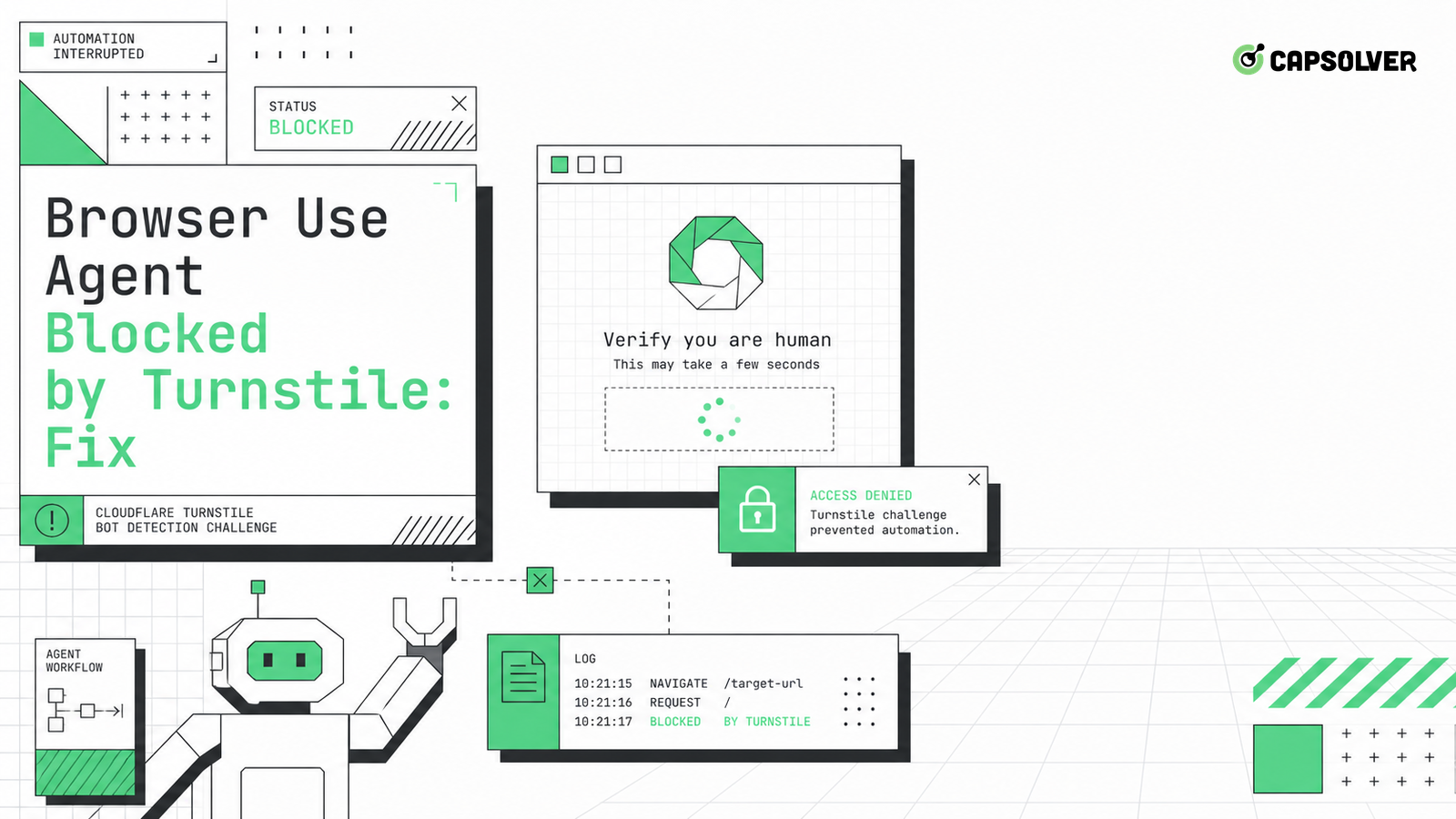
Browser Use adds a model planner on top of browser actions, so a Turnstile block can be a planning failure as much as a challenge failure. The agent may observe a validation screen, decide it is an obstacle, and repeat clicks or reloads until the session becomes harder to recover. CapSolver can support authorized Turnstile handling, but the fix starts by teaching the observe-act loop to stop, classify, and preserve state. For a Browser Use agent blocked by Turnstile, log the observation text, screenshot, current URL, last tool call, widget state, proxy route, storage state, and next planned action. The best repair is an explicit boundary between navigation, validation, and handoff.
Do not let Turnstile appear as an unexpected page fragment. Add it to the agent's planning vocabulary as a validation state with defined actions. A Browser Use agent blocked by Turnstile should classify the widget, pause ordinary navigation, and return a structured event. If the prompt only says "continue until done," the model can misread the widget as a button, advertisement, login panel, or temporary overlay.
Give the planner state names: normal_page, turnstile_visible, turnstile_processing, token_ready, server_checking, validation_failed, and operator_needed. Each state should have allowed actions. In turnstile_visible, the agent may collect allowed parameters, wait, or request an approved handling path. It may not reload, rotate routes, change accounts, or click unrelated controls. CapSolver's Browser Use integration path can be mapped into that state machine for permitted tasks.
This planner design reduces damage. It turns a vague block into a controlled pause, which protects the site, the account, and the operator's audit trail.
The observe-act loop should have a refusal vocabulary. If the observation contains a Turnstile iframe, a Cloudflare interstitial, a managed challenge marker, or a validation failure message, the next action should be classification, not another attempt. A Browser Use agent blocked by Turnstile often gets worse because the model keeps acting while the page expects a stable browser and user decision.
Return compact evidence to the planner: challenge type, widget visibility, page URL, screenshot ID, route ID, storage age, and last navigation. Avoid dumping secrets or large page text. The action layer should also include a maximum number of validation-state observations. After that budget, the agent should stop and report. This prevents a slow loop that spends browser time without changing the state.
The Turnstile server validation requirement is important because the page's browser-side result must still be checked by the application server. A planner that navigates away after token receipt can break that final verification. The loop should keep the context stable until the server response is known.
Turnstile has lifecycle states that page text does not reveal. The widget can be rendered, interactive, processing, expired, reset, solved on the client, or rejected by the server. A Browser Use agent blocked by Turnstile should track these states through DOM markers, iframe presence, callback events, network requests, and final response. Without state tracking, the model may repeat a step that already succeeded or miss the moment when the token expires.
Keep parameter capture separate from solving. CapSolver's Turnstile parameter checklist helps document site key, action, cData, page URL, and related values when they are visible and relevant. That record should be collected once per widget render. Re-collecting after reloads can change the state and invalidate the comparison.
The browser context must stay stable. Do not rotate proxy routes, clear storage, resize the viewport, or change locale between widget render and final submit. The browser fingerprinting guidance is a useful reminder that identity surfaces can be combined; sudden changes inside one validation flow create avoidable risk.
Redeem Your CapSolver Bonus Code
Boost your automation budget instantly!
Use bonus code CAP26 when topping up your CapSolver account to get an extra 5% bonus on every recharge — with no limits.
Redeem it now in your CapSolver Dashboard
Some Turnstile events should go to a human or stop entirely. The agent should not decide on its own to continue through sensitive actions, private account areas, payment steps, or restricted systems. Define policy before the run: which targets are authorized, which actions may use automatic challenge handling, which require human review, and which must stop on refusal.
Browser Use is powerful because the model can plan across pages, but that power needs boundaries. A Browser Use agent blocked by Turnstile should return a decision request when the next step affects access rights, data sensitivity, or account safety. CapSolver's AI automation boundaries can be translated into local policy: permitted target, permitted data class, permitted action, retry budget, and escalation rule.
The Robots Exclusion Protocol is not a full legal analysis, but it is a practical reminder that site access preferences belong in automation design. Responsible use means operating on owned properties, contracted environments, or workflows where the operator has clear permission. If the site or account policy says no, the agent stops.
Session stability is the final practical fix. Turnstile validation can fail when the browser loses cookies, the page reloads, the token is submitted from a different route, or the agent moves to a new page before server confirmation. Keep one browser context, one route, one account, and one page flow from widget render through final response. If a reset is required, record it as a new attempt with a new state ID.
Compare the Browser Use run with a manual run in the same permitted environment. Look for differences in script loading, iframe timing, consent state, redirect chain, and final server request. The Chrome Headless mode baseline can help explain mode differences, but do not assume mode is the cause until the comparison is fair.
When the fix is deployed, monitor challenge rate, validation success, planner stops, human handoffs, and final task success. If handoffs rise, improve planning or permission scoping. If validation succeeds but final tasks fail, inspect the application flow after Turnstile. A Browser Use agent blocked by Turnstile is fixed only when the full task completes responsibly.
A stop contract tells Browser Use what not to do. When Turnstile appears, the agent should stop ordinary page exploration, preserve the current context, capture allowed challenge evidence, and return a structured state. It should not reload, open a new tab, change routes, or click unrelated controls. This contract is especially important because Browser Use agents can otherwise keep planning around the widget as if it were a temporary obstacle.
The contract should be short enough for every task. Define the trigger, allowed observations, allowed handling path, timeout, retry budget, and stop condition. Include a rule for sensitive pages: if the target involves private accounts, payments, identity, or unclear authorization, return to a human operator. A Browser Use agent blocked by Turnstile is easier to fix when the model is not asked to improvise policy while it is already inside a validation state.
Observation text drives Browser Use behavior. If the agent only sees generic wording such as "verification required" or "checking your browser," it may not know that the correct next step is to pause. Add an observation classifier that maps visible page text, iframe markers, URL patterns, and screenshot labels into a validation state. The classifier should avoid exposing secrets and should return compact facts, not a full page dump.
Review failed runs by observation quality. If the observation missed the widget, improve detection. If it detected the widget but the planner clicked anyway, tighten allowed actions. If it stopped correctly but validation never completed, inspect session continuity and token timing. This audit makes a Browser Use agent blocked by Turnstile a measurable planner problem, rather than a subjective complaint about the model being confused.
A Browser Use repair is not complete when the agent stops on Turnstile. Measure what happens after the stop. Track automatic handling success, human handoff rate, operator decisions, resumed-task success, validation timeout, and final business outcome. A high stop rate with low completion means the planner is detecting Turnstile but not returning enough useful context for the next step.
Improve the handoff packet before changing the challenge path. Include the target URL, task goal, validation state, screenshot reference, route class, storage state age, and the exact action the agent wanted to take next. Exclude secrets, tokens, and personal data. This lets operators decide quickly whether the run is authorized, whether it should continue, and whether the Browser Use agent blocked by Turnstile is behaving within policy.
A minimal replay makes Browser Use failures reviewable. Save the task goal, observation sequence, chosen actions, stop reason, screenshot references, and final response class. Do not save tokens, credentials, personal messages, or raw private page content. The replay should be small enough for an engineer and an operator to review in one pass.
Use the replay to improve prompts and tool contracts. If the agent acted without a fresh observation, change the tool rule. If the agent stopped correctly but lacked context, improve the handoff packet. This closes the loop after a Browser Use agent blocked by Turnstile reaches production.
Review replays as a batch, not only one incident at a time. Repeated stop reasons show where the agent needs a better classifier, while scattered reasons usually point to target-specific policy or session variance. That pattern view keeps fixes focused and gives the team a concrete next experiment before another production run starts, with measurable acceptance criteria and review ownership.
The fix for a Browser Use agent blocked by Turnstile is an explicit validation state in the planner. Stop the observe-act loop, track widget lifecycle, define handoff policy, preserve the browser context, and read the final server result. This turns a vague obstacle into a controlled workflow.
For authorized Browser Use tasks that need supported Turnstile handling, test the validation boundary with CapSolver while keeping planner actions and widget state visible.
The planner may not classify the widget as a stop state. Add structured observations and allowed actions for validation states.
Not by default. Reloading can reset widget state, change parameters, or break the session that the server expects.
Use human review for sensitive data, private accounts, payment steps, uncertain authorization, or repeated validation failure.
Track rendered, processing, token returned, submitted, expired, reset, server accepted, and server rejected as separate states.
CapSolver fits as an approved challenge-handling step after the agent detects Turnstile and before final submission, only for authorized workflows.
Ethan Collins
AI Agent Workflow Engineer
Building clearer handoffs between AI agents and tools.
ABOUT THE AUTHOR
Evaluate a Turnstile solver API by its documented inputs, token response, validation boundary, and controlled test cases before adding it to your workflow.

Diagnose Cloudflare Challenge flows with AntiCloudflareTask, stable proxy and user agent identity, fresh HTML, clearance handling, validation, and safe errors.


