🎉NEWCapSolver for AI agents-MCP, agent tools, and SDK integrations

Lucas Mitchell
Automation Engineer
Published Oct 12, 2026
Updated Oct 12, 2026 · min read
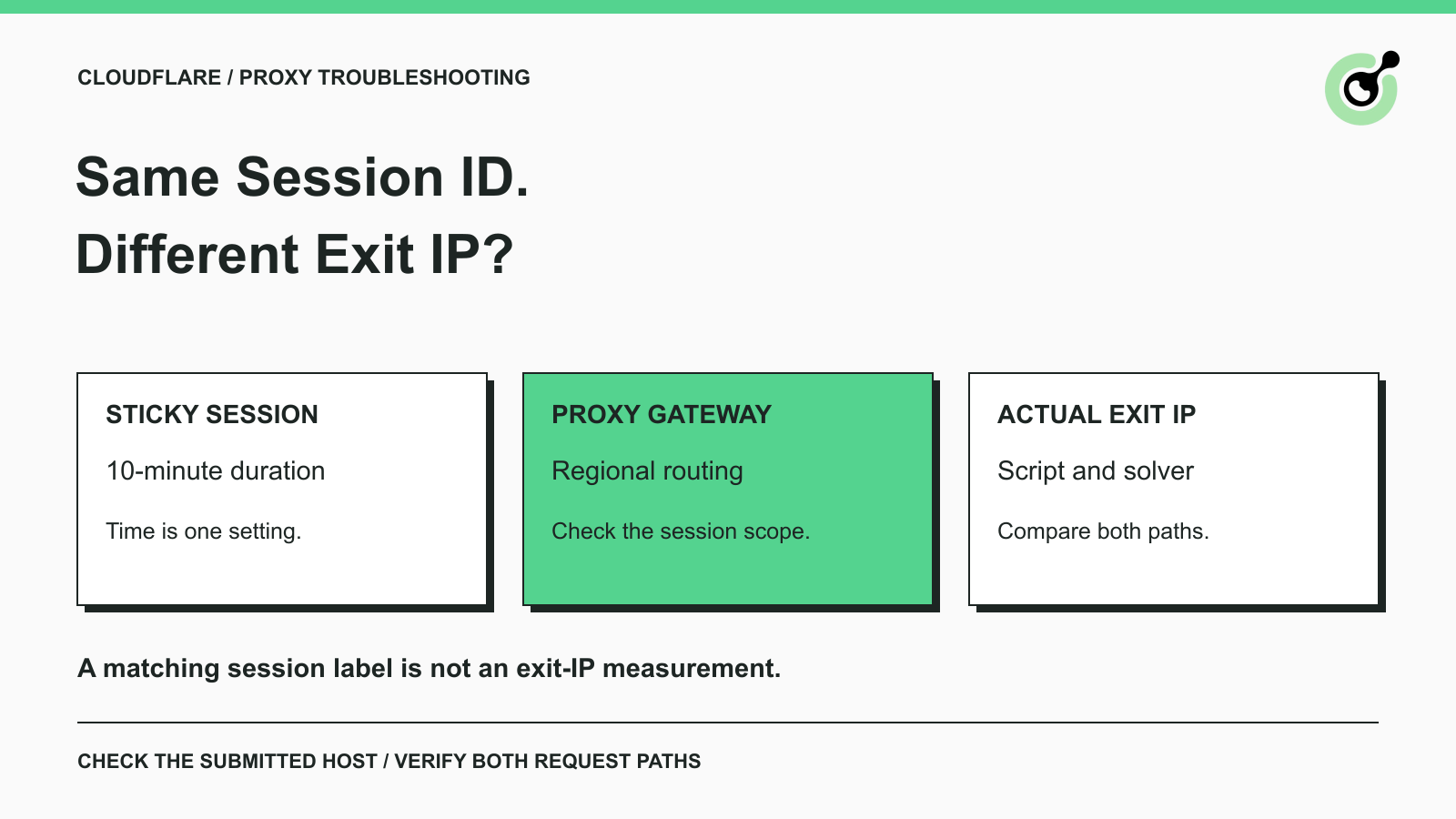
When using AntiCloudflareTask, you may receive:
Your proxy host uses dynamic DNS, which will result in different IP. Please change your proxy host to a specific region
This can happen even when the proxy is already in your script and its sticky session lasts 10 minutes. CapSolver checks the proxy host submitted with the task. To address this error, check the gateway endpoint first—not just the session duration.
The same session ID can map to different exits if two connections reach gateways that manage their sessions separately.
For example, your script and the solver may connect through the same global proxy hostname. Automatic routing can send them to different regional gateways. If those gateways maintain separate session mappings, each can assign a different exit IP to the same session ID.
Both allocations could remain sticky for 10 minutes. The duration is consistent, but the two exits are different. This is a possible routing design, not a rule for every proxy service.
Also distinguish the gateway from the exit: DNS resolves the hostname to a network address, as described in the MDN DNS overview. That gateway address is not necessarily the public IP seen by the target website.
This message tells you that the submitted proxy host matched CapSolver’s gateway check. It does not prove that an IP change was measured during your individual request, and it is not an error issued by Cloudflare.
The underlying concern is valid: Cloudflare’s challenge limitations state that receiving a Managed Challenge from one IP and solving it from another is unsupported. A longer sticky-session timer cannot fix separate gateway mappings.
Fix the endpoint, align both request paths, and then test a fresh attempt.
Ask your proxy service whether it provides another hostname for the same product, such as a US or EU regional entry point instead of an automatically routed global gateway.
You can ask:
Do you offer a region-specific endpoint that keeps the same exit IP when my script and a remote solver use identical sticky-session credentials?
If the service provides a supported fixed gateway IP instead, use its supplied address and connection instructions. Do not invent a hostname or replace it with an arbitrary IP from a DNS lookup. A fixed gateway address does not necessarily mean a fixed exit IP.
Changing to another generic hostname is not enough unless its routing behavior addresses the problem. Confirm the supported alternative with the service.
Set the replacement endpoint in both places:
proxy field submitted with AntiCloudflareTask.Keep the intended account, port, protocol, session ID, and region settings aligned. Follow the supported proxy formats; different clients may represent the same configuration differently.
A proxy configured only in your script does not automatically configure the remote solver. Check the actual outgoing task payload privately, without exposing passwords or API keys.
Redeem Your CapSolver Bonus Code
Boost your automation budget instantly!
Use bonus code CAP26 when topping up your CapSolver account to get an extra 5% bonus on every recharge — with no limits.
Redeem it now in your CapSolver Dashboard
Start a new attempt after changing the endpoint. Do not reuse challenge HTML or clearance data collected through the previous route.
The AntiCloudflareTask requirements specify a static or sticky proxy, recommend at least three minutes of session time, and require consistent supported client settings. If challenge HTML is needed, retrieve it freshly through the intended sticky proxy.
Check the actual exit IP using your own server logs or a controlled IP-check endpoint. Local stability only confirms the local path. If you cannot observe the solver’s path, ask support to correlate the connection records. Finally, confirm that the intended target page loads successfully.
If the exact message remains, verify that the task actually contains the replacement host, then contact CapSolver support with the error, timestamp, task ID if available, and redacted proxy configuration.
If the host error disappears but the challenge still fails, investigate the next failure separately. Cloudflare’s challenge troubleshooting guidance also identifies network and browser issues. The Cloudflare session diagnostics guide covers broader checks.
Use a supported regional entry point, align both proxy configurations, and verify the result. CapSolver supports the challenge-solving step in authorized workflows; session duration alone cannot establish exit-IP consistency.
Q: Is a 10-minute sticky session enough?
It exceeds the documented three-minute recommendation, but does not guarantee that separate clients share one gateway session mapping or exit IP.
Q: Can I keep the same session ID after changing the gateway?
Follow your proxy service’s session rules. Keeping the label does not guarantee the old exit remains assigned. Begin a fresh challenge attempt after changing the route.
Q: Does a regional gateway guarantee success?
No. It can address automatic regional routing, but you still need consistent exits, correct task inputs, and a successful target-page response.
Lucas Mitchell
Automation Engineer
Helping browser automation recover and continue.
ABOUT THE AUTHOR
Diagnose Turnstile invisible mode problems by checking script loading, execution, token delivery, and validation before adding a solver to automation.

Evaluate a Turnstile solver API by its documented inputs, token response, validation boundary, and controlled test cases before adding it to your workflow.