🎉全新面向 AI Agent 的 CapSolver-MCP、agent 工具和 SDK 集成

Ethan Collins
AI Agent Workflow Engineer
已发表 Aug 21, 2026
已更新 Aug 21, 2026 · 最小阅读量
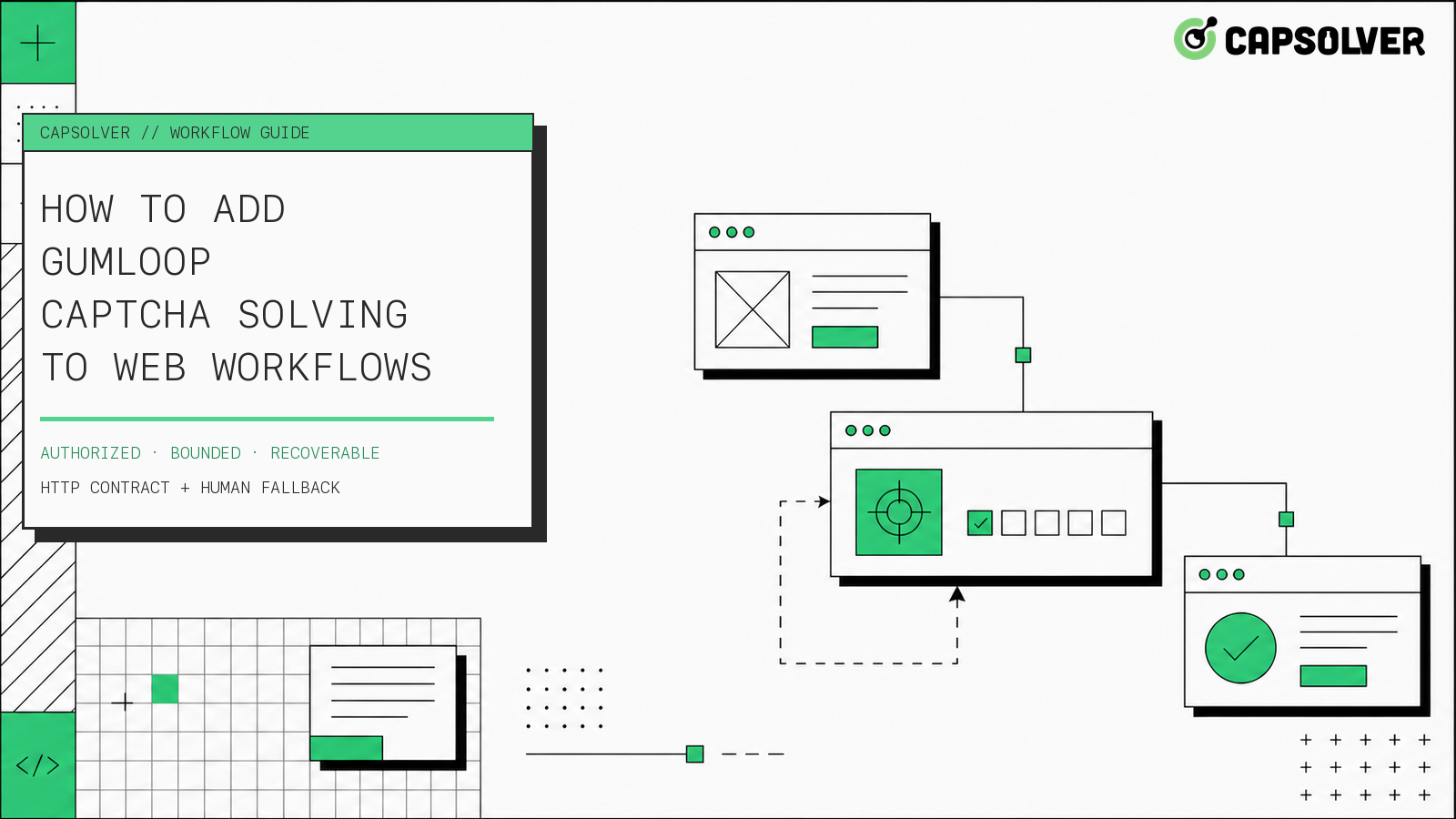
NO_CHALLENGE、RECOVERED、REVIEW和STOP),而不是开放式的模型决策。Gumloop验证码解决作为围绕授权浏览器任务的受控恢复分支效果最佳,而不是作为假设的原生集成。Gumloop可以协调输入、HTTP调用、路由和错误路径,而外部浏览器工作者则保留页面会话并应用验证结果。CapSolver可以在该工作者中提供文档化的验证码层。这种分离很重要,因为API结果本身并不能证明原始页面已推进。工作流必须检查浏览器状态,强制执行重试预算,并在授权或会话连续性不确定时停止。下面的模式适用于您有权访问的系统和数据的合法、合理、负责任的自动化。
在本指南的研究过程中,未验证官方的Gumloop-CapSolver原生连接器。因此,Gumloop验证码解决需要一个显式的前提条件:您的团队必须运营一个拥有授权浏览器会话并暴露一个狭窄恢复端点的HTTPS服务。这不是Gumloop的私有API、隐藏节点,也不是Gumloop官方集成CapSolver的声明。
该边界遵循Gumloop文档化的能力。其 调用API节点 可以向HTTPS端点发送带有标头和请求体的GET或POST请求。其 输入节点合同 可以从用户、网络钩子或默认值接收值。这些功能足以调用您组织控制的服务,但它们本身不会创建或保留浏览器会话。
请先准备这些组件:
如果任何组件缺失,请将Gumloop验证码解决保持在设计或测试状态。不要替换未经验证的Gumloop节点或将生产API密钥放在普通工作流文本中。
可靠的Gumloop验证码解决设计将编排与浏览器执行分离。Gumloop画布应建模决策路径;浏览器工作者应拥有挑战检测、CapSolver调用、结果应用和页面验证。
工作流以包含不透明运行参考的网络钩子或手动输入开始。不要发送cookies、密码、原始HTML或浏览器存储转储。一个最小的事件可能如下:
{
  "run_id": "run_01JX...",
  "session_ref": "browser_session_7f2a",
  "approved_host": "portal.example",
  "approved_action": "submit_owned_test_form",
  "observed_state": "CHALLENGE_DETECTED",
  "challenge_type": "recaptcha_v2",
  "attempt": 0
}输入是对已批准执行的引用。此阶段的输出是有效的恢复请求或STOP。如果主机、操作或会话引用缺失或超出策略,工作流将立即停止。
配置一个调用API节点,向组织拥有的端点(如https://automation.example.net/v1/browser/recover)发送POST请求。使用托管凭证作为服务授权标头。正文应传递有限的事件字段,而不是CapSolver API密钥。
{
  "run_id": "{{run_id}}",
  "session_ref": "{{session_ref}}",
  "approved_host": "{{approved_host}}",
  "approved_action": "{{approved_action}}",
  "challenge_type": "{{challenge_type}}",
  "attempt": "{{attempt}}",
  "max_attempts": 1
}
此JSON是您服务的通用HTTP合同。它不是Gumloop导出,也不是CapSolver API请求。在实现之前,请确认您的Gumloop工作区中可用的变量插值和凭证控制的准确性。
服务应返回一个Gumloop可以路由的小响应,而无需看到原始解决方案值:
{
  "state": "RECOVERED",
  "run_id": "run_01JX...",
  "correlation_id": "recovery_91c8",
  "attempts_used": 1,
  "continuation_verified": true,
  "reason": "expected form step became visible"
}有用的终止响应包括NO_CHALLENGE、RECOVERED、REVIEW和STOP。临时服务故障可以返回RETRYABLE_ERROR,但Gumloop应在再次调用之前消耗其一次重试预算。不要将缺失状态、无法解析的正文或HTTP 200的未知值视为成功。
使用 Gumloop路由器的标准模式 进行精确状态匹配。挑战恢复是一个确定性控制问题,因此不需要模型解释。
| 状态 | Gumloop分支 | 必要操作 |
|---|---|---|
NO_CHALLENGE |
继续 | 仅在预期页面状态已存在时恢复 |
RECOVERED |
继续 | 要求 continuation_verified=true |
RETRYABLE_ERROR |
重试一次 | 增加尝试计数器,然后在重复时停止 |
REVIEW |
人工队列 | 保留脱敏证据并结束自主执行 |
STOP |
终止 | 在不进行其他浏览器操作的情况下关闭运行 |
| 未知或空 | 终止 | 将格式错误的输出视为 STOP |
此表定义了Gumloop验证码解决的输出,而不是提供者的内部任务状态。提供者状态必须在终端响应到达工作流之前在恢复服务中解决。
使用Gumloop的 错误防护故障分支 包装调用API节点。仅对需要调查失败调用的非秘密输入字段启用透传。错误路径应创建审核记录或发送警报;它不应自动重新连接到浏览器操作。
传输错误、提供者错误、应用拒绝和不支持的挑战需要不同的证据。将这四个合并到一个重试分支中会使Gumloop验证码解决难以操作,并可能在终端故障后产生重复流量。
恢复服务是官方CapSolver字段的所在地。createTask请求接受clientKey和任务对象。getTaskResult响应使用errorId、status和solution处理异步任务。官方响应指出,processing结果可在三秒后再次查询。
以下Python示例仅实现reCAPTCHA v2适配器。它使用了reCAPTCHA v2任务定义中记录的ReCaptchaV2TaskProxyLess、websiteURL和websiteKey字段。浏览器特定的检测和应用函数是您的工作者拥有的占位符;它们不是Gumloop或CapSolver API方法。
import os
import time
import requests

CAPSOLVER_KEY = os.environ["CAPSOLVER_API_KEY"]
CREATE_TASK = "https://api.capsolver.com/createTask"
GET_RESULT = "https://api.capsolver.com/getTaskResult"
APPROVED_HOSTS = {"portal.example"}


def solve_recaptcha_v2(website_url: str, website_key: str) -> dict:
    created = requests.post(
        CREATE_TASK,
        json={
            "clientKey": CAPSOLVER_KEY,
            "task": {
                "type": "ReCaptchaV2TaskProxyLess",
                "websiteURL": website_url,
                "websiteKey": website_key,
            },
        },
        timeout=15,
    ).json()

    if created.get("errorId") or not created.get("taskId"):
        return {"state": "REVIEW", "reason": "task creation failed"}

    for _ in range(4):
        time.sleep(3)
        result = requests.post(
            GET_RESULT,
            json={"clientKey": CAPSOLVER_KEY, "taskId": created["taskId"]},
            timeout=15,
        ).json()

        if result.get("errorId"):
            return {"state": "REVIEW", "reason": "provider returned an error"}
        if result.get("status") == "ready":
            return {"state": "SOLUTION_READY", "solution": result["solution"]}
        if result.get("status") != "processing":
            return {"state": "REVIEW", "reason": "unexpected task status"}

    return {"state": "STOP", "reason": "poll budget exhausted"}


def recover_authorized_session(event: dict, browser_store) -> dict:
    if event.get("approved_host") not in APPROVED_HOSTS:
        return {"state": "STOP", "reason": "host outside approved scope"}
    if event.get("attempt", 0) >= event.get("max_attempts", 1):
        return {"state": "STOP", "reason": "attempt budget exhausted"}

    page = browser_store.get(event["session_ref"])
    if page is None:
        return {"state": "REVIEW", "reason": "browser session unavailable"}

    info = detect_supported_challenge(page)  # your verified browser adapter
    if info is None:
        return {"state": "NO_CHALLENGE"}
    if info["type"] != "recaptcha_v2":
        return {"state": "REVIEW", "reason": "adapter not configured"}

    solved = solve_recaptcha_v2(info["website_url"], info["website_key"])
    if solved["state"] != "SOLUTION_READY":
        return solved

    apply_solution_in_same_session(page, solved["solution"])
    if not verify_expected_transition(page, event["approved_action"]):
        return {"state": "REVIEW", "reason": "application did not advance"}

    return {"state": "RECOVERED", "continuation_verified": True}
函数输入是批准的运行事件加上一个不透明的浏览器会话引用。其输出是Gumloop的终止状态。它在未批准的主机、用尽尝试预算、缺失浏览器会话、不支持的适配器、提供者错误、意外任务状态、轮询预算耗尽或应用验证失败时停止。
不要将v2任务对象用于其他挑战类型。从官方的reCAPTCHA v3任务指南和Cloudflare Turnstile任务指南创建单独的适配器。保持每个适配器的所需字段、返回的解决方案、浏览器应用逻辑和验证断言隔离。
领取您的CapSolver优惠码
立即提升您的自动化预算!
在充值CapSolver账户时使用优惠码 CAP26,每次充值可获得额外 5% 的奖励 —— 没有限制。
现在在您的 CapSolver仪表板 中领取
会话连续性是Gumloop验证码解决的决定性边界。解决方案可以技术上有效,但在返回到不同页面、cookie库、用户代理、代理身份、路由或受保护操作时仍可能失败。
Gumloop工作流应传递一个不透明的session_ref;它不应从复制的字段重建浏览器状态。恢复工作者解析该引用,确认当前URL和挑战,应用结果在同一个浏览器上下文中,并检查特定的应用断言。例如,表单步骤变得可见、拥有的QA路由完成或预期的公共页面元素出现。
应用验证必须强于“HTTP调用成功”。相邻的n8n恢复诊断说明了为什么工作流平台需要单独的恢复后检查。在Gumloop中,将该检查建模为工作者响应的一部分,并在成功分支运行前要求continuation_verified=true。
一个良好的Gumloop验证码解决流程有两个预算:恢复服务内的提供者轮询预算和Gumloop中的工作流重试预算。它们解决不同的问题。
提供者轮询预算控制服务等待仍在处理的任务的时间。工作流重试预算控制Gumloop在临时传输错误后是否可以再次调用恢复服务。一个合理的起始策略是一次工作流恢复尝试和一个小型的、定时的提供者轮询循环。仅从观察到的授权工作负载中调整这些值。
在以下情况下应停止而不重试:
工作流应记录停止原因、相关ID、尝试次数和脱敏的目标标识符。它不应在常规日志中存储API密钥、cookies、原始解决方案值或不必要的页面内容。
Human fallback depends on which Gumloop surface you operate. For a standard workflow, route REVIEW to a notification, ticket, sheet, or other manual queue, then end the autonomous browser action. Do not claim that every workflow can pause indefinitely unless your own Gumloop plan and configuration prove it.
Gumloop separately documents human approval for agent tool calls. If the recovery action is exposed to a Gumloop agent as an approved tool, you can require approval before the tool call and let the agent resume after a decision. That is an agent-control option, not proof of a CapSolver connector and not a substitute for the recovery service's authorization checks.
An operator reviewing Gumloop CAPTCHA solving evidence should see:
Approval should permit one named action, not expand the run to a new host or data scope.
Validate Gumloop CAPTCHA solving with fixtures on a system you own or are authorized to test. The acceptance suite should cover both the Gumloop canvas and the browser worker.
NO_CHALLENGE event and confirm the workflow continues without calling the recovery endpoint.RECOVERED only after the application assertion passes.processing until the provider poll budget expires and confirm the service returns STOP.REVIEW.The final test evidence should answer four questions: Was the run authorized? Was the challenge adapter documented? Did the same browser session continue? Did the intended application state advance? A “yes” from the API call alone is not enough.
Gumloop CAPTCHA solving is reliable when Gumloop remains the orchestrator and an authorized browser service owns session-sensitive recovery. Use documented Input, Call API, Router, and Error Shield behavior; expose a small HTTP contract; keep retries bounded; verify the original page transition; and route uncertainty to review. Do not claim a native connector or copy browser state into the workflow. For approved web automation that needs documented reCAPTCHA v2/v3 or Cloudflare Turnstile handling behind these controls, evaluate CapSolver as the recovery component inside your service boundary.
No official native Gumloop–CapSolver connector was verified for this guide. The implementation uses Gumloop's documented HTTP and routing capabilities to call an organization-owned recovery service that integrates CapSolver.
The Call API node can send POST requests, but direct calls can expose provider credentials and still do not preserve or resume a browser session. A narrow server-side recovery service is the safer operational boundary because it stores the key, owns the session, applies the result, and returns only a verified state.
For this agent-oriented pattern, configure separate documented adapters for reCAPTCHA v2, reCAPTCHA v3 including Enterprise where applicable, and Cloudflare Turnstile. Do not reuse fields across task types or treat an unsupported type as a retryable error.
Start with one workflow recovery attempt. Keep provider polling inside the recovery service with its own time and query budget. Stop when the challenge repeats, session continuity is lost, the provider returns an error, or application verification fails.
Use human review when authorization is unclear, the browser session is missing, the challenge type is unsupported, the response is malformed, the attempt budget is exhausted, or the expected page transition does not occur. Review must not expand the approved host, action, or data scope.
Ethan Collins
AI Agent Workflow Engineer
Building clearer handoffs between AI agents and tools.
关于作者