
🎉NEWCapSolver for AI agents-MCP, agent tools, and SDK integrations

Lucas Mitchell
Automation Engineer
Published Nov 16, 2026
Updated Nov 16, 2026 · min read
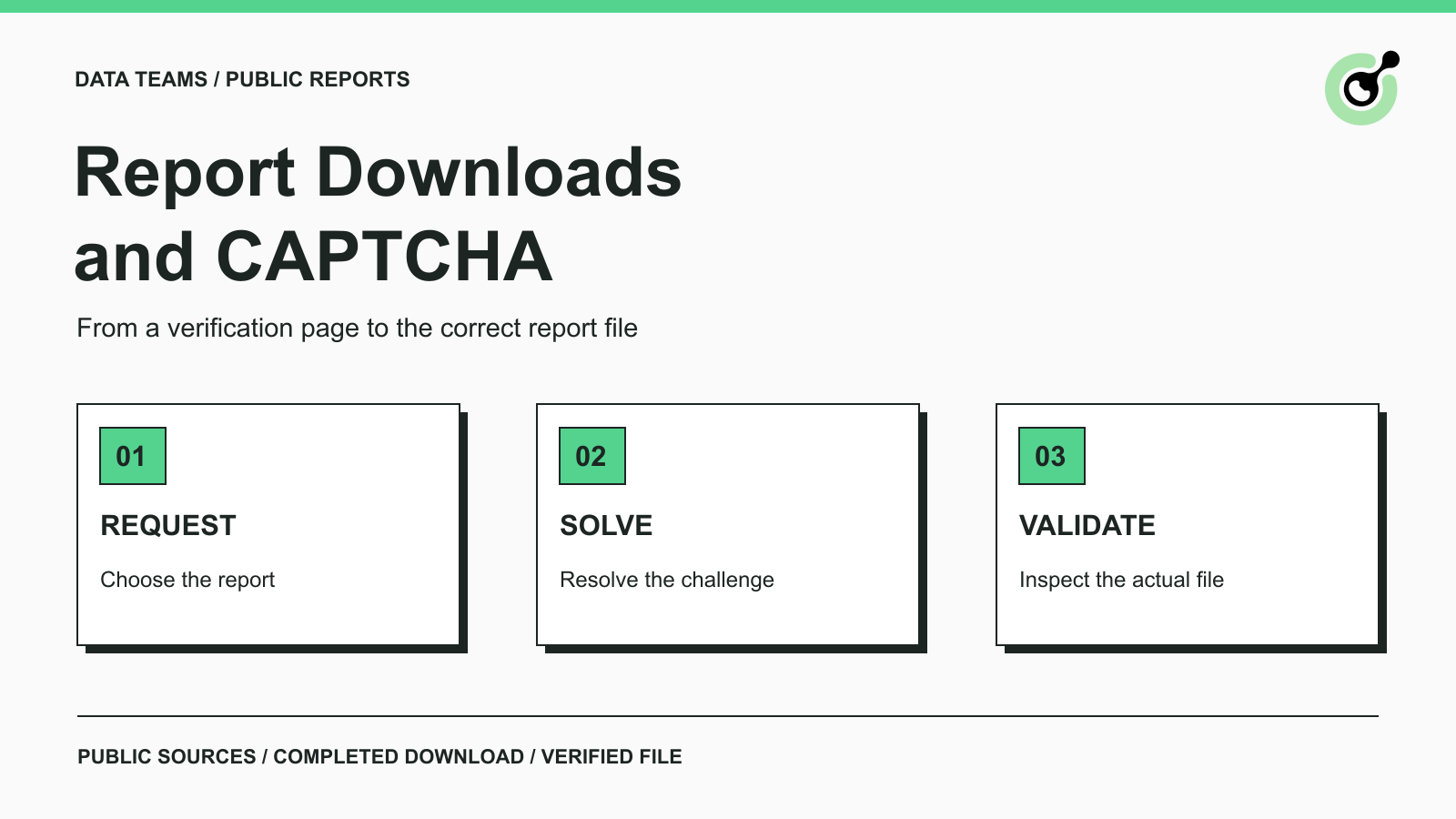
A research team opens a public industry report, selects Download, and receives a verification page instead of a PDF. A browser user can see the interruption. An automated collector may save that response under the expected filename and pass it to the next processing step, where the error looks like a broken document or an empty summary.
The fix begins before document extraction. CapSolver can supply the solving step for a supported CAPTCHA in an authorized download workflow. Your collector must still complete the download and check the file. This guide follows that sequence for public reports and company publications, with particular attention to the boundary between a verification result and an actual document.
Identify the page returned by the download attempt before retrying it or calling a solver.
CAPTCHA interruptions during PDF retrieval are a documented issue. Paperpile's PDF download guidance distinguishes CAPTCHA-blocked downloads from restricted publisher access and missing files. The distinction is useful even if you use a different document collector. It does not imply a CapSolver integration with Paperpile.
Inspect the browser response for a visible verification prompt and the expected challenge component. If the source instead asks for a subscription or organizational login, a solving result does not supply that entitlement. If the document has moved, find its current official publication page rather than treating every failed request as a CAPTCHA.
Keep the investigation tied to the intended public report. A search result, a publication landing page, and the downloadable file are different resources. The landing page may load normally while the file request encounters an additional check.
Record the report title, publisher, edition or reporting period, and official landing page before attempting retrieval. The file URL can change without changing the publication identity.
For an illustrative market report, the task might be “the publisher's latest public quarterly industry report in English.” If a challenge interrupts the request, keep that requirement attached to the attempt. A later download of a previous edition is not a successful replacement merely because it opens correctly.
Use a supported feed, repository export, or document API where it meets the report requirement. Use a browser path only when it is necessary and permitted by the publisher.
Before adding the solver, establish the following:
A CAPTCHA may appear before a form submission or during navigation to a document. Identify which point failed. Solving a challenge on a general homepage does not establish that a separate download request has been accepted.
This is a file-retrieval workflow guide, not a site-specific collector. It does not prescribe selectors for an untested publisher or claim that every PDF source accepts the same integration.
Resolve the observed, supported CAPTCHA and then continue the original report request through the approved page flow.
For an image containing characters, the ImageToTextTask reference defines the recognition interface. Its output is text for the challenge, not extracted text from the report. Keep those two recognition jobs separate.
A reCAPTCHA widget needs the corresponding reCAPTCHA v2 task configuration, including the relevant page context. Do not send an arbitrary screenshot to an image task and expect a token-based widget to accept the answer.
Where an asynchronous task is used, the getTaskResult contract distinguishes a processing task from a ready result. Creating a task is not the signal to begin parsing a file.
After the appropriate result is available, resume the intended page operation and observe what happens. The download may start, a form may display another error, or the publisher may return to its publication list. A solver success should advance the workflow to download verification, not directly to “report stored.”
Do not discard the selected report or browser state while waiting for the solving result. A freshly opened tab with only the landing-page URL may lack the current language selection or download form state.
If the page refreshes and presents a new challenge, inspect the new attempt before reusing any result. Keep retry limits explicit. Repeatedly solving while the application is waiting on a missing form field does not address the underlying problem.
Redeem Your CapSolver Bonus Code
Boost your automation budget instantly!
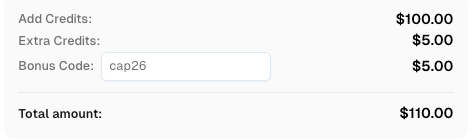
Use bonus code CAP26 when topping up your CapSolver account to get an extra 5% bonus on every recharge — with no limits.
Redeem it now in your CapSolver Dashboard
Accept the download only when the file exists, is readable, and matches the requested publication.
A successful HTTP response and a filename ending in .pdf are useful observations, but neither is enough on its own. A collector can save an HTML verification page using a PDF filename. The failure then appears later in a PDF reader or OCR stage, far from the request that caused it.
Use several checks together:
| Check | What it establishes |
|---|---|
| Download completion | The browser or client finished retrieving the response |
| Response media type | The server identifies the returned content as an expected format |
| File readability | A suitable reader can open the document structure |
| Publication identity | Title, publisher, language, and edition match the request |
| Source connection | The file can be traced to the intended publication page |
MDN's Content-Type reference explains how a response identifies its media type. Treat that header as evidence to combine with file inspection, rather than an unconditional guarantee that the body contains the right report.
The Content-Disposition header can describe attachment handling and a suggested filename. It does not certify the document's content. A plausible filename should never override a failed file check.
Let the download finish and save the file to the intended durable location before cleaning up the browser context.
Playwright's download documentation explains that downloaded files belong to the browser context and are deleted when that context closes unless saved appropriately. The same workflow lesson applies to any collector: temporary download handling must finish before the retrieval session ends.
This is a reference to the browser's documented behavior, not a claim that a new Playwright-to-CapSolver integration was tested for this article.
Store a new report only after its retrieval and identity checks pass, then make it available for extraction or summarization.
If an earlier valid edition already exists, retain it with its original publication and retrieval dates while the new attempt is unresolved. Record that the refresh failed; do not silently relabel the earlier document as the latest edition.
For a research service, this prevents an access problem from becoming a content claim. “The latest report could not be retrieved” is different from “the publisher has no new report.” The collector should communicate what it actually observed.
Before an AI summary is generated, confirm that its input is the accepted report or verified extracted text. The existing guide to keeping CAPTCHA pages out of AI research covers the broader source-quality issue. Here, the decisive check is on the downloaded file itself, before it enters that research step.
Use the last verified stage to choose the next action when a report is still unavailable.
If the challenge remains on screen, inspect the task type, current parameters, and returned error. If the challenge completed but no file arrived, inspect the download action, redirects, or page validation message. If a file arrived but cannot be read, inspect its actual content before spending on another solve.
A readable file with the wrong reporting period is a document-selection problem. An empty text extraction from a valid scanned PDF belongs to the document-processing stage. Neither outcome alone proves that the CAPTCHA solution failed.
Do not retry indefinitely or seek alternate routes around a publisher's access decision. Preserve the failed attempt and use an approved manual retrieval or publisher-provided channel when needed.
Use CapSolver at the supported CAPTCHA checkpoint, then verify the document that reaches storage. The useful result for a research team is the correct report with a clear source and edition, ready for analysis.
Q: Can a CAPTCHA solver download the PDF for me?
The documented solving task supplies the challenge result. Your browser or application must continue the approved download and verify the returned file.
Q: Why does a downloaded PDF contain a verification page?
The collector may have saved an HTML response under a PDF filename. Inspect the response content and resume the supported verification flow before accepting a new file.
Q: Does solving CAPTCHA grant access to a paid report?
No. Subscription, sign-in, licensing, and publisher permission remain separate requirements.
Q: Should I replace the stored report after any successful download?
Replace it only after verifying the file and publication identity. Preserve the last valid copy when the latest retrieval is incomplete or ambiguous.
Q: Is this the same as extracting document metadata?
No. This workflow establishes that the intended report file was actually retrieved. Metadata extraction, OCR, and summarization follow that acceptance step.
Lucas Mitchell
Automation Engineer
Helping browser automation recover and continue.
ABOUT THE AUTHOR
Learn scalable Rust web scraping architecture with reqwest, scraper, async scraping, headless browser scraping, proxy rotation, and compliant CAPTCHA handling.
Learn the best techniques to scrape job listings without getting blocked. Master Indeed scraping, Google Jobs API, and web scraping API with CapSolver.