
🎉NEWCapSolver for AI agents-MCP, agent tools, and SDK integrations

Emma Foster
Machine Learning Engineer
Published Nov 16, 2026
Updated Nov 16, 2026 · min read
A support agent is investigating a product question and follows an official help-center link. The automation receives a CAPTCHA page, but the rest of the workflow still expects an article. If that response enters the knowledge collection, the assistant may summarize verification instructions or report that the documentation contains no answer.
CapSolver can handle a supported challenge within an approved lookup. The support workflow then needs to return to the intended article and confirm that it applies to the customer's product. This guide focuses on collecting public help and product documentation for support research. It does not cover customer ticket extraction, account access, or automatically sending responses to customers.
Recognize the CAPTCHA verification page at retrieval time so it cannot be accepted as a help article.
The problem is real: Zendesk's help-center CAPTCHA guidance documents users and agents encountering these challenges while accessing a help center. That is evidence of the interruption, not proof that every help-center page requires a solver or that CapSolver has a certified Zendesk integration.
Look for the expected article content as well as signs of a challenge. A response with navigation, a page title, and a verification prompt may be a complete HTML document while still lacking the requested instructions.
Separate the possible outcomes: the correct article loaded, a supported CAPTCHA interrupted access, the article moved, or permission is required. Those outcomes should not all become “no useful answer found.” The next step depends on which one occurred.
An AI assistant should receive verified source content or a clear unavailable-source result. Asking the model to infer the intended help article from a challenge page does not repair retrieval.
Use the help center's supported API, export, or approved documentation feed when it provides the material you need.
Check the help center's own documentation for the export or API that covers the required article content, language, and access level. Availability for a visitor does not establish that every endpoint or reuse method is supported.
An API or export may be a better fit for regularly refreshing an organization's own support knowledge. A browser lookup can still be needed for an approved external product guide or a page not available through that channel. Establish that need before adding a solver.
This workflow needs four inputs: the permitted source, the requested article or question, the relevant product context, and the expected language. It also needs a destination for accepted source content and a route for unresolved lookups.
The collection scope here is public documentation. Customer names, ticket histories, account tokens, and private attachments do not belong in the retrieval request or CAPTCHA payload.
A support operator can express the research task without transmitting the customer's whole conversation: identify the product, the relevant version where known, and the documented feature or error under investigation. Keep customer-specific decisions in the organization's support system.
Public access also does not automatically authorize bulk reuse. Follow the source's collection and reuse conditions, and use a suitable official channel when available.
Insert CAPTCHA handling after the workflow identifies a supported challenge and before it extracts the article body.
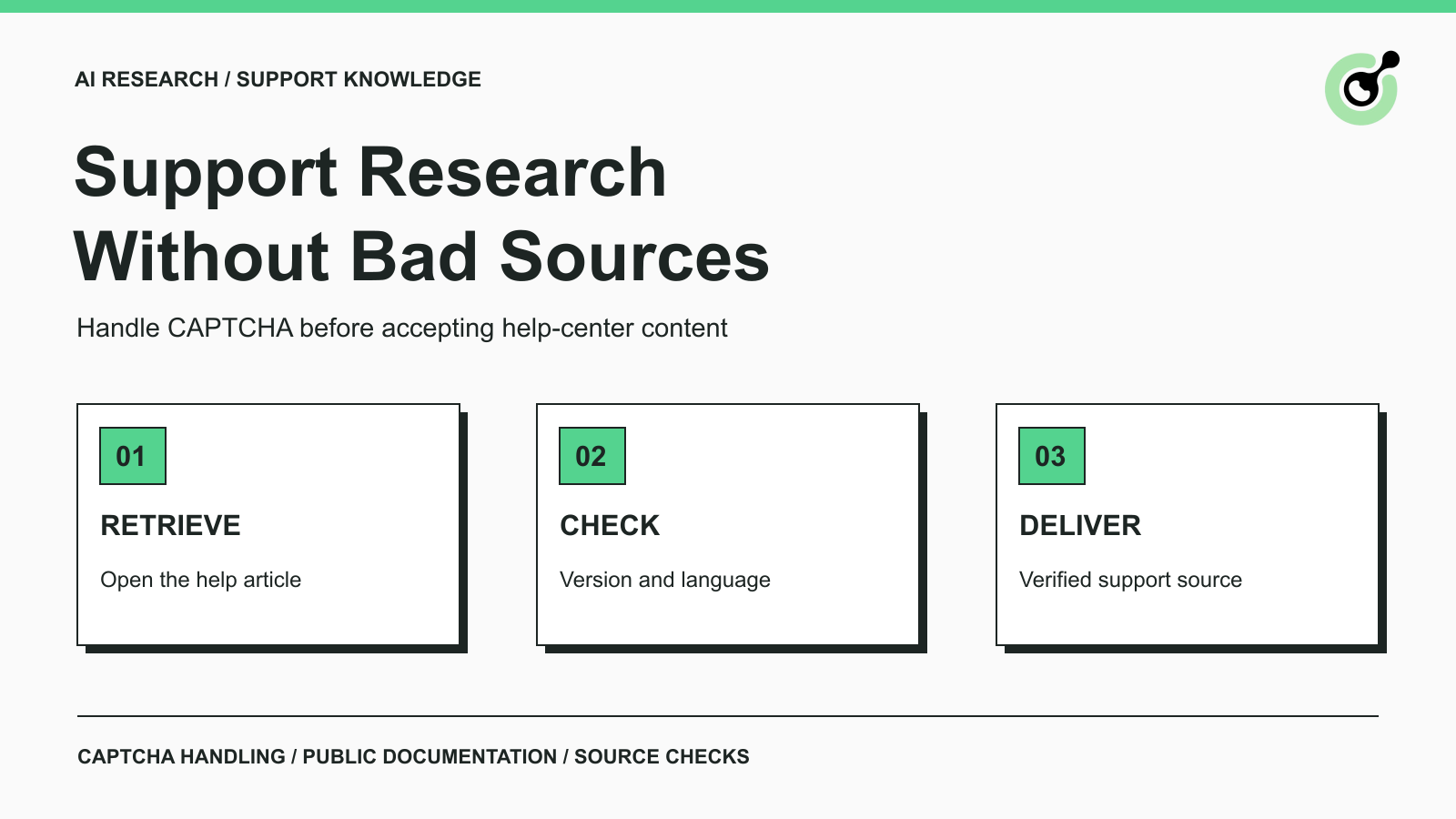
The sequence is: open the intended documentation page, classify the response, handle the supported CAPTCHA when appropriate, return to the article, and verify the content. The collector should preserve the original source URL and support question throughout this sequence.
For a text-image CAPTCHA, use the documented ImageToTextTask behavior. For a reCAPTCHA v2 widget, use the corresponding token task specification. Neither task supplies the support article itself.
The CapSolver error reference can help distinguish a service-reported failure from a later page problem. Preserve the actual error information in the operational record, with secrets removed. Do not treat an unavailable article selector as proof that solving failed.
Keep the continuation associated with the same lookup. If the help center redirects to a homepage or language selector, the robot still has work to do before it can extract the requested instructions. A completed challenge does not establish that it reached the right destination.
For the broader source-inspection pattern, see the existing AI research CAPTCHA guide. The additional requirement in customer support is applicability: an answer can be accurate for one product version and unsuitable for another.
Redeem Your CapSolver Bonus Code
Boost your automation budget instantly!
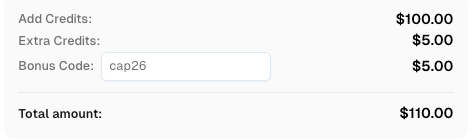
Use bonus code CAP26 when topping up your CapSolver account to get an extra 5% bonus on every recharge — with no limits.
Redeem it now in your CapSolver Dashboard
Accept a retrieved page only when its instructions apply to the product context of the research task.
Imagine a support team investigating a file-export setting in a product called Example Console. The permitted help article opens after a challenge, but it describes the older administration interface. The lookup reached genuine documentation, yet the instructions may still be wrong for the current question.
Check the visible title, product family, version notes, and language against the request. Where the publisher provides an update date, record it as a source fact; do not infer a new publication date from the time your robot visited the page.
Language deserves an explicit check because an automatic redirect can change the article locale. The HTML lang attribute identifies the language of an element's content. It can provide useful evidence, but inspect the article itself rather than assuming a page-wide value proves the whole text matches the requested language.
A translation can be useful when clearly identified. It should not silently replace the publisher's original text in a source record or imply that two language versions were updated together.
Keep the accepted source focused on the help article's substantive content. Exclude verification prompts, navigation menus, unrelated recommendations, and page-level error messages.
Preserve any prerequisites or version restrictions that affect the answer. Removing a note that a feature is available only in a particular product edition can make an otherwise accurate summary misleading.
When the source includes a procedure, keep the relationship between the step and its condition. The support assistant should not recommend an operation merely because a page contains a matching keyword.
Replace a stored article only after a new retrieval passes the content and applicability checks.
A knowledge base should distinguish the stored source from the latest attempt to refresh it. If today's request stops at a CAPTCHA, keep the earlier verified article with its existing source information and record the failed refresh separately.
For an illustrative source record, the following information is enough to make the handoff reviewable:
| Item | Purpose |
|---|---|
| Official article URL and title | Identifies the supporting source |
| Product and relevant version | Shows which customer situation it applies to |
| Article language | Prevents an unnoticed locale substitution |
| Publisher update date, if provided | Preserves the source's own freshness signal |
| Last verified retrieval time | Shows when the content was successfully checked |
| Latest retrieval outcome | Separates an access interruption from a content change |
The W3C Data on the Web Best Practices recommends provenance and version information to help consumers assess data. Applied here, the source URL and update information explain which documentation supports an answer. These are proposed collection fields, not a CapSolver response schema. Store the accepted article under your organization's retention and reuse policy. Keep solver diagnostics separate from the support text.
If the earlier source is too old for the current question, route the task for review instead of presenting it as freshly verified. The appropriate age threshold depends on the product and question; this guide does not prescribe a universal expiration period.
Return a specific source limitation when a lookup cannot be completed, so the support agent can choose another approved source or investigate manually.
For example: the official guide was identified, but its current content could not be retrieved because verification remained incomplete. That statement is more useful than an empty article or an invented answer. Attach the requested source and the last verified content date when available.
Keep repeated attempts bounded. If the solver reports a request error, fix that request. If solving succeeds but navigation repeatedly ends at a sign-in page, inspect the access requirement. Additional solves do not supply missing permission.
The final support response should still pass the organization's review process. A successful documentation lookup authorizes neither a change to a customer account nor an instruction to perform a sensitive operation.
Use CapSolver when a supported CAPTCHA interrupts a permitted documentation lookup, then verify that the retrieved article answers the actual product question. The deliverable is usable source material for the support team, with clear limits when the latest source remains unavailable.
Q: Does every customer support knowledge workflow need a CAPTCHA solver?
No. Use an appropriate API or export when it supplies the required material. Add solving only to a necessary, permitted browser step that encounters a supported CAPTCHA.
Q: Can a CAPTCHA page be indexed as a help article?
It should be rejected as an incomplete lookup. Verification text is not the requested product documentation and should not become answer evidence.
Q: What should happen if the latest refresh fails?
Retain the last verified article under your retention policy and record the unsuccessful refresh separately. Make source age visible to the support agent.
Q: Does this process collect private tickets or customer account data?
No. The scope is public help and product documentation from permitted sources. Private customer records remain outside the collection workflow.
Q: Is this an official CapSolver integration with Zendesk?
No. Zendesk documentation establishes that help-center CAPTCHA interruptions can occur in real use. This guide does not claim a certified integration or a live test against a Zendesk customer site.
Emma Foster
Machine Learning Engineer
Where machine learning meets practical AI tooling.
ABOUT THE AUTHOR
Learn scalable Rust web scraping architecture with reqwest, scraper, async scraping, headless browser scraping, proxy rotation, and compliant CAPTCHA handling.

Learn the best techniques to scrape job listings without getting blocked. Master Indeed scraping, Google Jobs API, and web scraping API with CapSolver.