
🎉NEWCapSolver for AI agents-MCP, agent tools, and SDK integrations

Adélia Cruz
MCP Integration Engineer
Published Nov 24, 2026
Updated Nov 24, 2026 · min read
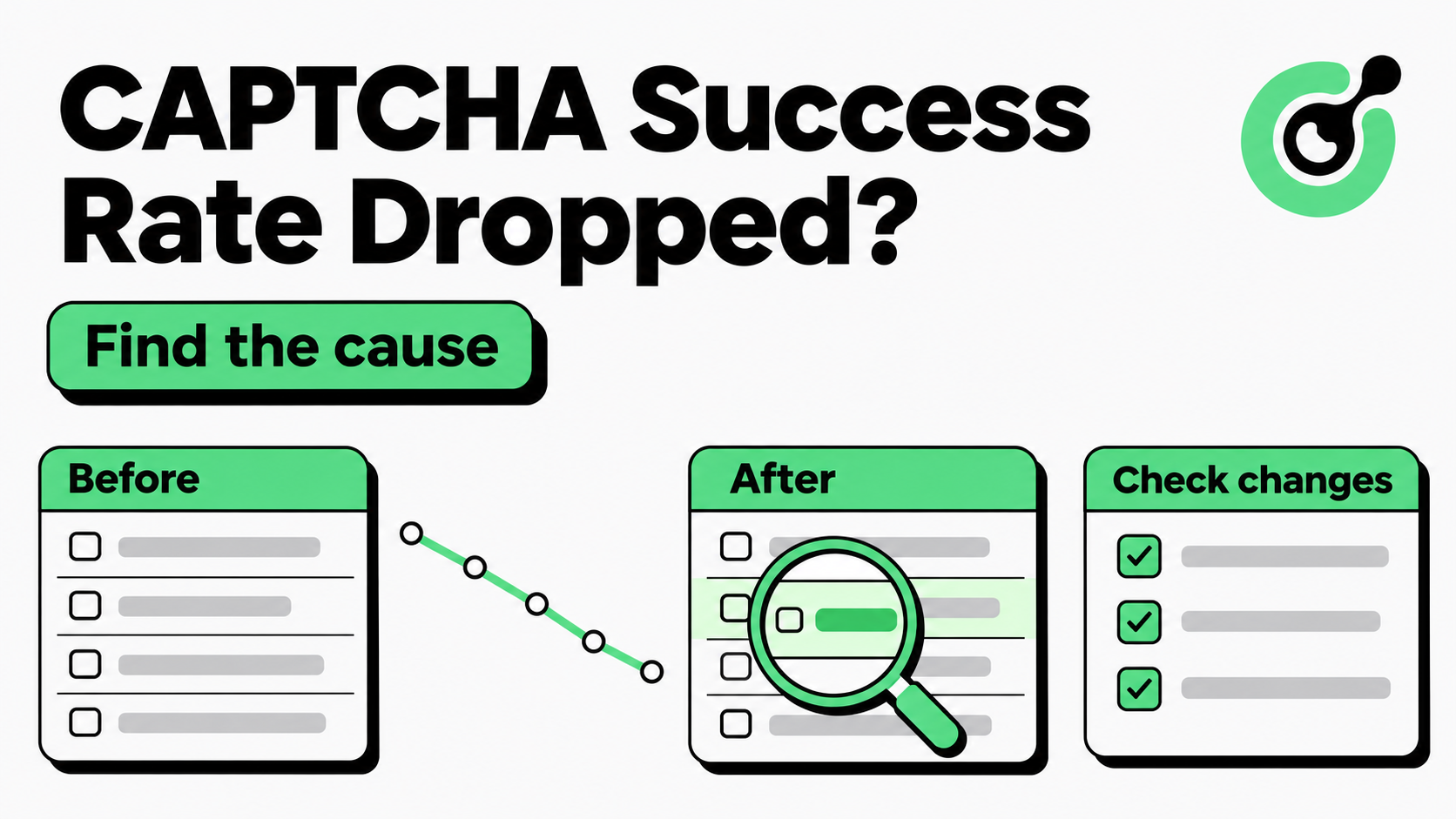
When CAPTCHA solving success drops, the first question is where the drop occurred. Your solver may be returning fewer solutions, or it may be returning solutions normally while your browser workflow fails afterward. Those cases need different investigations.
CapSolver handles documented CAPTCHA tasks. Your application still has to submit the right inputs, retrieve the result, consume it in the appropriate flow, and check the outcome. This guide focuses on finding a regression in that chain. It does not assume that every rejected page is caused by the solver.
Write down the numerator and denominator behind the alert. A dashboard labeled “success rate” can refer to several different measurements:
| Measurement | Successful outcome | First evidence to inspect |
|---|---|---|
| Task submission | The API accepts a valid task request | Submission response and error code |
| Solution retrieval | The task returns the documented solution | Task identifier, retrieval responses, and timing |
| Website acceptance | The application consumes the result and passes the relevant check | Browser or application response after submission |
| Business completion | The intended permitted operation finishes | Your own output validation and workflow logs |
Keep these counts separate during the investigation. A single combined percentage hides the point where behavior changed. The success-rate glossary provides the basic concept; the practical step is to make the measured event explicit.
Also check how missing and pending tasks are counted. If a report includes unfinished tasks as failures earlier than it used to, the chart may move even when the eventual outcomes have not changed. Compare equivalent observation windows and allow each cohort the same opportunity to finish.
Do not remove difficult tasks from the denominator just to improve the number. Record any filtering change and keep its effect separate from a genuine improvement.
Choose a small set of known working requests and a small set of recent failures. Match them by challenge type, application flow, and other relevant conditions as closely as possible. Redact credentials before sharing evidence.
Build a before-and-after comparison around facts you can observe:
The goal is to find the earliest divergence, not to collect every available log. If task creation started returning errors immediately after a deployment, investigate that request change before tuning later browser steps.
Watch for changes in traffic mix. An unchanged overall integration can receive more of a difficult challenge type or more requests from a different application flow. Compare results within those groups before concluding that the whole service deteriorated. This is a diagnostic method, not a claim that any particular group should have a guaranteed success rate.
For browser-side evidence, the official Chrome DevTools Network reference explains how to inspect requests and responses. Capture the relevant sequence, but sanitize exported logs because they can contain cookies and other sensitive values.
Start with the API's actual response. The CapSolver API error reference defines the error fields and supported error codes. Preserve the returned code and description rather than replacing every failure with a generic “CAPTCHA failed” message.
An invalid-task-data error points toward missing or incorrect inputs. A task-not-supported error calls for checking the selected capability. A rate-limit error requires investigating submission behavior and the applicable service limits. A timeout or unsolvable result deserves its own record; it does not justify assuming that authentication or parameters are correct in every other attempt.
Use the error response to choose a branch, then read the current documentation for that task. Do not invent replacement parameters based on another CAPTCHA type. If the page configuration changed, collect the currently required inputs through the authorized application flow.
The createTask documentation is the starting point for the request contract. Check the task-specific page from there. Avoid copying one historical request body across different challenge types simply because they all eventually return a solution.
When errors follow a new release, compare the actual outgoing request with the previous working version. Configuration templates and source code are useful, but the serialized request shows what the service received. Do that comparison locally with secret values removed from any shared report.
A task identifier is evidence that the request reached a stage in the API flow; it is not necessarily a completed solution. Follow the documented response behavior for the selected task and use the getTaskResult guide where result retrieval is required.
Check that your application continues observing the original task instead of accidentally creating replacements on each retrieval attempt. Also verify that parallel tasks cannot overwrite one another's identifiers or deliver a result to the wrong browser job.
Look at application deadlines. A client that stops waiting earlier after a deployment can report more failures even though the service's task completion pattern is unchanged. Conversely, waiting indefinitely conceals failures and leaves work accumulating. Choose a bounded deadline from the documented task behavior and your application's requirements, and record which deadline ended the attempt.
If the task becomes ready but the workflow labels it failed, inspect result parsing and downstream exceptions. A renamed variable, incorrect field assumption, or unrelated notification failure may be counted as a solver problem by a broad error handler.
Redeem Your CapSolver Bonus Code
Boost your automation budget instantly!
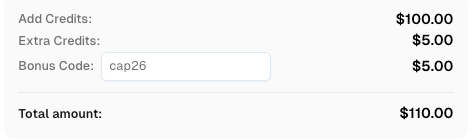
Use bonus code CAP26 when topping up your CapSolver account to get an extra 5% bonus on every recharge — with no limits.
Redeem it now in your CapSolver Dashboard
Move the investigation to result consumption. Confirm that the solution belongs to the current page and operation, reaches the intended integration step, and is used while valid. Review any page navigation or session restart between collecting challenge inputs and submitting the result.
For token-based systems, validity is not unlimited. Google's reCAPTCHA verification documentation states that response tokens expire after two minutes and can be verified only once. Cloudflare's Turnstile server-side validation guide documents a five-minute validity window and single-use validation. These are provider-specific rules; do not apply either timing rule to every task type.
If you operate the protected test application, inspect its server-side validation result as well as the browser behavior. If you do not control that application, you may not have access to its validation details. Describe the visible evidence accurately rather than guessing its internal rejection reason. A solver API key is not the website owner's verification secret.
Separate CAPTCHA acceptance from the rest of the operation. A form may pass its CAPTCHA check and still reject invalid business input. A data request may succeed but fail your parser. Count those outcomes in the relevant application stage instead of treating them as proof that the solution was wrong.
Check session continuity where the documented integration requires it. Do not assume that a fresh browser, a changed network route, or a copied token is interchangeable with the original context. Equally, do not treat changing network settings as a universal fix. The required relationship depends on the challenge and task.
Once you have a plausible cause, change one thing and compare like-for-like attempts. Keep the same challenge type and permitted application flow, and preserve the same outcome definitions. Note the change and the time it took effect.
A useful retest might restore a previously working parameter mapping, remove an unnecessary delay before token consumption, or correct task-to-job association. Choose the action from observed evidence. Do not roll back unrelated security settings or disable application checks to make the chart look better.
Keep failed attempts in the record. A handful of successful runs can show that a specific path now works, but it does not establish a general performance improvement. If the sample is small, say so. This article provides an investigation procedure and does not present a measured service benchmark.
After the immediate issue is corrected, monitor the individual stages. A stable solution-retrieval rate alongside a falling business-completion rate is a useful signal to inspect the application path. A drop beginning at task submission points you back to the API request and service response.
For broader comparisons across products or configurations, use a separately designed benchmark. Mixing a regression investigation with a vendor ranking makes both conclusions harder to defend.
Prepare a short, sanitized incident summary with the task type, approximate time range and timezone, affected application flow, representative task identifiers, returned error codes, and the first stage that changed. Include a working comparison when you have one, plus the configuration or deployment difference you already tested.
Do not include API keys, raw cookies, authentication headers, or personal form data in public messages. If additional evidence is needed, use the service's appropriate support channel and share only what is necessary to investigate the issue.
Avoid summaries such as “everything stopped working” when the evidence is narrower. “Task creation succeeds, but our application stops retrieving results before completion” directs the investigation much more effectively. If the problem is a general browser CAPTCHA error rather than a recent regression, the existing CAPTCHA troubleshooting guide offers a broader starting point.
Use CapSolver with the documented task contract, and make your application's acceptance checks explicit. That gives you evidence to distinguish a solver issue, an integration regression, and a downstream failure without guessing from one percentage.
Q: Does a lower overall success rate mean the solver became less accurate?
Not necessarily. The traffic mix, client deadline, result consumption, or business validation may have changed. Compare equivalent task groups and locate the first failing stage.
Q: Should I retry every failed task immediately?
No. Invalid inputs need correction. Rate limiting and other transient conditions need handling appropriate to the documented error. Keep retries bounded and retain the original failure evidence.
Q: Can a ready CAPTCHA solution still be rejected?
Yes. The application must consume the correct result in the relevant flow while it is valid. A ready result alone does not prove the website accepted it or that the business operation finished.
Q: What is the quickest useful comparison?
Compare a recent failure with a known working request from the same challenge type and application flow. Look for the earliest changed input, timing behavior, or response.
Q: Can I claim the issue is fixed after one successful test?
You can say that the tested attempt succeeded. A broader improvement claim needs representative observations under comparable conditions, with failures and sample limitations retained.
Adélia Cruz
MCP Integration Engineer
Making CapSolver tools accessible through MCP.
ABOUT THE AUTHOR
Learn scalable Rust web scraping architecture with reqwest, scraper, async scraping, headless browser scraping, proxy rotation, and compliant CAPTCHA handling.

Learn the best techniques to scrape job listings without getting blocked. Master Indeed scraping, Google Jobs API, and web scraping API with CapSolver.