
🎉NEWCapSolver for AI agents-MCP, agent tools, and SDK integrations

Khadija Santos
AI Agent & MCP Engineer
Published Nov 19, 2026
Updated Nov 19, 2026 · min read
CAPTCHA affects ad verification when a browser-based inspection receives a challenge instead of the advertiser's destination. The verification service then lacks the page evidence needed to check a landing-page offer, a redirect destination, or an expected brand element.
This is a concrete business problem for agencies and verification providers that audit client-approved destinations. Google explicitly lists CAPTCHA pages among the causes of uncrawlable landing pages. That establishes the access issue, but it does not mean every advertising page uses CAPTCHA or that every challenged destination is defective.
CapSolver identifies ad verification among its supported business-use contexts. Its role is the CAPTCHA step in an authorized inspection workflow. The surrounding service still owns the destination list, inspection rules, evidence handling, and final report to the customer.
A challenge page interrupts any check that requires the actual landing-page content. Three common inspection tasks make the distinction useful.
A service may need to confirm that a client-provided URL reaches the expected domain and page. If the navigation ends at a challenge, the service has evidence of an access interruption, not enough evidence to confirm the destination content. Preserve the observed redirect chain and label the content check as incomplete.
A campaign team may ask whether a specified offer, legal disclosure, or brand name appears on the landing page. Running those checks against CAPTCHA HTML would report missing content even though the intended page was never inspected. Gate content evaluation on successful page retrieval.
A provider may repeat approved checks throughout a campaign. If an earlier observation passed and the next receives a CAPTCHA, record the new access state without overwriting the last verified observation. Make its timestamp visible so the customer does not mistake stale evidence for a current check.
These are workflow examples, not claims about a specific customer's results or a benchmark of campaign-monitoring performance.
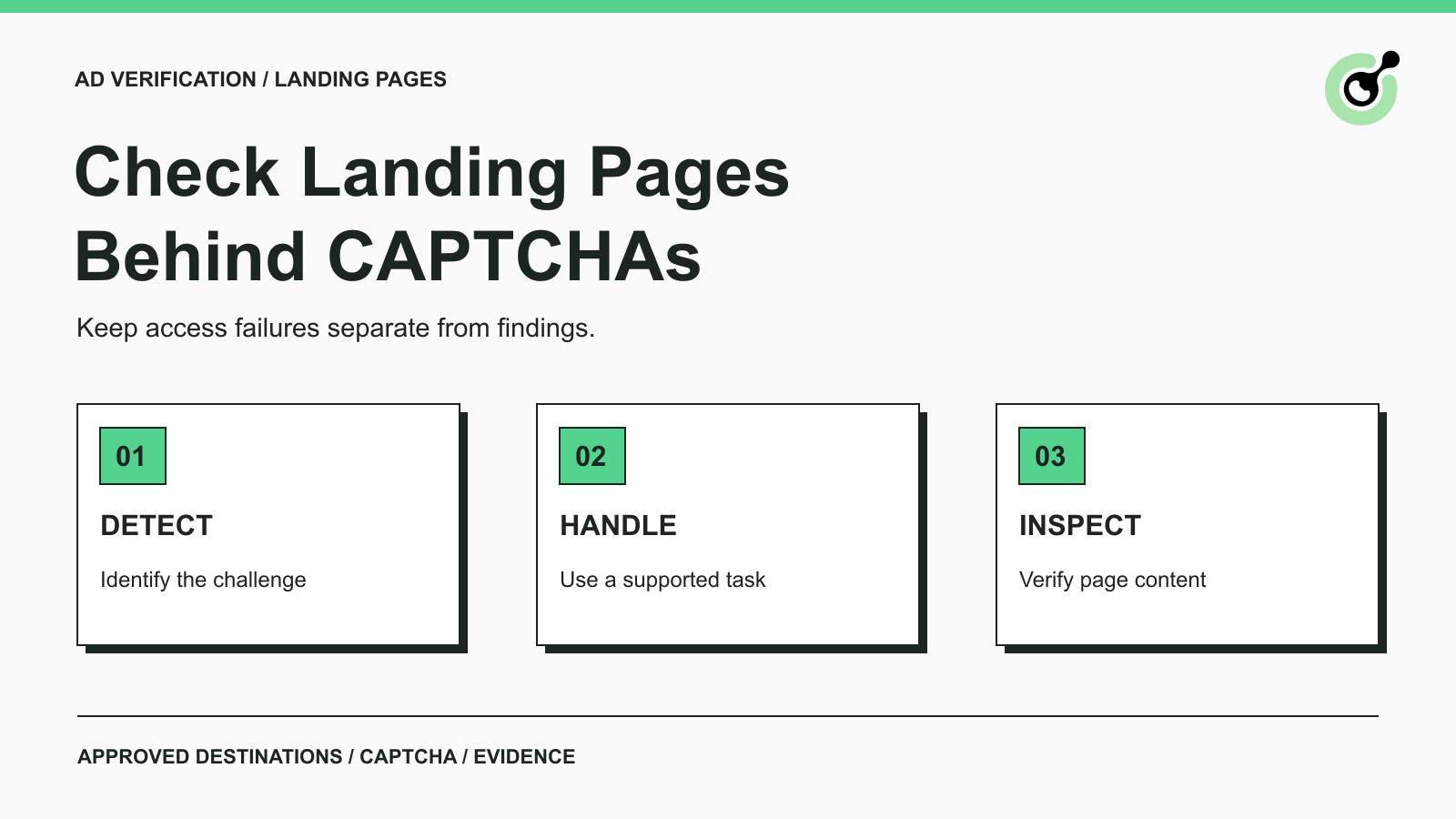
Place CAPTCHA handling after access-state classification and before page-content evaluation. A practical sequence is: load an approved destination, classify the response, handle a supported challenge when permitted, then verify the returned page before evaluating its content.
Use the destination supplied by the customer or an approved test URL. Avoid generating paid ad clicks merely to discover the landing page. Set the expected domain, inspection purpose, and data-retention requirements before starting the check.
Distinguish a CAPTCHA from a network error, a login requirement, a rate-limit response, or a normal page. A solver should only receive a supported CAPTCHA task. For Cloudflare interstitials, the documented challenge response header can help identify that particular response type; it is not a universal CAPTCHA detector.
Use the current CapSolver task documentation to choose the appropriate inputs and result format. A CAPTCHA solver does not determine whether a campaign should pass an audit. It supplies a supported challenge result that the inspection workflow may use under its authorization.
Keep the result associated with the same observation and the session required by that task. Configure a small retry budget appropriate to your service. If the challenge is unsupported or remains unresolved, return an unverified outcome for review.
Redeem Your CapSolver Bonus Code
Boost your automation budget instantly!
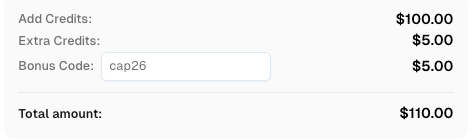
Use bonus code CAP26 when topping up your CapSolver account to get an extra 5% bonus on every recharge — with no limits.
Redeem it now in your CapSolver Dashboard
After CAPTCHA handling, confirm that the expected document loaded and that the challenge is no longer replacing it. Check the final URL and a page-specific identifier before applying the customer's offer or brand rules. Keep any application error separate from the solver result.
For services already collecting browser evidence, the price-monitoring CAPTCHA guide explains the related risk of turning an interrupted observation into a false alert.
The customer report should distinguish an inspected destination from a destination whose content could not be verified. The following statuses are a suggested reporting design, not CapSolver API response fields.
| Reporting status | Evidence available | Appropriate next action |
|---|---|---|
| Verified content | Expected page identity and the requested inspection result | Return the result with its observation time |
| CAPTCHA encountered | Challenge evidence; intended content not yet verified | Attempt the approved supported task or queue review |
| Unverified after CAPTCHA | The retry did not reach confirmed destination content | Report the access limitation without a content verdict |
| Destination issue confirmed | Evidence from the intended page or a reproducible destination error | Report the specific finding and supporting evidence |
Useful record fields include the customer-approved destination, final observed URL, timestamp, challenge type when identified, solver outcome, and page-verification outcome. Store a screenshot or narrowly scoped extract only when the customer's agreement permits it. Avoid collecting unrelated personal data and never include solver credentials, session cookies, or tokens in customer reports.
For example, a check for a campaign disclosure should say “content check incomplete: CAPTCHA encountered” when the page was inaccessible. It should not say “disclosure missing” until the intended page has actually been inspected.
Measure completed destination inspections separately from completed CAPTCHA tasks. A lower number of unresolved solver tasks is useful, but it does not tell you how many campaign checks produced valid page evidence.
Track the share of observations that encountered challenges, the share that reached confirmed content afterward, and the time and solver spend associated with those observations. Keep unsupported challenges and technical failures in distinct groups. This makes it easier to decide whether a customer needs a configuration fix, an operator-approved access path, or human review.
Compare like-for-like runs. A different destination mix or inspection window can change the challenge rate without indicating a change in solver performance. Avoid promising a universal success rate based on a few successful requests.
CAPTCHA solving cannot make a landing page compliant with an advertising platform's policies. Google maintains separate destination requirements, including crawlability and working destinations. Your service's successful inspection does not prove that Google AdsBot can access the same page or that an ad will be approved.
When the customer controls the destination, address the crawlability problem with the site operator instead of presenting a solver as a policy remedy. Conduct commissioned inspections without fake engagement, conversion events, account abuse, or attempts to access private content. CapSolver's responsible-use guidance is relevant to this boundary.
Ad-verification services need a clear distinction between a campaign finding and an incomplete inspection. Use CapSolver for supported CAPTCHA tasks in authorized destination checks, then validate the page and preserve the evidence behind each customer-facing result.
Q: Why would an ad-verification service need a CAPTCHA solver?
A solver can help when an authorized destination inspection encounters a supported CAPTCHA before the landing page can be examined. It is one step in the inspection process, not a replacement for content or policy evaluation.
Q: Does solving a CAPTCHA fix an uncrawlable Google Ads destination?
No. A successful inspection by your service does not change Google AdsBot's access or the platform's destination requirements. The site operator must address the underlying crawlability issue.
Q: Should a CAPTCHA trigger a failed campaign alert?
Usually it should trigger an access or unverified status until the intended page can be checked. Whether that access issue itself violates a customer requirement depends on the inspection agreement.
Q: Can the workflow run without clicking live ads?
Yes. Use customer-supplied destination URLs or an approved test path for landing-page inspections. That avoids creating paid clicks solely to obtain the destination.
Q: What proves that an inspection succeeded?
The evidence must show that the intended page was reached and the requested check was completed. A returned CAPTCHA result alone does not prove either condition.
Khadija Santos
AI Agent & MCP Engineer
Develops and maintains CapSolver’s MCP tooling, from implementation and package releases to AI agent integrations.
ABOUT THE AUTHOR
Learn scalable Rust web scraping architecture with reqwest, scraper, async scraping, headless browser scraping, proxy rotation, and compliant CAPTCHA handling.

Learn the best techniques to scrape job listings without getting blocked. Master Indeed scraping, Google Jobs API, and web scraping API with CapSolver.