Best Captcha Solving Extension For Chrome, Mozilla

Lucas Mitchell
Automation Engineer
TL;DR
Manually solving CAPTCHAs can slow down browsing and automation workflows. CAPTCHA-solving browser extensions provide a faster and more convenient alternative by handling challenges automatically in the background. The CapSolver browser extension for Chrome and Mozilla Firefox leverages advanced AI algorithms to solve a wide range of CAPTCHA types with high accuracy. With easy installation, broad browser compatibility, and transparent automation, CapSolver enables users to browse, work, and automate online tasks more efficiently.
Redeem Your CapSolver Bonus Code
Boost your automation budget instantly!
Use bonus code CAPN when topping up your CapSolver account to get an extra 5% bonus on every recharge — with no limits.
Redeem it now in your CapSolver Dashboard
.
Introduction
CAPTCHAs are a common security measure designed to protect websites from automated bots. However, manually solving CAPTCHAs can be time-consuming and frustrating. To overcome this challenge, browser extensions have been developed to automate the CAPTCHA solving process. In this article, we will explore the benefits of using extensions for CAPTCHA solving, introduce CapSolver as the best CAPTCHA solving extension, and provide step-by-step instructions on how to get started with CapSolver in Chrome and Mozilla Firefox.
Why Use Extensions to Solve CAPTCHAs?
Manually solving CAPTCHAs can be a tedious and time-consuming task. Here are some key reasons why using extensions for CAPTCHA solving is advantageous:
- Time-saving: Automated CAPTCHA solving extensions eliminate the need for users to spend time deciphering and entering CAPTCHA challenges manually, resulting in a smoother and more efficient browsing experience.
- Convenience: Extensions handle CAPTCHA challenges seamlessly in the background, allowing users to navigate websites without interruptions.
- Higher success rate: CAPTCHA solving extensions often employ advanced algorithms and machine learning techniques, leading to a higher success rate in solveing CAPTCHAs compared to manual attempts.
- Improved productivity: By automating CAPTCHA solving, users can streamline their online activities, such as web scraping, account management, or accessing restricted content.
CapSolver Extension: The Ultimate CAPTCHA-Solving Solution
CapSolver Extension is widely regarded as the best extension for auto-solving CAPTCHAs. Its powerful AI algorithms enable seamless recognition and resolution of CAPTCHA challenges encountered while browsing. CapSolver supports a wide range of CAPTCHA challenges with comprehensive support, including reCAPTCHA v2, v3, and much more. Tailored solutions ensure smooth navigation through even the most advanced security systems.
With its advanced capabilities, CapSolver Extension provides users with a hassle-free and efficient solution for CAPTCHA solving.
The Advantage of CapSolver
The CapSolver browser extension for Chrome and Mozilla Firefox offers several advantages:
Seamless Integration: The CapSolver extension seamlessly integrates into the Chrome and Mozilla Firefox browsers, allowing for easy installation and setup. Users can quickly add the extension from the official browser stores and start benefiting from its CAPTCHA-solving capabilities without any compatibility issues.
Advanced AI Algorithms: CapSolver extension utilizes the same advanced AI and computer vision algorithms as CapSolver's backend system. This ensures high-quality CAPTCHA solving behind the scenes, providing users with effortless and transparent CAPTCHA automation as they browse any website. The advanced algorithms enable accurate and reliable CAPTCHA resolution.
Wide Compatibility: The CapSolver extension supports Chrome and Mozilla Firefox, ensuring compatibility with two of the most widely used browsers. This broad compatibility allows users to enjoy the benefits of CapSolver's CAPTCHA-solving capabilities regardless of their preferred browser.
Transparent Automation: With CapSolver, CAPTCHA solving becomes a seamless and transparent process. The extension works silently in the background, automatically solving CAPTCHAs on any website without requiring any manual intervention. This transparent automation enhances the browsing experience by eliminating interruptions and delays caused by CAPTCHA challenges.
How to Get Started with Capsolver in Chrome and Mozilla Firefox (Steps)
- Sign up for a CapSolver account on website.
Downloading the Extension from Chrome, Firefox, or GitHub:
- Chrome: Go to the Chrome Web Store and click on the "Add to Chrome" button, Chrome will display a confirmation dialog. Click "Add extension" to install.
- Firefox: Visit the Firefox Add-ons website, and click on the "Add to Firefox. Firefox will prompt you to confirm the installation. Click "Add" to proceed.
- GitHub: Visit the official CapSolver Extension GitHub page. Click on the "Code" button and select "Download ZIP" to download the extension as a ZIP file. Extract the ZIP file to a desired location on your computer.
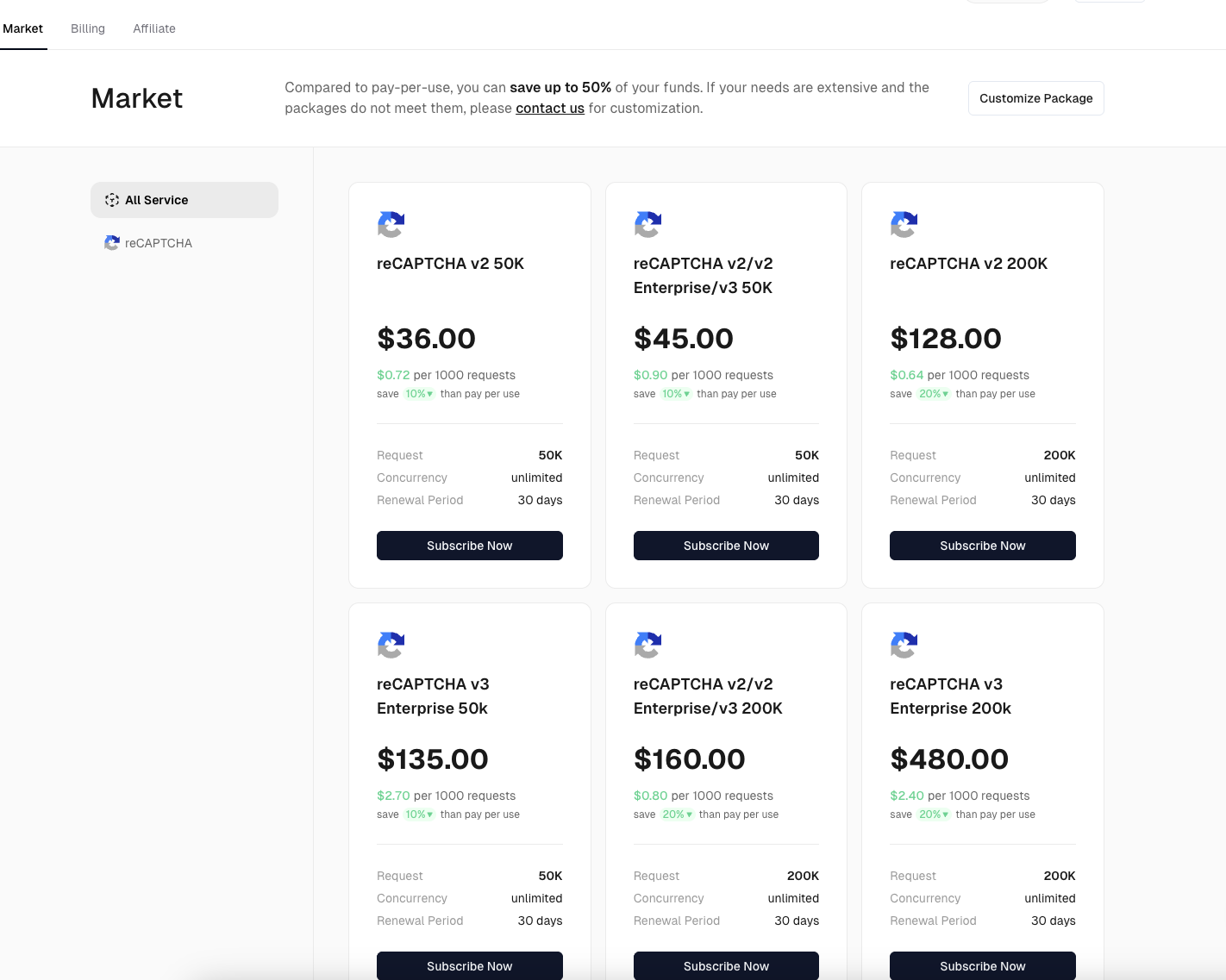
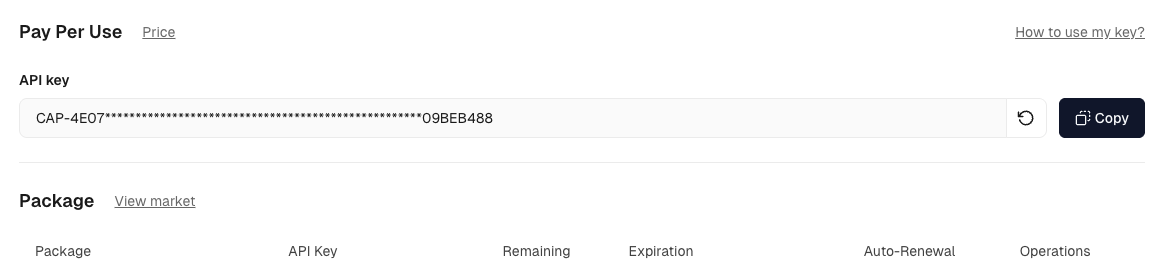
- Once the download complete, you need to register on our dashboard to obtain an API key.
When you have your API key, open the extension settings and input it and you can start the Captcha solving work
Conclusion
CAPTCHAs are an essential security mechanism for websites, but they often create friction for users who need uninterrupted access or efficient automation. Browser extensions provide a practical way to handle these challenges by automating CAPTCHA recognition and resolution in the background. Among available solutions, the CapSolver browser extension stands out for its advanced AI-driven technology, wide browser compatibility, and seamless user experience. By supporting Chrome and Mozilla Firefox and requiring no programming skills, CapSolver enables users to save time, improve productivity, and navigate CAPTCHA-protected websites with greater ease and efficiency.
FAQs
1. How does a CAPTCHA-solving browser extension work?
A CAPTCHA-solving extension automatically detects CAPTCHA challenges on a webpage and sends the required parameters to a solving service powered by AI algorithms. Once the solution is returned, the extension completes the verification process in the background, allowing users to continue browsing without manual input.
2. Is the CapSolver extension safe to use?
Yes. The CapSolver extension integrates directly with official Chrome and Mozilla Firefox browsers and requires users to authenticate using their own API key. It operates transparently in the background and only activates when a CAPTCHA challenge is detected, ensuring a controlled and secure user experience.
3. Do I need programming skills to use the CapSolver extension?
No. The CapSolver browser extension is designed for both technical and non-technical users. After installing the extension and entering your API key, CAPTCHA solving is fully automated. No coding or scripting knowledge is required to get started.
More
The Other CAPTCHAApr 14, 2026
Can AI Solve CAPTCHA? How Detection and Solve Really Work
Explore how AI detects and solves CAPTCHA challenges, from image recognition to behavioral analysis. Understand the technology behind AI CAPTCHA solvers and how CapSolver aids automated workflows. Learn about the evolving battle between AI and human verification.

The Other CAPTCHAApr 09, 2026
CAPTCHA Solving API Performance Comparison: Speed, Accuracy & Cost (2026)
Compare top CAPTCHA solving APIs by speed, accuracy, uptime, and pricing. See how CapSolver, 2Captcha, CapMonster Cloud, and others stack up in our detailed performance comparison.

